Unity AI: AI Game Tools vs. No-Code Creation | MakeGamesWithAI
Unity AI
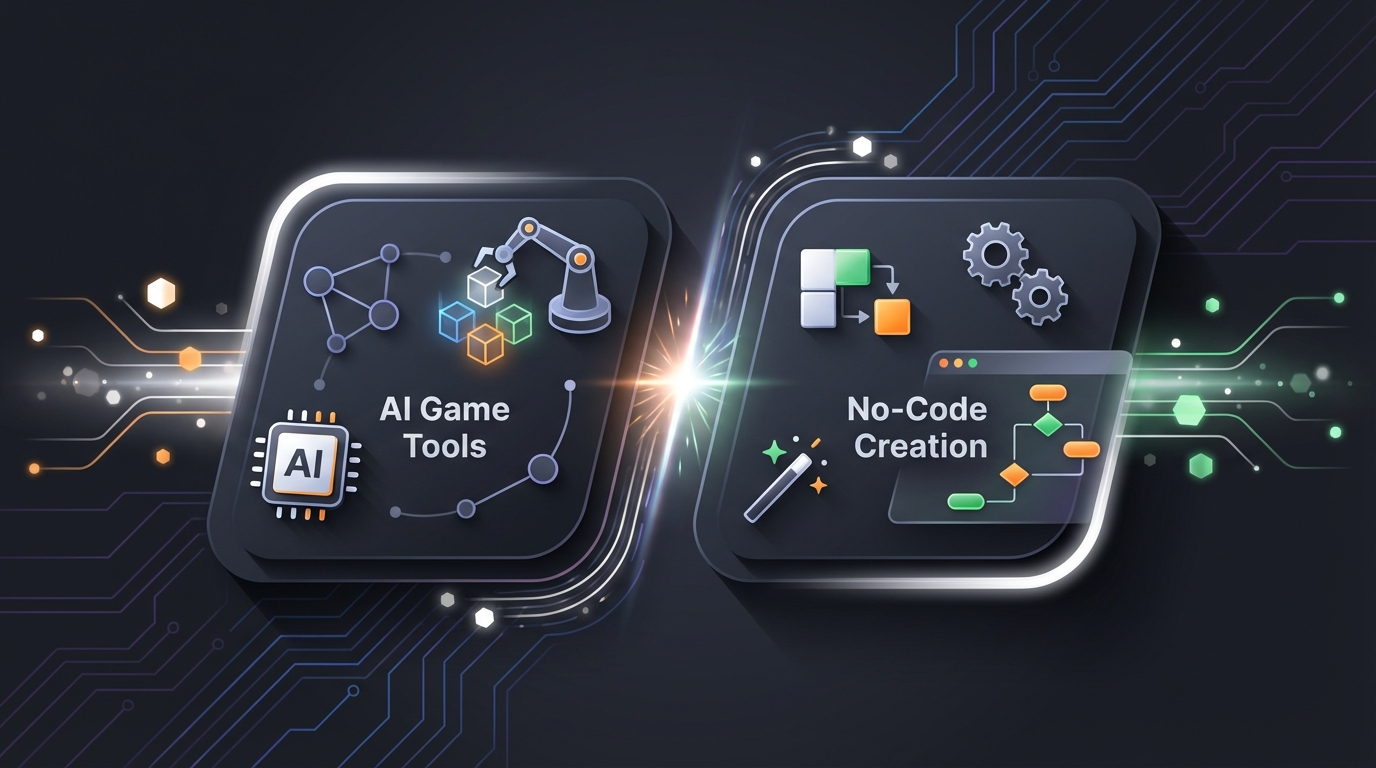
Unity AI is a suite of powerful tools designed to accelerate development for coders and artists within the Unity Editor. By integrating AI-powered assistance for coding, asset creation, and debugging, it aims to streamline complex workflows for experienced developers. It represents a significant step forward for in-engine assistance.
However, for creators who want to bypass the technical hurdles of a traditional game engine entirely, a more direct path exists. MakeGamesWithAI leverages AI not just to assist, but to build. Instead of learning an editor, installing packages, and managing assets, you can simply describe your game idea and watch it come to life in seconds. It’s the difference between getting a helpful co-pilot and being handed the keys to a self-driving car.
Contextual awareness
Unity AI offers contextual awareness by allowing you to reference specific assets like GameObjects and scripts within its Assistant. This helps it understand your requests for a focused part of your project, which is useful for debugging or modifying existing components.
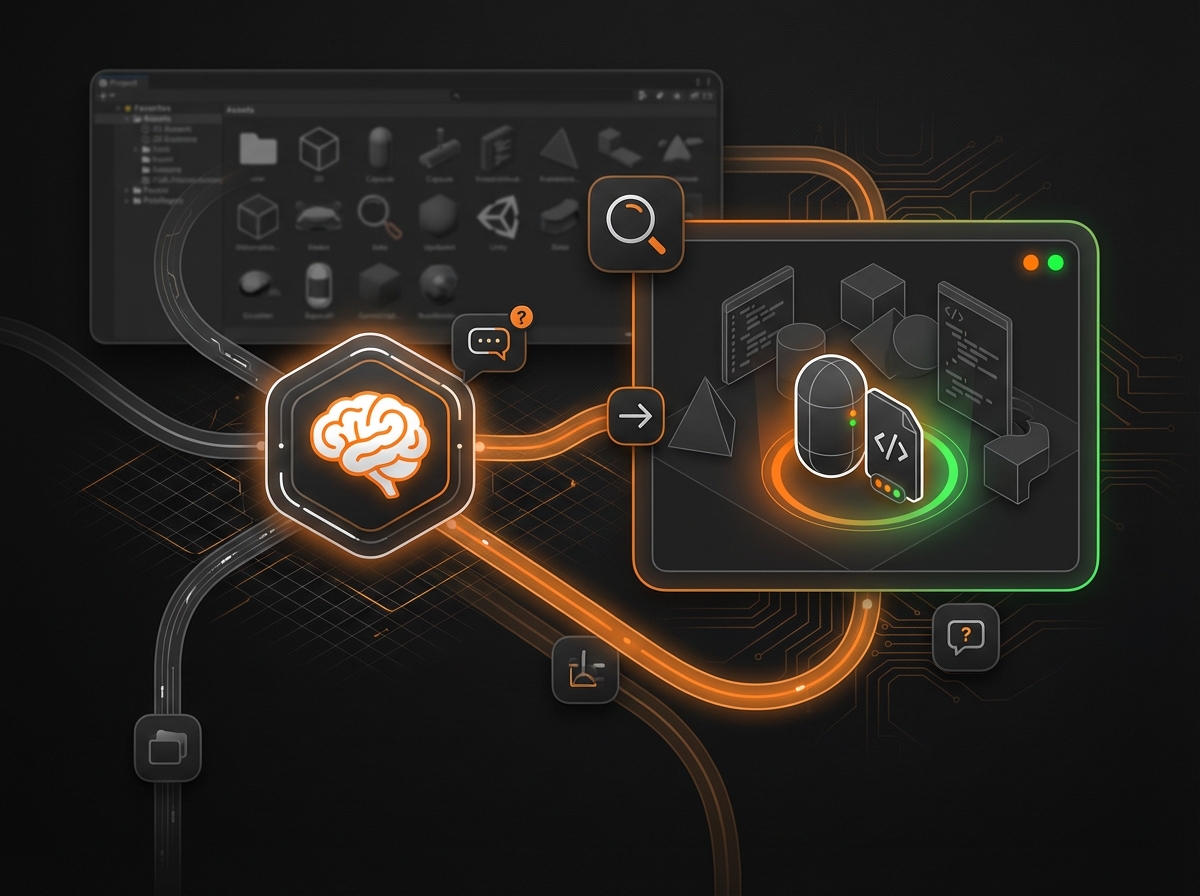
MakeGamesWithAI takes this concept to the next level. Our platform maintains a holistic understanding of your entire game concept. When you ask to “make the enemies faster” or “add a scoring system,” the AI doesn’t just see a single script—it understands the gameplay loop, the player’s goal, and how your request fits into the bigger picture. This allows for powerful, game-wide changes through simple, conversational chat.
Data controls
Unity provides transparency and control over your project data, with no default data collection or training on your proprietary work. This is a crucial standard for professional teams who need to protect their intellectual property.
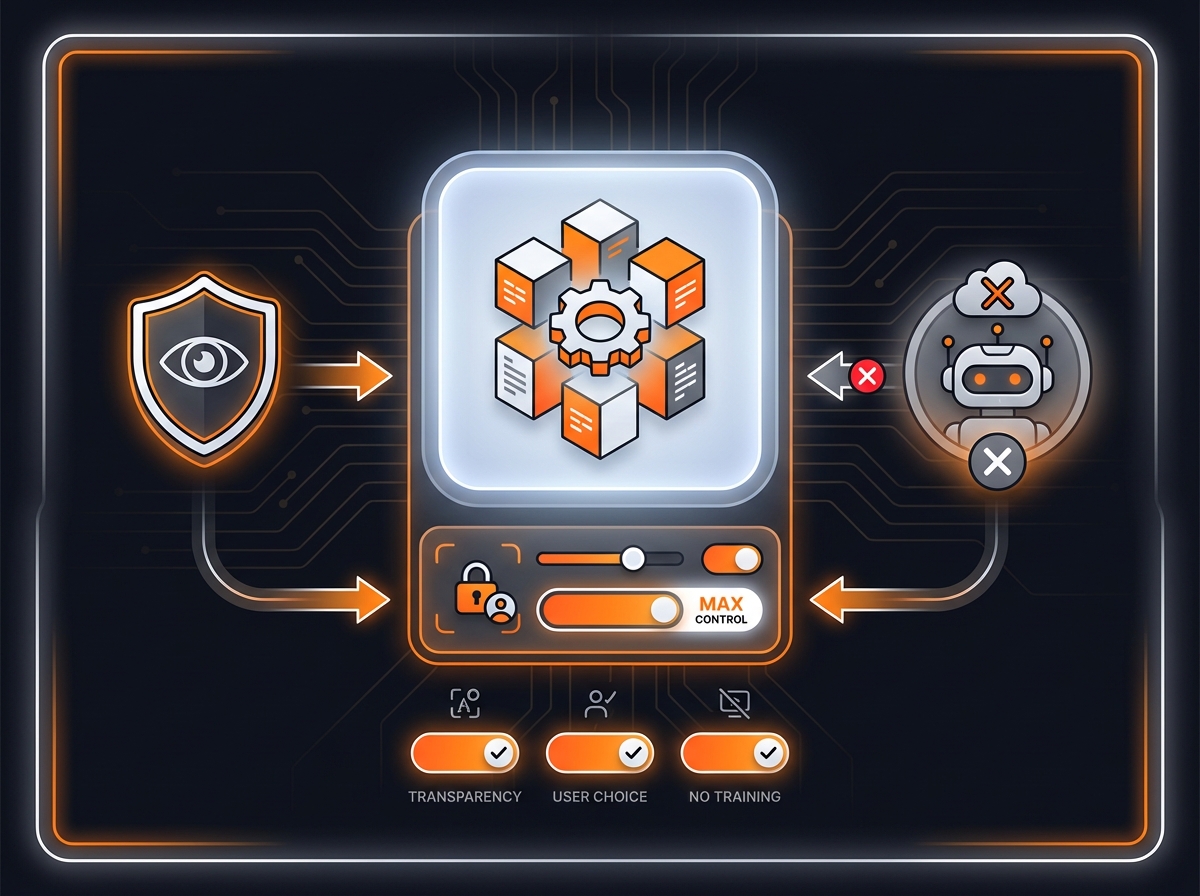
At MakeGamesWithAI, we uphold the same commitment to your privacy and ownership. Your game ideas, prompts, and creations are yours. We provide a secure, creative sandbox where you can experiment freely, knowing your data is used only to generate and improve your game, never for training models on your unique concepts without your consent.
Curated models
Unity AI integrates third-party AI models directly into the editor, saving developers the hassle of manual setup or switching between applications. This provides access to specialized models for various tasks.
Our approach is to provide a seamlessly curated experience from the start. MakeGamesWithAI integrates a powerful, proprietary text-to-game model, so you don’t need to think about which model to use. You just describe your vision. We handle the complex orchestration of different AI systems behind the scenes to interpret your idea, select assets, and generate game mechanics, delivering a playable result instantly.
See Unity AI in action
Seeing Unity AI in action involves watching a developer use prompts within the Unity Editor to generate code snippets or placeholder textures. It’s a tool that assists the traditional, hands-on development process.
Seeing MakeGamesWithAI in action is different. You type “Create a Flappy Bird style game with a spaceship avoiding asteroids,” choose from a library of assets, and click ‘Generate.’ In under a minute, you are playing your game. You can then continue the conversation: “Add a global leaderboard” or “Make the gravity lower.” You see your vision evolve in real-time, no code or editor required.
Easily audit your assets
With Unity AI, you can quickly get help with your GameObjects, scripts, and Prefabs by dropping them into the Assistant. It’s a powerful way to understand specific parts of a complex project you may have inherited or haven’t touched in a while.
In MakeGamesWithAI, there’s nothing to audit. The platform manages all assets and logic for you. Because you build the game with natural language, the entire project is inherently understandable. There are no hidden components or forgotten scripts; the game is exactly what you’ve described it to be.
Locate, modify, and organize in bulk
A key time-saver in Unity AI is automating repetitive tasks, like finding all objects missing a component or renaming assets in bulk. This is a vital feature for maintaining large, complex projects and ensuring consistency.
MakeGamesWithAI eliminates these tasks by design. Since you’re not manually placing and configuring hundreds of objects, you don’t need tools to manage them. If you want to change every ‘enemy’ to a ‘monster,’ you simply tell the AI. The change is made universally, instantly, without the need for manual search-and-replace operations.
Debug console errors
When errors appear in the Unity console, the AI Assistant can explain what they mean and suggest fixes. This can significantly cut down on time spent searching forums and documentation for solutions.
What’s better than fast debugging? No bugs at all. Because MakeGamesWithAI is a no-code platform, you are completely shielded from syntax errors, null references, and the common coding pitfalls that fill a console. You can focus on game design and logic, while our platform ensures the underlying code is always robust and error-free. The modern game dev market is shifting towards tools that lower these technical barriers.
Learn Unity development
For those learning Unity, the AI Assistant can act as a built-in tutor, providing step-by-step guidance on complex features like Colliders or VFX Graphs. It’s a helpful resource for mastering a powerful, but intricate, game engine.
MakeGamesWithAI offers a different learning path: learning game design. By removing the technical overhead, you can immediately start experimenting with mechanics, level design, and player feedback. You learn what makes a game fun by creating and iterating, not by learning software. It’s the fastest way to go from idea to playable experience.
Quickly set up scenes
Unity AI allows users to generate objects, place assets, and automate scene setup using plain language commands. This can speed up the process of blocking out a level or populating an environment.
This is the core of MakeGamesWithAI. Our entire platform is built around this principle, but applied to the whole game, not just a scene. You describe the world, the rules, and the goal, and we generate the entire playable experience. It’s the ultimate scene setup tool, creating everything you need to play in one step, which is a revolution when it comes to making mobile games without any code.
Generate placeholder assets
Directly within Unity, the AI can generate sprites, textures, and sounds to use as placeholders, keeping you in the flow without needing to switch to other apps. This is great for rapid prototyping.
MakeGamesWithAI provides a library of over 100 high-quality characters, environments, and effects ready to use instantly. Better yet, our platform is one of the best AI game generators available, turning your text descriptions into complete games, not just individual assets. You can go from an idea to a polished, playable game with production-ready assets in minutes.
Generate code
For developers, Unity AI’s ability to generate C# boilerplate and optimize existing scripts is a major feature. It automates repetitive coding tasks, freeing up developers to focus on complex problem-solving.
MakeGamesWithAI reimagines this by asking: why write code at all? Our platform completely abstracts the coding process away. You are the architect, and the AI is your development team. This approach empowers artists, designers, and new creators to turn simple text prompts into fully playable games without writing a single line of code.
How to get started with Unity AI
Getting started with Unity AI requires a multi-step technical setup:
In contrast, getting started with MakeGamesWithAI is instant:
Frequently asked questions
- What is Unity AI?
Unity AI is a collection of AI-powered tools integrated into the Unity Editor to assist developers with coding, asset creation, and project management.
- Is there an easier alternative to Unity AI for making games?
Yes. MakeGamesWithAI is a no-code, web-based platform where you create complete games by describing them in plain language. It’s designed for speed and accessibility, requiring no installation or coding knowledge.
- Do I need to code to use AI game tools?
With Unity AI, a strong understanding of C# and the Unity Editor is still required to effectively use the generated code and assets. With MakeGamesWithAI, absolutely no coding is necessary.
- How much does Unity AI cost?
Pricing for Unity AI has not been finalized as it is currently in beta. MakeGamesWithAI offers a clear Creator Plan for $19.99/month, which includes unlimited games and commercial rights, with one free game to start.
- Can I make a complete game with these tools?
Unity AI provides assets and code snippets, but you still need to assemble, refine, and build the game yourself within the engine. MakeGamesWithAI generates a complete, playable game from your prompt, which you can then modify and publish instantly.