Top 12 Best 2D Game Engines for Aspiring Devs in 2025
Dreaming of crafting the next Stardew Valley or Hollow Knight? Welcome, aspiring game dev, to your first epic quest: choosing the right weapon from a hoard of the best 2D game engines. This decision is critical. It shapes your workflow, defines your capabilities, and can be the difference between a passion project that ships and one that gathers digital dust on your hard drive. But what if you could sidestep the steep learning curve entirely and just… make a game?
Before we plunge into the code-heavy titans of the industry, consider a revolutionary shortcut. At MakeGamesWithAI, you can describe your dream game in plain English-think 'a retro-style alien shooter with a cat protagonist'-and our AI will generate a playable prototype in minutes. It’s the ultimate tool for rapid creation, letting you test ideas instantly and even compete on our global leaderboards. It's game development, democratized.
Feeling inspired? Check out the wildly creative projects our community has already built on our games page.
Now, for those of you ready to roll up your sleeves and master the traditional craft, this guide is your definitive resource. We're cutting through the marketing fluff to give you an honest, in-depth analysis of the top 12 contenders in the 2D development arena. We’ll dissect their strengths, expose their weaknesses, and pinpoint exactly who each engine is for, from the hobbyist coder to the professional indie studio. Each entry includes direct links, real-world game examples, and practical insights to help you make the perfect choice. Let the showdown begin.
1. Unity
Unity is the undisputed heavyweight champion of game development, and for good reason. While it’s famous for its 3D prowess, its dedicated 2D toolset makes it one of the best 2D game engines for creators who want power, flexibility, and the ability to publish everywhere. Think of it as the Swiss Army knife for game dev; it has a tool for almost everything, from intricate tile-based worlds to slick, bone-based character animations.

Its ecosystem is a massive advantage. The Unity Asset Store is a treasure trove of pre-made art, scripts, and tools that can save you hundreds of hours. This mature environment is perfect for both solo indie developers and large AAA studios, scaling to fit any project size.
Why It Makes the List
Unity’s strength lies in its comprehensive feature set and scalability. You can start with a simple 2D platformer and know the engine has the power to grow with you, even if you decide to add 3D elements later.
- Best For: Ambitious indies and professional studios aiming for cross-platform releases on PC, console, and mobile.
- Key Features: Advanced 2D toolchain (Tilemaps, Sprite Shape, 2D lighting), C# scripting, and an unparalleled Asset Store.
- Pricing: Free for personal use with revenue/funding caps. Paid plans (Pro, Enterprise) are required for larger teams or more successful games, which can be a significant cost.
- Learning Curve: Moderate to steep. The sheer volume of features can be overwhelming for total beginners.
While Unity provides an incredible professional toolkit, if you're just starting and want to build games instantly without code, an AI-powered platform like MakeGamesWithAI.com lets you create and publish from a single text prompt.
2. Godot Engine
Godot is the indie darling and open-source champion of the game development world. It has rapidly become one of the best 2D game engines by offering a lightweight, dedicated 2D workflow that feels incredibly intuitive. Where other engines tack 2D on as a feature, Godot builds it from the ground up, resulting in a streamlined experience that’s fast, focused, and completely free.
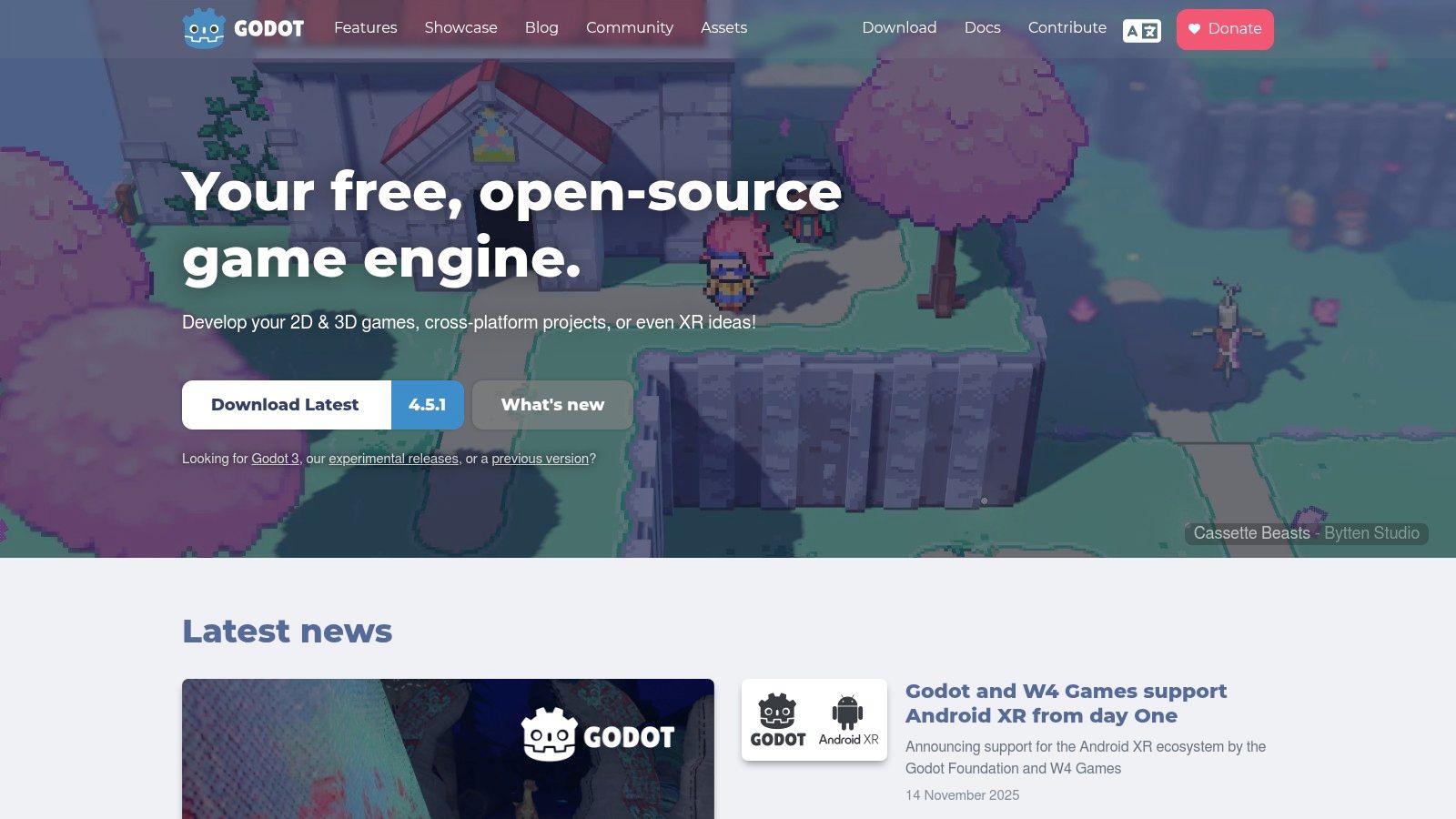
Its node-based scene system is a joy to work with, allowing you to build complex game objects and levels by composing simple, reusable parts. This, combined with its Python-like scripting language, GDScript, makes for lightning-fast prototyping and iteration. The community-driven nature means it’s constantly evolving with features developers actually want.
Why It Makes the List
Godot’s primary appeal is its "no strings attached" philosophy. It’s completely free under the permissive MIT license, meaning no royalties, no subscription fees, and no splash screens required. This makes it an incredibly empowering choice for hobbyists, students, and indie developers who want total creative and financial freedom over their projects.
- Best For: Indie developers, hobbyists, and anyone who values open-source software and a fast, dedicated 2D workflow.
- Key Features: Dedicated 2D renderer, node-based architecture, multiple scripting options (GDScript, C#), and a transparent, community-driven development process.
- Pricing: Completely free. No royalties, no fees, ever.
- Learning Curve: Low to moderate. GDScript is very beginner-friendly, making it easier to pick up than C# or C++.
While Godot simplifies traditional development, if you're looking for an even faster path from idea to playable game, AI-powered platforms like MakeGamesWithAI.com offer a no-code alternative for instant creation. Interested in building a classic sidescroller? Learn more about how to make a platformer game with engines like Godot.
3. GameMaker
GameMaker has carved out a legendary niche for itself by being obsessively focused on one thing: making 2D game development fast, intuitive, and fun. It’s the engine behind massive indie hits like Undertale and Hyper Light Drifter, proving it has the power to ship commercially successful titles. It strikes a fantastic balance, offering both a visual drag-and-drop system for beginners and its own C-like scripting language, GameMaker Language (GML), for those who want to dive deeper into code.
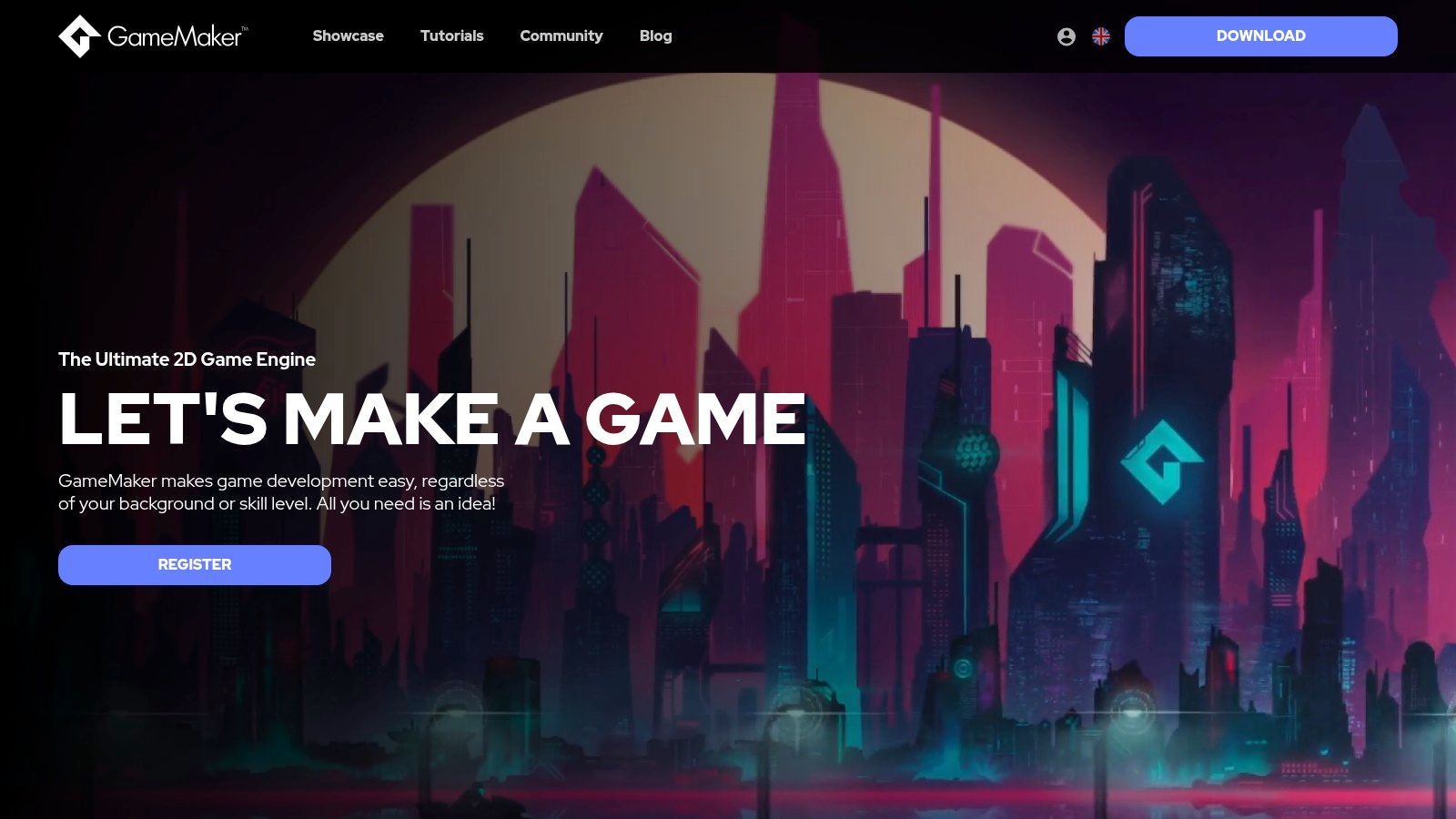
This 2D-first approach means everything is streamlined for creating sprites, tilemaps, and classic gameplay loops without the overhead of a 3D pipeline you’ll never use. Its workflow is designed for rapid iteration, allowing you to go from concept to playable prototype in record time, making it one of the best 2D game engines for game jams and solo developers.
Why It Makes the List
GameMaker shines because of its accessibility and proven track record. It successfully lowers the barrier to entry without sacrificing the depth needed to create polished, professional games.
- Best For: Beginners, solo developers, and anyone who wants to create 2D games rapidly for PC, mobile, and web.
- Key Features: Flexible workflow with visual scripting or GML, built-in editors for sprites and animations, and a straightforward export process.
- Pricing: Free for non-commercial use. Paid tiers (Creator, Indie, Enterprise) unlock more export platforms, with console publishing locked behind the expensive Enterprise plan.
- Learning Curve: Low. Its curated tutorials and focused toolset make it one of the easiest traditional engines to learn.
While GameMaker simplifies coding, if you’re looking to skip it entirely, you can generate entire games from scratch using an AI-powered platform like MakeGamesWithAI.com and join a community creating innovative games without writing a single line of code.
4. Construct 3
Construct 3 is the ultimate "get-it-done-now" engine, perfect for anyone who wants to build a game without writing a single line of code. Running entirely in your browser, it removes the friction of installs and setups. This makes it one of the best 2D game engines for rapid prototyping, game jams, and educators who need a tool that works on any device, including Chromebooks.
Its secret sauce is the visual event sheet system, which replaces traditional coding with intuitive, logic-based blocks. This approach lets you focus purely on your game's design and mechanics, allowing you to build a playable prototype in hours, not weeks. It’s an incredibly empowering tool for artists, designers, and beginners.
Why It Makes the List
Construct 3 excels at speed and accessibility. Its browser-based, no-code environment lowers the barrier to entry like no other engine, making game development a reality for a much wider audience. The speed from idea to playable game is its biggest selling point.
- Best For: Beginners, designers, students, and anyone wanting to rapidly prototype 2D games for the web.
- Key Features: Browser-based platform (no install needed), powerful no-code visual event system, and instant previewing for fast iteration.
- Pricing: A limited free version is available. A subscription is required to unlock all features, export options, and remove limits.
- Learning Curve: Very low. Its event sheet system is one of the most intuitive ways to learn game logic without code.
While Construct 3 makes game creation accessible, AI tools are pushing the boundaries even further. Platforms like MakeGamesWithAI.com allow you to create a game app from a simple text description, taking the no-code concept to a whole new level.
5. Unreal Engine
Unreal Engine is the titan of AAA 3D graphics, known for powering some of the most visually stunning games on the market. But don’t let its 3D reputation fool you; it’s also a surprisingly capable, if unconventional, choice for creating 2D titles, making it one of the best 2D game engines for developers who crave raw power and top-tier performance. Using its built-in Paper2D system, you can build beautiful 2D experiences within a world-class development environment.

The engine’s real magic for many creators is Blueprints, a visual scripting system that lets you build complex game logic without writing a single line of C++. This makes high-end game development more accessible and allows for rapid prototyping. The extensive marketplace also offers numerous plugins to further streamline 2D development.
Why It Makes the List
Unreal Engine earns its spot by offering unparalleled graphical fidelity and a professional-grade toolset that can make a 2D game feel incredibly polished. If your project demands high-end effects, complex physics, or seamless cross-platform deployment, Unreal is a heavyweight contender.
- Best For: Developers who want cinematic quality and high performance in their 2D games, or those already familiar with the Unreal ecosystem.
- Key Features: Blueprints visual scripting, Paper2D for sprite management, high-end rendering pipeline, and robust profiling and deployment tools.
- Pricing: Free to use. A 5% royalty is due on your product’s lifetime gross revenue after the first $1 million.
- Learning Curve: Steep. The engine is massive and its 2D tools aren't the primary focus, creating a challenging entry point for beginners.
While Unreal offers immense power, if your goal is to bring a game idea to life instantly using just text, an AI-driven platform like MakeGamesWithAI.com can create playable games from your descriptions alone.
Check out Unreal Engine
6. Cocos (Cocos Creator)
Cocos is a powerhouse in the mobile and web game scene, offering a free, open-source engine that’s both lightweight and incredibly capable. While it has growing 3D features, it truly shines as one of the best 2D game engines for creating snappy, performant games that run beautifully in a browser or on a phone. It uses TypeScript, a modern and accessible language, making it a great step up for web developers looking to enter game development.
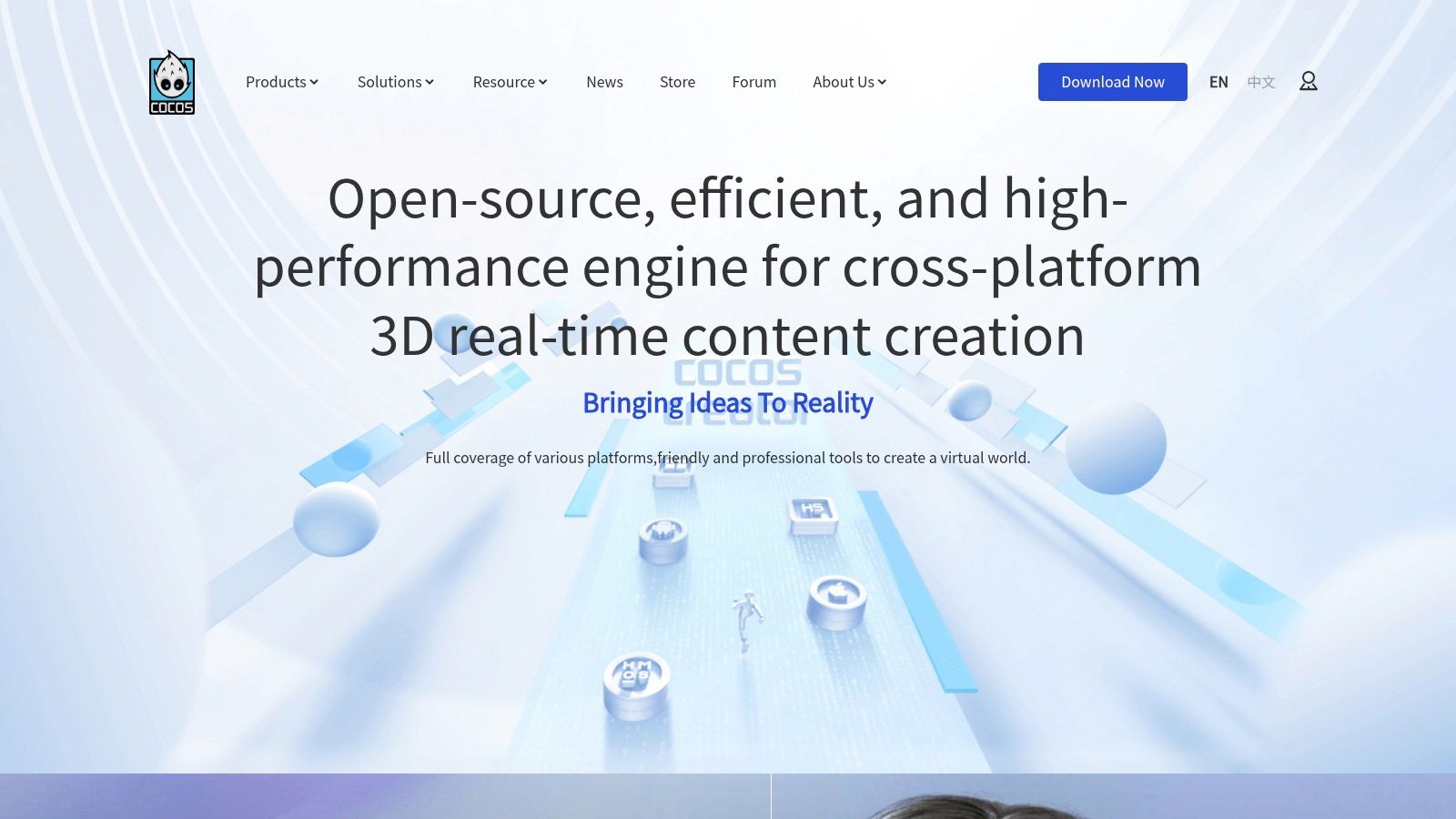
The all-in-one editor, Cocos Creator, provides a smooth, integrated workflow with built-in animation tools, scene editing, and a helpful plugin marketplace. This streamlined approach allows developers to build and iterate quickly, focusing on creating fun experiences without getting bogged down by a heavy engine.
Why It Makes the List
Cocos Creator excels at optimization, delivering tiny build sizes and fantastic performance on lower-end hardware, a critical factor for mobile and web-based games. Its royalty-free model is a huge draw for indie developers and commercial studios alike.
- Best For: Developers targeting mobile (iOS/Android) and web (HTML5) platforms who value high performance and small file sizes.
- Key Features: Lightweight engine, TypeScript scripting, a comprehensive all-in-one editor, and a strong focus on 2D mobile/web deployment.
- Pricing: Completely free and open-source (MIT license for the core engine), with no royalties or hidden fees.
- Learning Curve: Moderate. Easier to grasp than Unity for those with web development experience, but still requires coding knowledge.
If you’re drawn to Cocos for its web-native power but want to skip the coding, an AI tool like MakeGamesWithAI.com can generate web-ready games from a simple description, letting you see your ideas come to life instantly.
7. Defold
Defold is the lean, mean, fighting machine of the game engine world. Developed by the team at King (the creators of Candy Crush Saga), it’s built for one thing: creating incredibly high-performance, lightweight games that run flawlessly everywhere. It’s one of the best 2D game engines for developers who value speed, efficiency, and a “get it done” attitude, all wrapped in a completely free package with no strings attached.
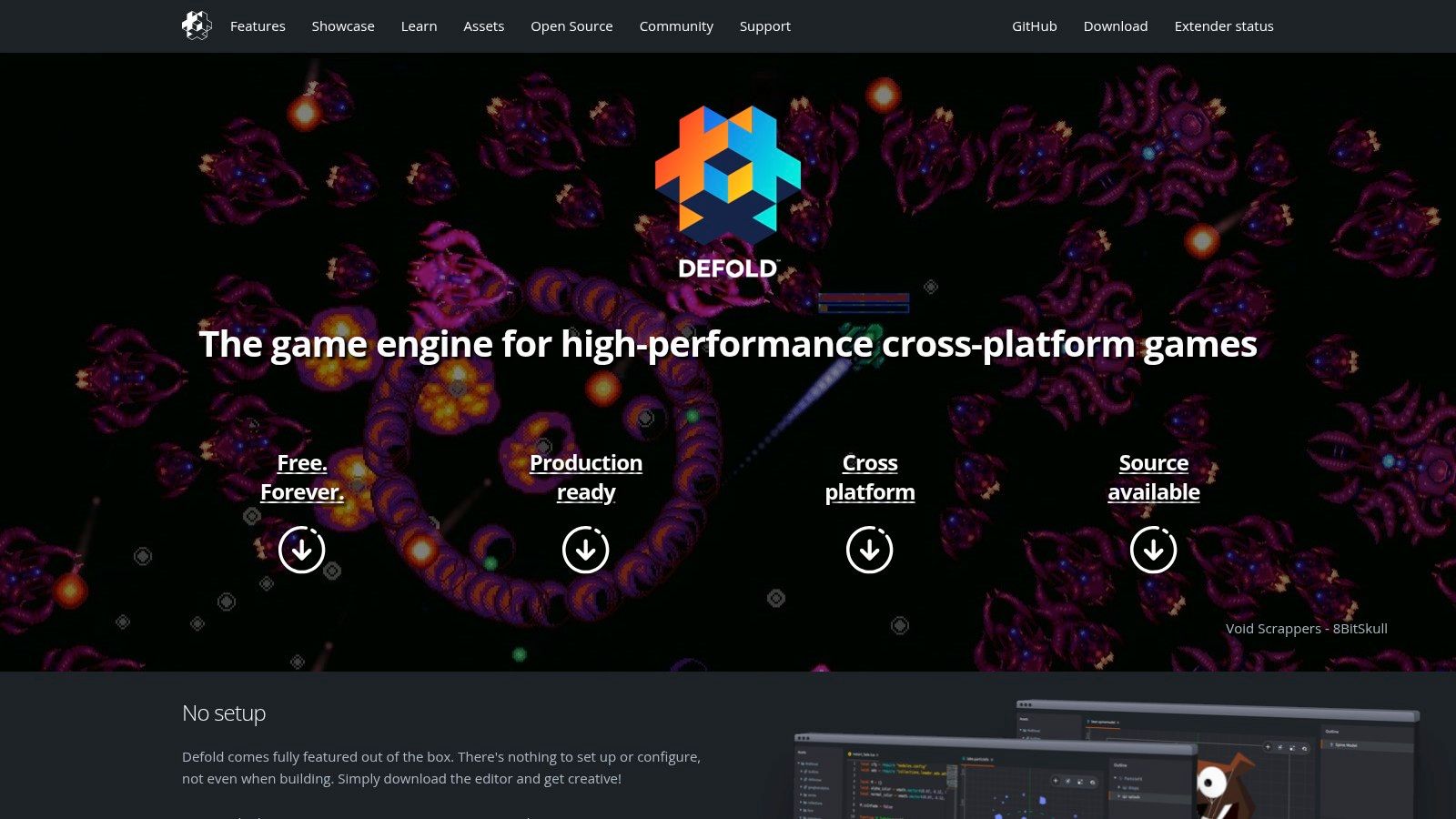
Its commitment to zero-cost development is a huge draw. You get a production-ready engine with one-click multi-platform export, a robust set of 2D tools, and a tiny runtime, all without ever paying a dime in royalties or fees. This makes it a fantastic choice for developers focused on mobile and web games where small build sizes are critical.
Why It Makes the List
Defold's philosophy of providing a streamlined, high-performance, and completely free engine earns it a solid spot. It's an engine that respects the developer's time and budget, offering a clean path from idea to multi-platform launch.
- Best For: Mobile and web game developers, especially those looking to create hyper-casual games or titles where performance and tiny build size are paramount.
- Key Features: Lua scripting, integrated visual editors for scenes and UI, extremely small build sizes, and a simple one-click build process for multiple platforms.
- Pricing: Completely free. No licensing fees, no royalties, no hidden costs. Ever.
- Learning Curve: Low to moderate. Lua is generally easier to pick up than C#, but the engine's component-based architecture has its own unique concepts to learn.
While Defold offers a fantastic traditional coding experience, if you're looking to bypass code entirely, a tool like MakeGamesWithAI.com can help you generate a complete game from just a text description, letting you see your ideas come to life instantly.
8. RPG Maker (RPG Maker MZ)
For aspiring creators dreaming of crafting their own epic JRPG, RPG Maker is less of an engine and more of a magic wand. This legendary series has empowered storytellers for decades, providing a specialized, event-driven system to build classic role-playing games with incredible speed. It’s one of the best 2D game engines for anyone who wants to focus on narrative, world-building, and character development without getting tangled in code.
The platform’s strength is its laser focus. Everything, from the tile-based map editor to the pre-built database for items, skills, and characters, is designed for one purpose: making RPGs. The famous eventing system lets you create complex cutscenes, quests, and puzzles by simply pointing and clicking, no programming required.
Why It Makes the List
RPG Maker earns its spot by being the most accessible and streamlined tool for a specific, beloved genre. It removes nearly all technical barriers, allowing creators to bring their JRPG-style stories to life with a rich set of default assets and an enormous community providing plugins and tutorials.
- Best For: Storytellers, artists, and designers focused on creating traditional 2D JRPGs without writing code.
- Key Features: Visual map editor, no-code Eventing system for game logic, built-in database for all RPG elements, and extensive plugin support.
- Pricing: One-time purchase (around $80 for RPG Maker MZ, with frequent sales). DLC and asset packs are sold separately.
- Learning Curve: Low. Its focused nature makes it one of the easiest engines to learn, especially for its intended purpose.
While RPG Maker is a master of its craft, if you want to explore beyond the RPG genre without coding, the AI-powered platform at MakeGamesWithAI.com allows you to generate any game you can imagine from a simple text description.
9. Solar2D (formerly Corona SDK)
Solar2D, the open-source successor to the legendary Corona SDK, is all about speed. Its claim to fame is its ridiculously fast development cycle, powered by the lightweight Lua scripting language and a live simulator that updates your game instantly as you code. This makes it one of the best 2D game engines for rapid prototyping and mobile game development, where quick iteration is king.
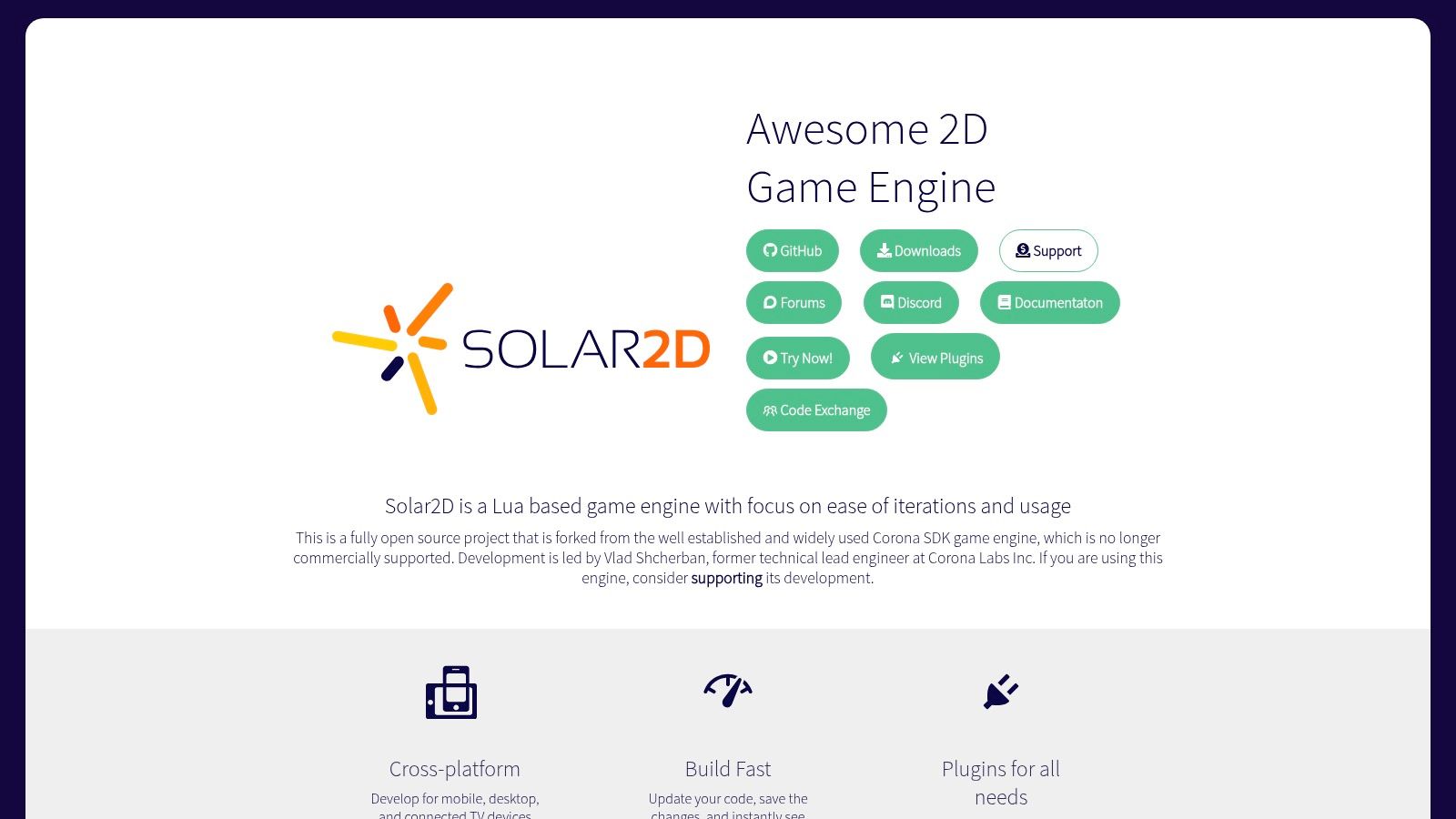
It’s a no-nonsense engine designed to get 2D games built and shipped to mobile and HTML5 platforms with minimal friction. Its powerful plugin ecosystem extends its core functionality, allowing you to easily integrate services like ads and analytics without reinventing the wheel. The permissive MIT license means it's completely free, with no royalties or hidden fees.
Why It Makes the List
Solar2D’s laser focus on iteration speed and ease of use makes it a standout choice for developers who want to see their ideas come to life immediately. It eliminates the long compile times that can bog down creativity, making it a joy to work with.
- Best For: Mobile game developers, educators, and anyone who values extremely rapid prototyping.
- Key Features: Instant-update live simulator, Lua-based scripting, extensive plugin ecosystem, and a completely free, open-source core.
- Pricing: Completely free. As an open-source project under the MIT license, there are no costs, royalties, or strings attached.
- Learning Curve: Low. Lua is often cited as one of the easiest scripting languages to learn, making Solar2D very beginner-friendly.
While Solar2D excels at fast, code-based creation, if your goal is to generate entire games from a single idea without any code, a platform like MakeGamesWithAI.com can turn a text prompt into a playable experience, complete with leaderboards for community competition.
10. libGDX
For the developers who want to get their hands dirty and build a game from the ground up, libGDX is a dream come true. This isn't an engine with a flashy editor; it’s a powerful, open-source Java framework that gives you total control. Think of it less as a pre-built car and more as a high-performance engine block, a chassis, and all the parts you need to build your own custom hot rod.
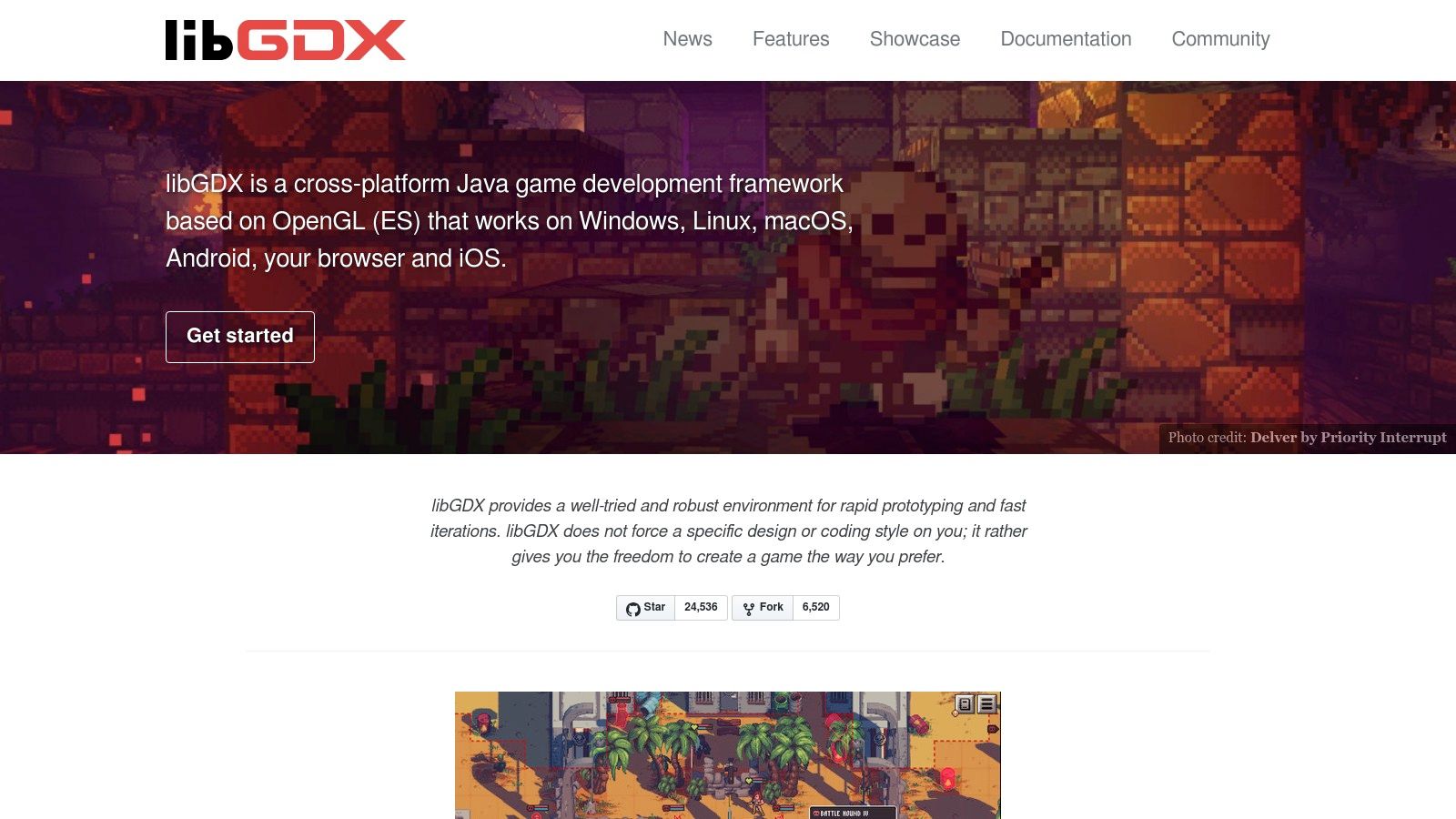
Because it’s a framework, libGDX integrates directly into the standard Java ecosystem. You use your favorite IDE (like IntelliJ or Eclipse) and leverage the vast world of Java libraries. This code-first approach is incredibly performant and allows for a single codebase to deploy across desktop, Android, iOS, and even web browsers.
Why It Makes the List
libGDX earns its spot as one of the best 2D game engines for its raw power and flexibility, championing a "bring your own tools" philosophy that appeals to seasoned programmers.
- Best For: Java developers and programmers who prefer a code-centric workflow and want maximum control without being tied to a specific editor.
- Key Features: High-performance 2D APIs (sprite batching, tilemaps), Box2D physics integration, and a single codebase for multi-platform deployment.
- Pricing: Completely free and open-source under the Apache 2.0 license.
- Learning Curve: Steep. This is for coders, not beginners. You need a solid understanding of Java and software architecture to be effective.
While libGDX offers ultimate control for coders, if you want to skip the code entirely and generate a game from a simple idea, a platform like MakeGamesWithAI.com can bring your vision to life using just a text prompt.
11. Phaser
Phaser is the go-to champion for web-based 2D games, a fast, fun, and free open-source HTML5 game framework. Built on JavaScript and TypeScript, it's designed from the ground up to make creating browser games an absolute breeze. If your goal is to build something that runs instantly in a browser, from playable ads to full-fledged online RPGs, Phaser is one of the best 2D game engines for the job.
Its strength lies in its simplicity and directness. You're working with the native languages of the web, which means rapid development cycles and access to a massive ecosystem of existing web development tools. The thriving community and extensive documentation ensure you're never stuck for long.
Why It Makes the List
Phaser makes the list for being the undisputed king of HTML5 game development. It prioritizes performance and ease of use for its target platform, making it incredibly efficient for web-native projects without the overhead of larger, multi-platform engines.
- Best For: Web game developers, creators of interactive ads, and anyone wanting to build browser-first 2D experiences.
- Key Features: Fast and lightweight 2D rendering (Canvas and WebGL), physics systems, input handling, and a modular architecture. The core framework is free, with an optional commercial editor for visual scene building.
- Pricing: The core framework is completely free (MIT license). Phaser Editor offers a premium version with advanced features available via a paid subscription.
- Learning Curve: Low to moderate. If you know JavaScript, you can pick up Phaser very quickly.
While Phaser is fantastic for coding your own web games, if you're looking for an alternative where you can generate a complete game from a single idea, a platform like MakeGamesWithAI.com provides that instant creation experience.
Check out Phaser
12. LÖVE (Love2D)
LÖVE, also known as Love2D, is the minimalist's dream. It’s not a full-blown engine but a lean, open-source framework for making 2D games in Lua. This code-first approach strips away complex editors and interfaces, letting you get straight to the heart of game creation. It’s beloved for its simplicity and the sheer speed at which you can go from an idea to a playable prototype, making it a favorite for game jams.
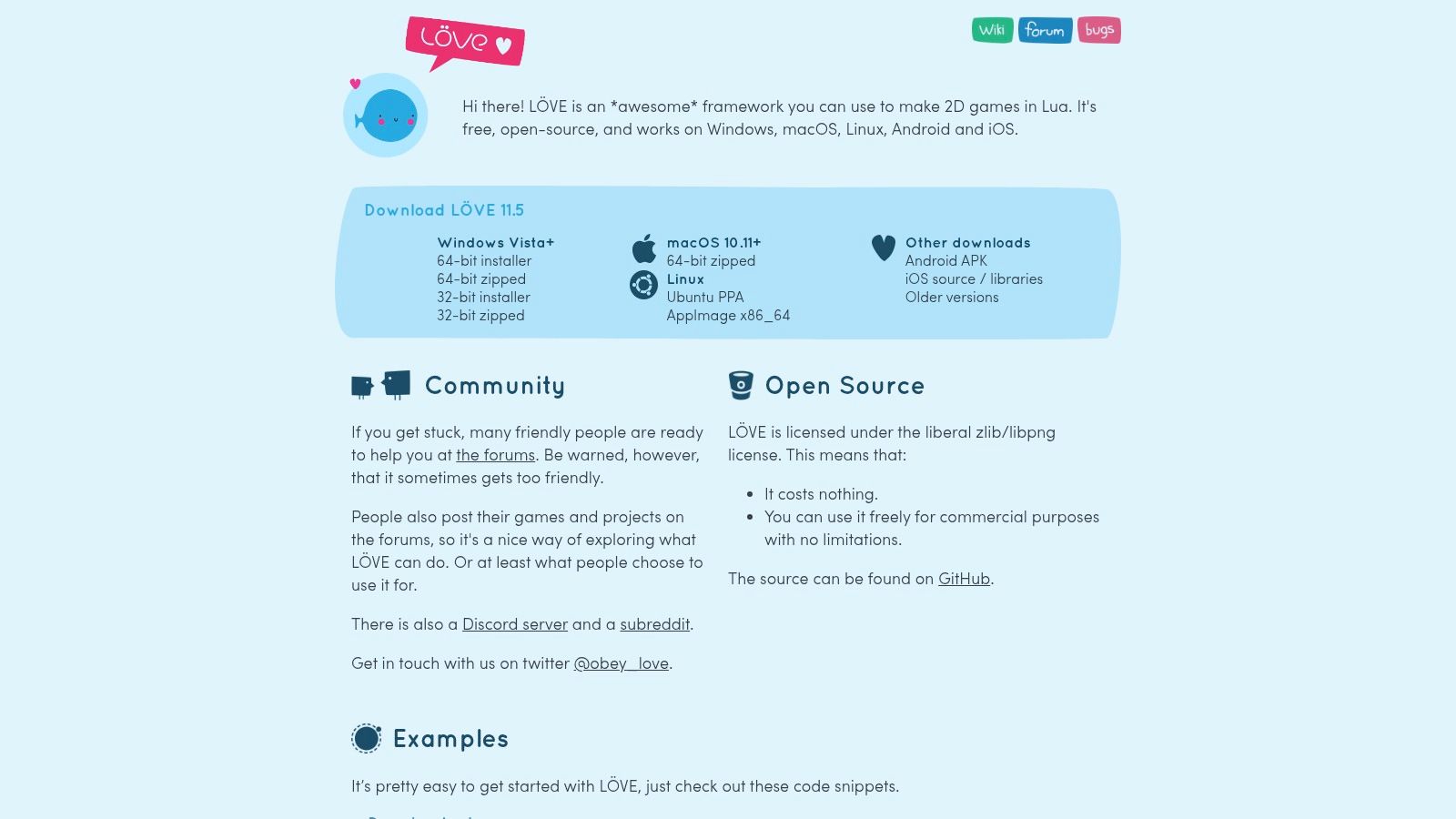
The framework provides simple APIs for everything you need: drawing graphics, playing audio, handling keyboard and mouse input, and even physics. Its "pure code" philosophy means you have total control, and its tiny runtime ensures your games are lightweight and fast. LÖVE is one of the best 2D game engines for developers who love to code and want a direct, un-bloated path to bringing their vision to life.
Why It Makes the List
LÖVE earns its spot by offering an incredibly fast and free development experience without the overhead of a massive engine. It’s perfect for coders who want to build from the ground up and understand every part of their game’s logic.
- Best For: Programmers, hobbyists, and game jam participants who are comfortable working purely in code and want a fast, minimal framework.
- Key Features: Simple Lua API, cross-platform support (desktop and mobile), extremely small footprint, and an active, helpful community.
- Pricing: Completely free. Its permissive license allows for free and commercial use without any strings attached.
- Learning Curve: Low to moderate. If you know how to code, picking up Lua and LÖVE is straightforward, but the lack of a visual editor is a hurdle for non-programmers.
For those who find a code-only environment intimidating, a platform like MakeGamesWithAI.com provides a powerful no-code alternative, allowing you to generate entire games from simple text descriptions.
Top 12 2D Game Engines — Feature & Capability Comparison
| Engine | ✨ Key features | ★ Quality | 💰 Pricing / Value | 👥 Target audience | 🏆 Standout |
|---|---|---|---|---|---|
| Unity | ✨ Mature 2D+3D toolset, Asset Store, cross‑platform | ★★★★ | 💰 Free tier → paid plans (revenue thresholds) | 👥 Hobbyists → studios | 🏆 Scales to commercial & console |
| Godot Engine | ✨ Dedicated 2D renderer, GDScript, small builds | ★★★★ | 💰 Free (MIT) | 👥 Indies & hobbyists | 🏆 Lightweight 2D workflows |
| GameMaker | ✨ Drag‑and‑drop + GML, fast 2D exports | ★★★★ | 💰 Paid tiers; console via Enterprise | 👥 Beginners → 2D commercial devs | 🏆 Rapid 2D prototyping & hits |
| Construct 3 | ✨ Browser no‑code event system, HTML5 export | ★★★★ | 💰 Subscription | 👥 Educators & rapid prototypers | 🏆 Fast prototyping on low‑spec devices |
| Unreal Engine | ✨ AAA rendering, Blueprints, mature pipelines | ★★★★★ | 💰 Free → 5% royalty after $1M | 👥 AAA teams & high‑end devs | 🏆 Top‑tier visuals & tooling |
| Cocos Creator | ✨ TypeScript editor, mobile/web optimized | ★★★☆ | 💰 Free (MIT) | 👥 Mobile/web devs | 🏆 Lightweight mobile performance |
| Defold | ✨ Tiny runtime, Lua, very small builds | ★★★★ | 💰 Free (no royalties) | 👥 Mobile & web developers | 🏆 Tiny exports & high perf |
| RPG Maker (MZ) | ✨ Map editor, event system, plugin ecosystem | ★★★ | 💰 Paid one‑time license | 👥 JRPG creators & storytellers | 🏆 Fast JRPG prototyping |
| Solar2D | ✨ Live simulator, Lua, mobile focus | ★★★ | 💰 Free (MIT) | 👥 Rapid mobile devs | 🏆 Rapid iteration & small footprint |
| libGDX | ✨ Java framework, Box2D, full code control | ★★★★ | 💰 Free (Apache 2.0) | 👥 Developers preferring Java | 🏆 High‑performance custom engines |
| Phaser | ✨ Web‑native JS/TS, great for browser/playables | ★★★★ | 💰 Free core; optional paid editor/hosting | 👥 Web game devs & playable ad creators | 🏆 Browser games & playable ads |
| LÖVE (Love2D) | ✨ Minimal Lua APIs, tiny runtime | ★★★ | 💰 Free (permissive) | 👥 Game jam & indie coders | 🏆 Simple, lightweight prototypes |
Your Next Adventure Awaits: Which Path Will You Choose?
And there you have it, a grand tour of the digital forges where 2D masterpieces are born. We've navigated the sprawling landscapes of industry titans like Unity and Unreal Engine, discovered the open-source democratic spirit of Godot, and tinkered with the focused, beginner-friendly toolsets of GameMaker and Construct 3. Each one of these is a valid starting point for your creative journey, a different path up the same magnificent mountain of game development.
Choosing the right engine isn't about picking the objectively "best" one; it's about finding the best fit for you and your project. It’s like choosing a class in an RPG. Are you a wizard, comfortable slinging complex code spells with frameworks like libGDX or LÖVE? Or are you a warrior, preferring the direct, visual, and powerful approach of an engine like GameMaker?
Recapping Your Arsenal of Choices
Let’s quickly distill this epic quest down to its core choices. Your decision-making compass should point toward a few key factors:
- For the Aspiring Pro: If you're aiming for a career in the industry and want a portfolio-booster, mastering Unity or Godot is a fantastic investment. They offer immense power, flexibility, and a vast community to support you.
- For the Rapid Prototyper & Hobbyist: Engines like GameMaker, Construct 3, and Defold are your best friends. They are designed to get you from a blank canvas to a playable game with incredible speed, minimizing technical friction.
- For the Code-First Purist: If you love the craft of programming and want total control, frameworks like Phaser, LÖVE, and Solar2D give you the raw power of code without the heavy overhead of a full-blown editor.
- For the Genre Specialist: If you know with absolute certainty you’re building a classic JRPG, don't reinvent the wheel. RPG Maker is a specialized tool that will get you 90% of the way there before you even write a single line of custom logic.
The crucial takeaway is that the best 2d game engines are the ones that empower you to finish your game. An engine's feature list is meaningless if its complexity makes you abandon your project. The most important step is not agonizing over the perfect tool for months, but picking one that feels right and starting to build. Your first game won't be perfect, but it will be yours.
The AI-Powered Shortcut to Creation
But what if the very thought of downloading software, setting up an IDE, and debugging code makes your creative spark flicker? We talked about an alternative path, a creative wormhole that bypasses the traditional development cycle entirely. This is for the dreamers, the storytellers, and the idea-generators who want to see their vision come to life now.
If your primary goal is to create, play, and share a game today, then your adventure doesn't have to start with a coding tutorial. It can start at MakeGamesWithAI. Simply describe your game concept, choose your art style, and let our AI assemble a playable experience for you in minutes. It's the ultimate creative shortcut, allowing you to iterate on ideas at the speed of thought. You can even see how your creations stack up against a global community of creators on our leaderboards.
Whether you choose the path of the coder, mastering one of the powerful engines we've explored, or the path of the AI-assisted creator, the goal is the same: to bring your unique world to life. The tools are ready. Your next adventure is waiting.
Ready to skip the learning curve and jump straight into creating? Instead of spending weeks learning one of the best 2d game engines, you can use Make Games With AI to bring your idea to life in minutes. Describe your game, and our AI will build it, letting you focus purely on your creative vision.