AI Game Development Workflow: A 6-Step Guide for 2025
In 2025, the barrier to creating video games has all but vanished. What once required years of coding knowledge and massive teams can now be accomplished in a single afternoon. This revolution is powered by artificial intelligence, which has fundamentally reshaped the creation process. Adopting a modern AI game development workflow is no longer just an advantage for AAA studios; it’s an essential strategy for solo creators, hobbyists, and indie developers to bring their visions to life faster than ever before. This guide outlines the six core steps to master this new, streamlined process.
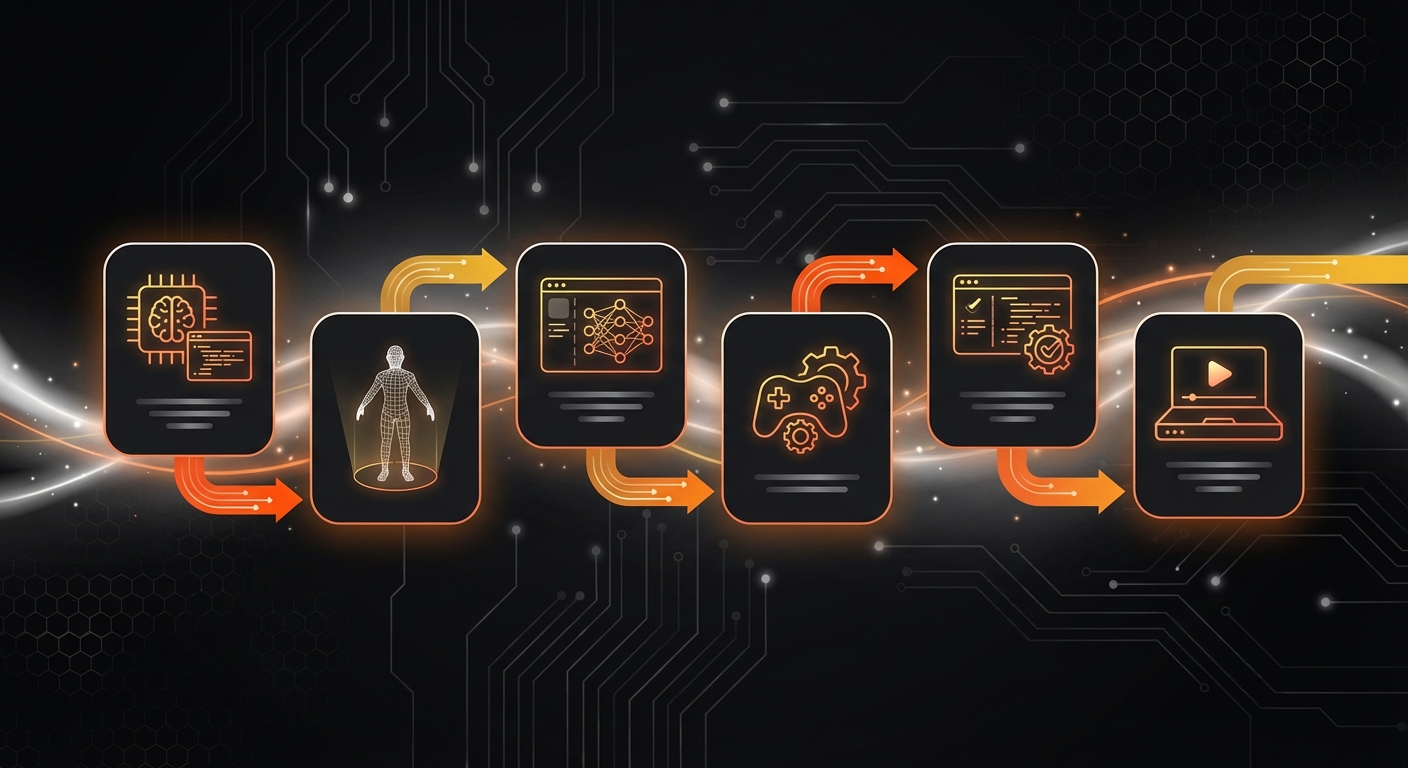
Your Step-by-Step AI Game Development Workflow for 2025
Traditional game development is a linear, often slow process. The AI-powered workflow, however, is cyclical and incredibly fast, allowing for rapid ideation, prototyping, and iteration. Here’s how you can leverage it today.
Step 1: AI-Powered Ideation and Conceptualization
Every great game starts with an idea, but creative blocks are common. AI language models are the perfect brainstorming partner.
- Brainstorm Core Concepts: Use tools like ChatGPT-4 or Claude 3 to generate game ideas, mechanics, and unique themes. Prompt it with genres you like or concepts you want to explore. For example: “Give me 10 game ideas that combine a cooking simulator with a sci-fi theme.”
- Develop Narratives and Characters: Flesh out your world by asking the AI to write character backstories, plot outlines, or even dialogue. This provides a strong foundation before you create a single asset.
- Define Your Target Audience: Ask the AI to help you define the player you’re building for. This helps focus your design choices later on.
Tip: The more detailed your prompts, the more unique and tailored the AI’s suggestions will be. Don’t be afraid to have a conversation with the AI to refine its ideas. For those just starting, this is a great first step in game development for beginners: create your first game without coding.
Step 2: Instant Prototyping with Generative AI
This is where the magic happens. In the past, prototyping was a labor-intensive coding phase to test if a game concept was fun. Now, it’s instantaneous.
AI game generators can take your core concept and turn it into a playable game in seconds. Platforms like MakeGamesWithAI excel here, allowing you to simply describe your game in a text prompt and generate a live, playable version immediately. This allows you to test the core gameplay loop—the primary actions the player repeats—before investing time in assets or complex features.
Warning: Don’t aim for perfection in the prototype. The goal is to quickly validate if the core idea is engaging. You can build on it in the next steps.
Step 3: Generating and Integrating Game Assets
With a fun prototype in hand, it’s time to build the world. AI can generate nearly every asset you need, from characters and environments to music and sound effects.
- Visuals: Use AI image generators like Midjourney or Leonardo.AI to create 2D sprites, backgrounds, and UI elements. For 3D, tools like Luma AI and Meshy are making text-to-3D models a reality.
- Audio: Generate custom sound effects and background music with AI audio platforms to match your game’s theme perfectly.
Alternatively, integrated platforms offer a more streamlined approach. MakeGamesWithAI provides a vast, professionally curated library of over 100 game assets. This saves you the time of generating, importing, and ensuring stylistic consistency, letting you pick and choose high-quality assets directly within the editor.
Step 4: Defining Gameplay Mechanics with Natural Language
Once you have your assets, you need to define the game’s rules and logic. Traditionally, this meant writing thousands of lines of code. The modern AI game development workflow replaces code with conversation.
Chat-based AI editors allow you to modify gameplay using simple English commands. With the MakeGamesWithAI editor, you can type instructions like:
- “Make the player jump 50% higher.”
- “Add a scoring system where the player gets 10 points for collecting a coin.”
- “Spawn a new enemy every 10 seconds.”
The AI interprets these commands and implements the changes instantly, allowing you to see the results in a live preview. This is an incredibly powerful way to build arcade games with AI instantly without ever touching a line of code.
Step 5: Accelerated Iteration and Playtesting
AI’s greatest strength is the speed at which you can iterate. Because changes are instant, you can continuously refine your game based on feedback.
Get friends to play your game and give you notes. Then, implement their feedback in real-time using the AI editor. Some advanced systems are even beginning to use AI-driven playtesters that can simulate player behavior to find bugs, identify balancing issues, and test level designs automatically.
Tip: Use the live preview feature constantly. It’s your best tool for seeing how a small tweak to a mechanic feels in the actual game.
Step 6: Polishing and Instant Publishing
With your core game complete, the final step is adding polish—particle effects, UI animations, and satisfying sound cues. Once you’re satisfied, it’s time to share your creation with the world.
This used to involve complex build processes and submissions to app stores. Now, it’s as simple as clicking a button. Platforms like MakeGamesWithAI offer instant publishing, generating a shareable link that allows anyone to play your game on any device. Features like global leaderboards can be added automatically to foster competition and community around your game.
Common Mistakes to Avoid in Your AI Workflow
While powerful, an AI-first approach has a few common pitfalls. Avoiding them will ensure a smoother creative process.
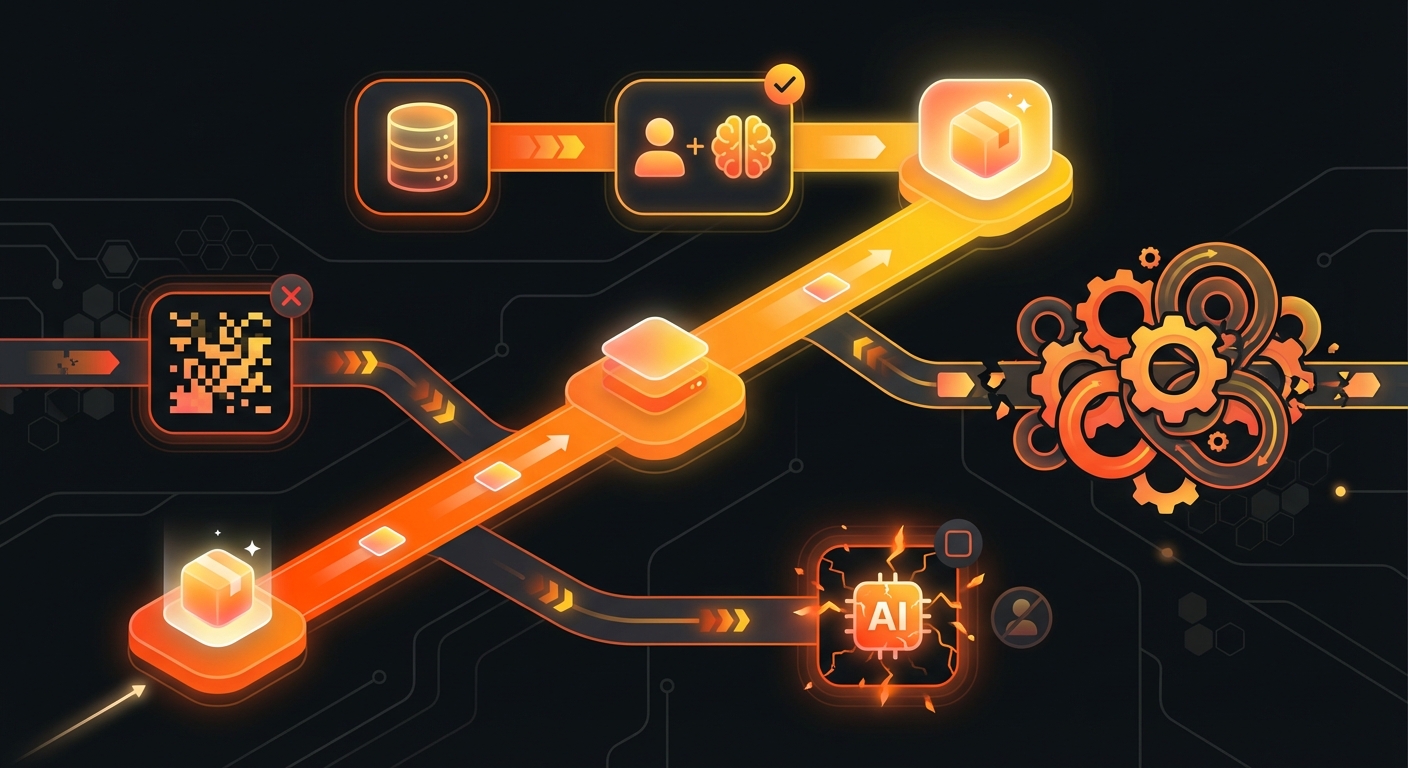
- Over-relying on the First Generation: Don’t accept the first thing the AI creates. Use its output as a starting point and iterate. The real power is in the refinement process.
- Using Vague Prompts: AI operates on the principle of “garbage in, garbage out.” Be as specific and descriptive as possible in your text commands to get high-quality, relevant results.
- Ignoring the Core Loop: It’s easy to get lost generating beautiful art assets. Always prioritize making the core gameplay fun before spending hours on aesthetics.
- Creating an Inconsistent Art Style: If you’re using multiple AI tools for assets, ensure you use consistent stylistic prompts (e.g., “pixel art,” “Ghibli-inspired,” “low-poly 3D”) to create a cohesive visual experience.
Expected Results: A Revolutionized Gamedev Process
By embracing a modern AI game development workflow, you fundamentally change your relationship with creation. The primary outcomes are a dramatic reduction in development time, the complete removal of coding as a barrier, and the freedom to focus purely on creativity and design.
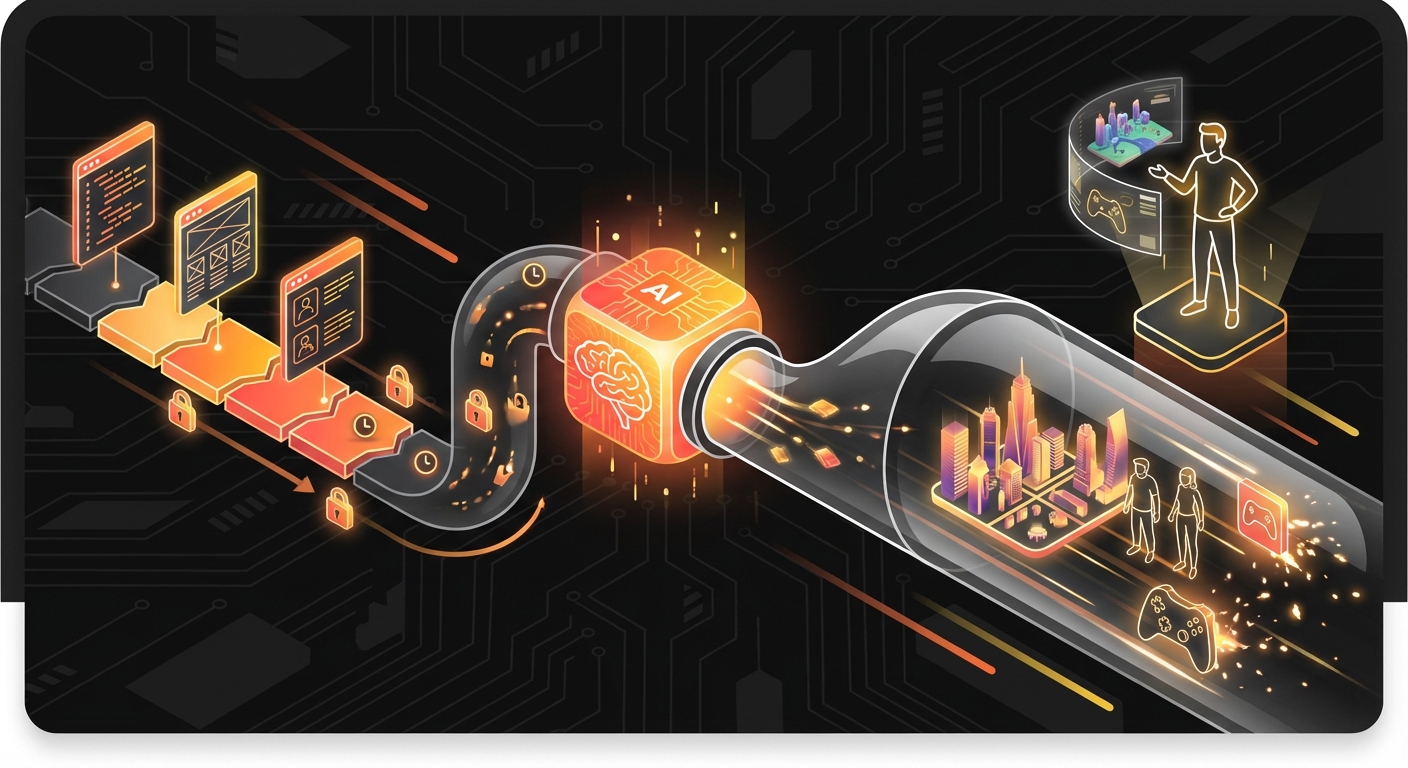
This new paradigm empowers a new generation of creators. Your imagination is now the only true limit. By leveraging the right tools, you can move from a simple idea to a fully playable, published game in a fraction of the time it took just a few years ago. The goal is to create games faster & smarter, and this workflow is the key.
If you’re ready to turn your ideas into reality without writing a single line of code, an integrated platform is your launchpad. Tools like MakeGamesWithAI are designed from the ground up to embody this workflow, providing everything you need to ideate, build, and publish your dream game.