Best Game Creation Tools for Beginners (2026 Guide)
The dream of creating your own video game is more attainable in 2026 than ever before. Gone are the days when game development was reserved for expert programmers and massive studios. Today, a new wave of powerful, intuitive software has democratized the creation process. This guide explores the best game creation tools for beginners, helping you find the perfect platform to transform your unique ideas into interactive experiences, regardless of your technical background.
Whether you want to build a game in minutes using AI or learn the fundamentals of a professional engine, the right tool is waiting for you. Let’s dive into the top platforms that are empowering a new generation of creators.
Top Game Creation Engines for New Developers in 2026
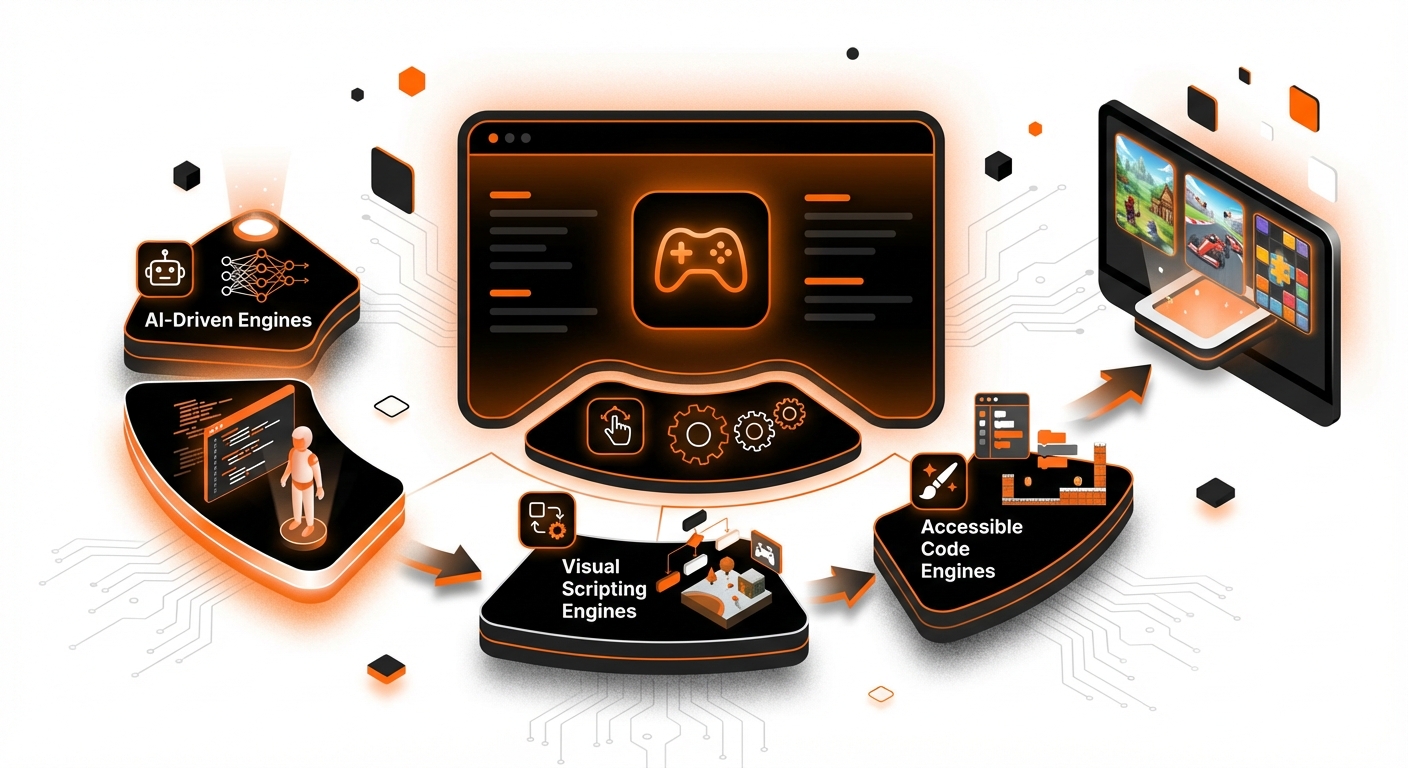
Choosing your first game engine can be daunting, but we’ve narrowed down the list to the most accessible and powerful options available today. Each tool offers a different approach, from pure AI-driven creation to visual scripting and traditional coding.
1. MakeGamesWithAI
Leading the charge in accessibility and speed is MakeGamesWithAI, a revolutionary platform that leverages artificial intelligence to turn your text prompts into fully playable games in seconds. It completely removes the coding barrier, allowing your creativity to be the sole driver of the development process. You simply describe the game you want to make, and the AI handles the complex logic, level design, and mechanics, generating a playable prototype instantly. This approach is a game-changer for anyone who has an idea but lacks the technical skills to implement it.
The platform is more than just a generator; it’s a complete creative suite. Once your game is created, you can use a powerful no-code editor to iterate and refine every detail. The chat-based editing feature feels like collaborating with a creative partner, allowing you to request changes like “make the enemies faster” or “add more platforms.” With a library of over 100 professional gaming assets, instant publishing capabilities, and built-in features like global leaderboards, MakeGamesWithAI provides an end-to-end solution for aspiring creators. To understand the technology behind this, you can explore our guide on What Is AI Game Development? A 2026 Guide.
Key Details:
- Best For: Absolute beginners, hobbyists, and anyone looking to rapidly prototype game ideas without writing a single line of code.
- Pros: Incredibly fast idea-to-game workflow, zero coding required, extensive library of high-quality assets, simple and transparent pricing ($19.99/month for the Creator Plan).
- Cons: As a trade-off for speed and simplicity, it may offer less granular control over engine-level mechanics compared to traditional, code-heavy engines.
2. GDevelop
GDevelop is a fantastic open-source and free game engine that is highly recommended for beginners. It operates on an event-based logic system, which allows you to build game mechanics without writing traditional code. Instead, you create “if/then” style conditions and actions. For example, “If the player collides with a coin, then add 10 to the score and destroy the coin object.” This visual approach to logic is intuitive and helps teach the fundamental principles of programming in a much more digestible way.
The engine is cross-platform, enabling you to build games for PC, mobile, and the web from a single project. GDevelop’s community is active and supportive, providing a wealth of tutorials, templates, and extensions to help you get started. While its primary focus is on 2D game creation, it has become one of the most robust and feature-rich no-code options on the market. It’s an excellent stepping stone for those who want to understand game logic before diving into more complex tools.
Key Details:
- Best For: Beginners interested in 2D game development and learning the fundamentals of game logic through a visual, event-based system.
- Pros: Completely free and open-source, easy-to-learn event system, one-click export to multiple platforms, strong community support.
- Cons: Primarily focused on 2D games, and complex projects can become difficult to manage with the event sheet system.
3. Construct 3
Construct 3 is a browser-based game engine that, much like GDevelop, uses an event-based system for game creation. Its biggest strength is its focus on HTML5, which means any game you create can be played instantly on virtually any modern device with a web browser. This eliminates the need for complex installations and makes sharing your creations incredibly simple. The entire engine runs in your browser, so you can work on your projects from anywhere without downloading any software.
The interface is clean and user-friendly, and its visual scripting system is powerful enough to create complex and polished 2D games. Construct 3 is a great choice for creating mobile games, web-based portfolio pieces, or educational projects. It offers a free version with limitations and a subscription-based model for full access. For those looking to create games without code, Construct 3 is a proven and reliable choice, and you can learn more about the general approach in our article on How to Build Games Without Coding in 2026.
Key Details:
- Best For: Hobbyists and beginners focused on creating 2D games for web and mobile platforms.
- Pros: Runs entirely in the browser, excellent performance for HTML5 games, powerful visual scripting, fast development cycle.
- Cons: Subscription-based pricing model, primarily limited to 2D game development.
4. Unity (with Visual Scripting)
Unity has long been an industry-standard engine, powering a massive percentage of games on the market, from indie hits to AAA titles. While it was once considered intimidating for newcomers due to its reliance on the C# programming language, Unity’s development of visual scripting tools has made it far more accessible. These tools allow you to create game logic by connecting nodes and blocks in a visual graph, much like the event systems in GDevelop or Construct, but with the full power of the Unity engine behind it.
Starting with Unity offers a high ceiling for growth. You can begin with visual scripting to understand the engine’s architecture and then gradually transition to C# scripting as your skills and project ambitions grow. The Unity Asset Store is another huge advantage, offering a vast marketplace of pre-made assets, tools, and systems that can significantly speed up development. While the learning curve is steeper than no-code options, it’s one of the best game creation tools for beginners who are serious about a potential career in game development. For more advice on starting with a powerful engine, check out our Top 10 Game Development Tips for Beginners in 2026.
Key Details:
- Best For: Ambitious beginners who want to learn an industry-standard engine and have a clear path from visual scripting to professional coding.
- Pros: Extremely powerful and versatile for both 2D and 3D games, huge community, extensive documentation, and a massive asset store.
- Cons: Steeper learning curve than other tools on this list, and can feel overwhelming for a first-time creator.
5. Godot Engine
Godot is a rising star in the game development world, beloved for its free, open-source nature and elegant design. It uses a unique scene-based architecture where every element of your game—from characters to levels—is a self-contained scene that can be nested within others. This makes project organization intuitive and flexible. Godot supports both 2D and 3D development with dedicated workflows for each.
For scripting, Godot offers its own Python-like language called GDScript, which is known for being easy to learn and read. It also supports C# and visual scripting, giving you multiple options to fit your comfort level. The engine is incredibly lightweight, and the community is passionate and growing rapidly. For beginners who want a free, all-in-one package and are willing to learn a bit of code, Godot is an exceptional choice that can handle projects of any scale.
Key Details:
- Best For: Beginners and indie developers looking for a free, powerful, and flexible all-in-one engine for both 2D and 3D games.
- Pros: Completely free with no royalties, intuitive scene-based workflow, easy-to-learn scripting language (GDScript), lightweight and fast.
- Cons: Smaller asset marketplace compared to Unity, and as a community-driven project, it may evolve more rapidly than commercial engines.
Choosing the Right Tool for Your Game Idea
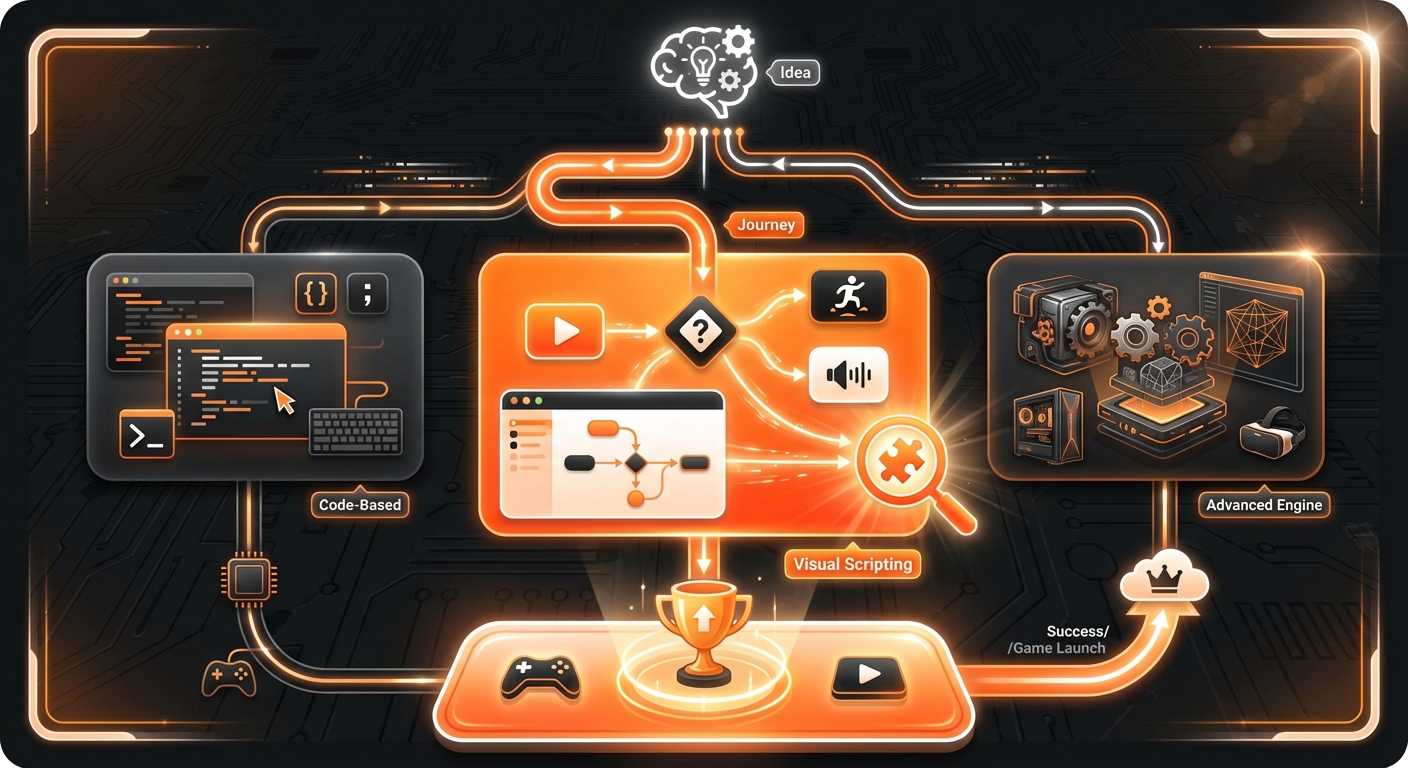
The journey into game development has never been more exciting or accessible. The best tool for you ultimately depends on your goals. If you want to learn the foundations of game logic in a visual way, GDevelop and Construct 3 are excellent starting points. If you have professional aspirations and are ready for a challenge, Unity and Godot offer incredible power and scalability.
However, for those who want to bypass the technical hurdles entirely and focus purely on creativity and rapid creation, AI-powered platforms are the clear future. Tools like MakeGamesWithAI empower you to bring your vision to life faster than ever before, proving that a great idea is all you need to become a game developer in 2026.