How to Use AI in Game Creation: A 2026 Guide
The landscape of game development is undergoing a seismic shift, and artificial intelligence is the tectonic force behind it. Gone are the days when creating a video game was the exclusive domain of large studios with massive budgets and teams of expert coders. As of 2026, AI has democratized the process, making it possible for anyone with a creative vision to bring it to life. This guide will walk you through exactly how to use AI in game creation, transforming your brilliant idea into a playable reality.
By leveraging AI, you can accelerate development timelines, generate stunning assets, and even build complex game logic without writing a single line of code. It’s not about replacing human creativity; it’s about amplifying it. Let’s dive into the step-by-step process of building your game with an AI co-pilot.
Step 1: Brainstorm Your Game Concept with an AI Partner
Every great game starts with an idea. Before AI, this was a process of solitary scribbling or team-based whiteboarding. Now, you have an inexhaustible creative partner. Generative AI models like GPT-5 and Gemini can help you flesh out your initial spark into a full-fledged concept.
Use AI to:
- Generate Core Concepts: Prompt it with a simple theme, like “a cozy puzzle game set in a futuristic library,” and ask for five unique game mechanics.
- Develop a Narrative: Feed it your concept and ask for a compelling story arc, character backstories, and key plot points.
- Design Game Loops: Describe your desired player experience, and AI can help outline the core activities and reward systems that will keep players engaged.
Pro Tip: Be specific with your prompts. Instead of asking for “a fantasy character,” ask for “a stoic elven archer who was exiled for using forbidden magic, with a design inspired by art nouveau.”
Step 2: Generate Your Game’s Core Assets
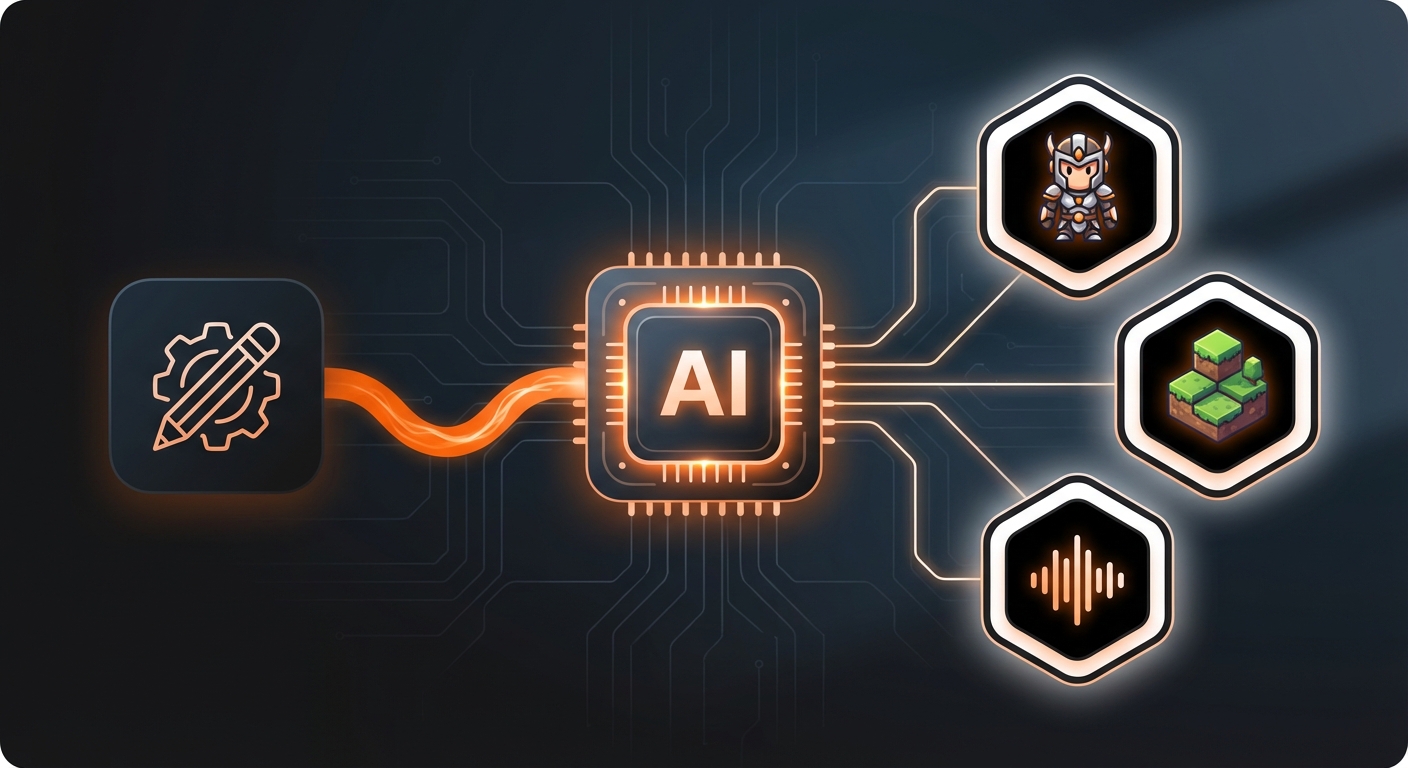
Assets are the visual and auditory building blocks of your game world. Traditionally, this is one of the most time-consuming and expensive parts of development. AI has revolutionized this step, allowing you to generate high-quality, custom assets in minutes.
Creating Visuals: Characters, Environments, and UI
AI image generators like Midjourney v8 and DALL-E 4 can produce everything from character sprites to breathtaking landscapes and sleek user interface elements. The key is to develop a consistent art style. You can do this by using a consistent set of keywords and style descriptors in your prompts.
For example, you can create a unique character by following a detailed process. To learn more about this, check out our guide on how to create characters in games: a 2026 guide. If you’re looking for pre-made or customizable options, many platforms now offer AI-curated asset libraries. For a list of the best resources, see our review of the top 6 sources for customizable game assets in 2026.
Crafting Audio: Music and Sound Effects
Your game’s atmosphere is heavily influenced by its soundscape. AI music generators can create royalty-free soundtracks that perfectly match the mood of your game. Simply provide a prompt like “an epic orchestral score for a final boss battle” or “a calming lofi track for a menu screen,” and the AI will compose original music. Similarly, AI can generate sound effects for everything from footsteps to magical explosions.
Step 3: Build Game Mechanics with No-Code AI
This is where the true revolution in how to use AI in game creation becomes clear. You no longer need to be a programmer to implement game logic. AI-powered game development platforms translate natural language commands into functional code.
Platforms like MakeGamesWithAI are at the forefront of this movement. Within its powerful editor, you can simply type what you want to happen. For example:
- “When the player collects a coin, increase the score by 10.”
- “Make enemies patrol between these two points.”
- “If the player’s health reaches zero, show the ‘Game Over’ screen.”
The AI interprets these commands and builds the underlying logic for you, allowing you to focus on design and player experience. This iterative, chat-based process makes development intuitive and incredibly fast. It’s a prime example of how to build games without coding in 2026, opening up the world of game design to everyone.
Step 4: Develop Dynamic NPCs and Living Worlds
AI is not just for building the game; it can also be a part of the game itself. By integrating large language models (LLMs), you can create Non-Player Characters (NPCs) that have unscripted, dynamic conversations with the player, reacting realistically to their questions and actions. This creates a level of immersion that was previously impossible.
Furthermore, AI excels at Procedural Content Generation (PCG). This technique uses algorithms to create game content on the fly, resulting in unique levels, dungeons, or even entire galaxies every time someone plays. This provides massive replayability and a sense of endless discovery for your players.
Step 5: Test and Iterate with an AI Assistant
Quality Assurance (QA) is a critical but often tedious phase. AI can automate much of this process. AI agents can be trained to play your game thousands of times, systematically exploring every corner to find bugs, identify game-breaking exploits, and test for balance issues. They can provide data on which levels are too difficult or where players tend to get stuck.
Platforms like MakeGamesWithAI even include an AI assistant that analyzes your game design and suggests enhancements, helping you refine the fun factor and smooth out the player’s journey.
Step 6: Publish and Market Your Game
Once your game is complete, AI can help you get it into the hands of players. AI tools can generate compelling marketing copy, create descriptions for app stores, write social media posts, and even edit promotional video trailers. This streamlines the final, crucial step of launching your creation.
Many modern platforms also simplify the technical side of distribution. MakeGamesWithAI, for instance, offers instant publishing, allowing you to share your game with the world with a single click. For a deeper look into this process, our 2026 guide on how to publish games online is an excellent resource.
Common Mistakes to Avoid
While AI is a powerful tool, it’s not magic. Here are a few common pitfalls to watch out for:
- Generic Prompts: Vague inputs lead to generic outputs. Invest time in learning how to craft detailed, effective prompts.
- Losing the Human Touch: AI should be your assistant, not your replacement. Your unique creative vision is what will make your game special.
- Skipping Refinement: AI-generated assets or code are a fantastic starting point, but they often require manual tweaking to achieve a polished, professional result.
- Ignoring ‘Game Feel’: AI can build mechanics, but it can’t tell you if they feel good. Constantly playtest your game to ensure the controls are responsive and the experience is fun.
Expected Outcome: Your Idea, Made Real
By following these steps, you will have successfully navigated the modern workflow of AI-assisted game development. The final result is a complete, playable game that faithfully represents your original vision, created in a fraction of the time and cost of traditional methods. You will have learned the fundamentals of AI prompting, asset generation, and no-code logic building.
More importantly, you will have broken through the technical barriers that once stood between you and your dream of making a game. The future of game creation is here, and it’s more accessible than ever. With innovative platforms like MakeGamesWithAI simplifying the entire process, there has never been a better time to start building.