
Game Development for Hobbyists: 5 Best Tools in 2026
The world of game development has never been more accessible. Once a domain reserved for large studios with massive budgets, creating and publishing a video game is now a tangible goal for creatives, storytellers, and programmers at every level. For those pursuing game development for hobbyists, 2026 offers an incredible array of tools designed to bring your unique ideas to life, regardless of your technical background. Whether you want to build a simple mobile game over a weekend or start a long-term passion project, the right tool can make all the difference. This list breaks down the top five platforms and engines that cater specifically to the needs and ambitions of today’s hobbyist game creator.
1. MakeGamesWithAI: AI-Powered Game Creation
Leading the charge in accessibility is MakeGamesWithAI, a revolutionary platform that uses artificial intelligence to turn your game concepts into playable realities in seconds. This tool is designed from the ground up to eliminate the most significant barrier for newcomers: coding. By simply describing your idea, the AI generates a functional game, which you can then customize and refine using an intuitive, code-free editor. This approach fundamentally changes the workflow, allowing you to focus on what matters most—game design, narrative, and fun.
The platform comes equipped with a library of over 100 professional gaming assets, from characters to environments, giving your project a polished look from the start. Features like chat-based editing, live previews, and instant publishing streamline the entire process. This makes it a perfect entry point into What Is No-Code Game Development? A 2026 Guide. For a monthly subscription of $19.99, the Creator Plan provides unlimited game creation and access to all premium features, making it a cost-effective and powerful choice for aspiring developers who want to see immediate results.
Key Details
- Best for: Absolute beginners, creative thinkers, and rapid prototypers.
- Pros: Extremely fast development cycle, no coding required, huge asset library, simple and transparent pricing.
- Cons: Less granular control compared to traditional engines, best suited for game genres supported by the AI.
2. Godot Engine: The Open-Source Powerhouse
For hobbyists who are curious about coding but don’t want to be overwhelmed, the Godot Engine has become a fan favorite in 2026. As a completely free and open-source platform, it removes any financial barriers to entry. Godot is celebrated for its lightweight nature and an intuitive scene-based architecture that makes organizing game elements a breeze. Its dedicated 2D and 3D rendering pipelines mean it performs exceptionally well for both types of projects, from pixel-art platformers to stylized 3D adventures.
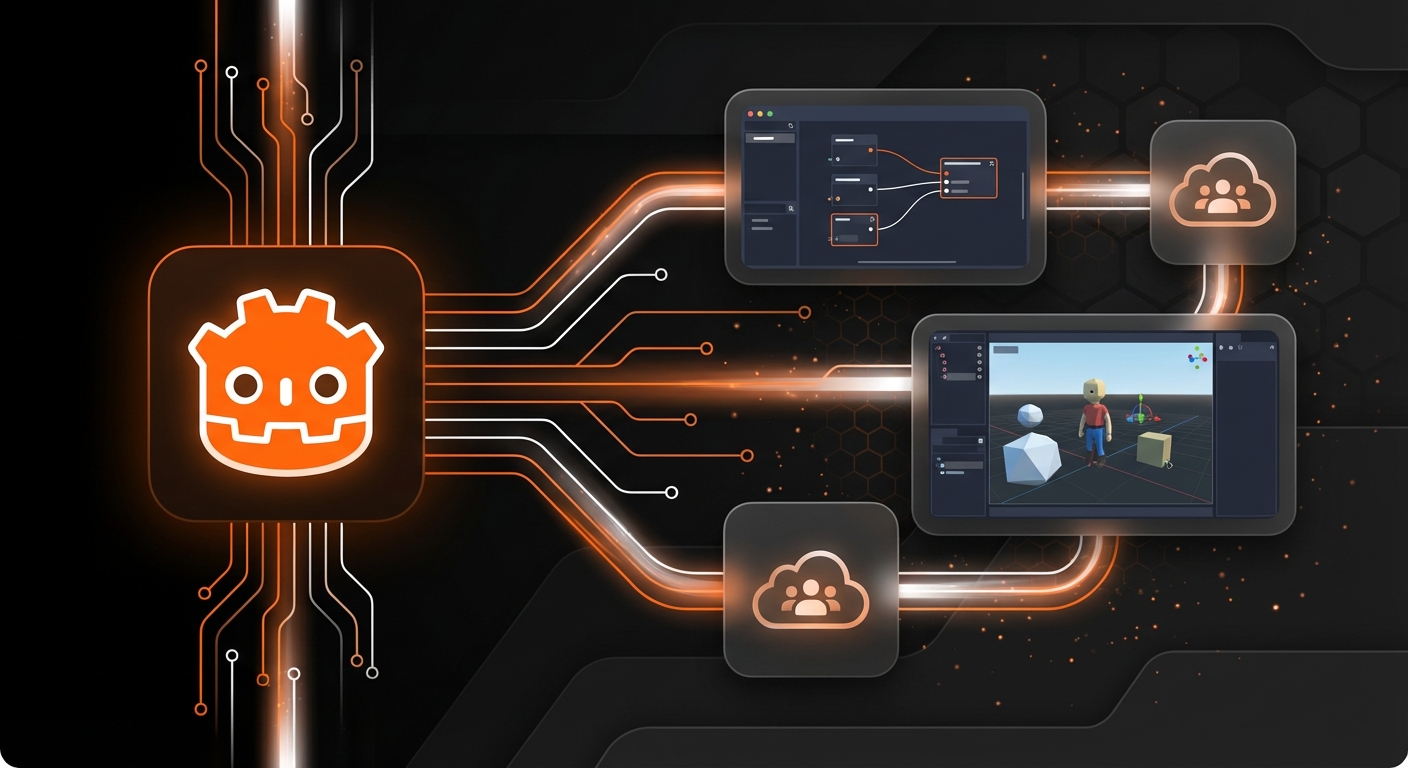
Godot’s primary scripting language, GDScript, is modeled after Python, making it one of the easiest programming languages to learn for game development. The engine boasts a passionate and rapidly growing community that provides excellent support through tutorials, forums, and plugins. Because it’s open-source, you never have to worry about licensing fees or royalties, no matter how successful your game becomes. This freedom makes it an ideal environment for experimentation and learning the fundamentals of game creation.
Key Details
- Best for: Hobbyists wanting to learn coding fundamentals in a friendly environment and indie developers on a budget.
- Pros: Completely free with no royalties, versatile for both 2D and 3D, active community, easy-to-learn scripting language.
- Cons: Smaller asset marketplace compared to competitors like Unity, performance in high-end 3D can lag behind commercial engines.
3. Unity: The Industry Standard for Indies
Unity has long been a dominant force in the indie game scene and remains a top-tier choice for serious hobbyists. It’s a robust, feature-rich engine capable of creating almost any game you can imagine, from simple 2D puzzles to visually stunning 3D open worlds. Its biggest strengths lie in its massive ecosystem. The Unity Asset Store is an unparalleled marketplace for art, tools, and scripts that can dramatically speed up development, while the platform’s extensive documentation and tutorial base are second to none.
However, this power comes with a steeper learning curve. Unity uses the C# programming language, which is more complex than GDScript but is also a highly valuable and transferable skill. While the platform can feel intimidating at first, its component-based system is logical once you grasp the basics. Unity is one of the 5 Best Game Engines for Beginners in 2026 who are ready for a challenge and have long-term development goals. It’s a fantastic tool for those who see their hobby potentially growing into something more.
Key Details
- Best for: Serious hobbyists with long-term ambitions, and developers aiming for complex 3D or mobile games.
- Pros: Massive community and learning resources, high-quality graphics capabilities, robust cross-platform support.
- Cons: Can be overwhelming for new users, C# is more complex than other entry-level languages, and its pricing plans can be confusing.
4. GDevelop: Open-Source, No-Code Development
Another excellent no-code option, GDevelop empowers creators to build games without writing a single line of code. It uses a visual, event-based logic system that is intuitive for visual learners. You construct game mechanics by linking conditions and actions—for example, “If the player collides with a coin, then add 1 to the score.” This approach demystifies programming logic and allows you to build complex behaviors through a simple drag-and-drop interface.
GDevelop is particularly strong for 2D game creation and offers one-click exporting to numerous platforms, including web, mobile, and desktop. As a free and open-source project, it’s supported by a dedicated community and is constantly being updated with new features. While it may not have the raw power of an engine like Unity, it is an incredibly capable tool for building platformers, RPGs, and puzzle games, making it a fantastic choice for hobbyists focused on design and mechanics over complex programming.
Key Details
- Best for: Visual learners, educators, and hobbyists focused primarily on 2D game creation without writing code.
- Pros: Free and open-source, intuitive visual event system, easy multi-platform exporting.
- Cons: Primarily focused on 2D development, can be less performant for very complex projects.
5. PICO-8: The Fantasy Console for Retro Games
For a truly unique take on game development for hobbyists, look no further than PICO-8. It isn’t a game engine but a “fantasy console”—a self-contained environment with intentionally strict limitations. It features a 128×128 pixel display, a 16-color palette, and limited sound capabilities. These constraints might sound restrictive, but they foster immense creativity by forcing you to focus on the core of what makes a game fun. This philosophy is a great way to learn core 7 Game Design Principles for Beginners in 2026.

PICO-8 includes built-in tools for writing code (in the simple Lua language), drawing sprites and maps, and composing music and sound effects. This all-in-one approach makes it easy to get started and finish projects quickly. The community is vibrant, with thousands of developers sharing their games, called “carts,” which can be played directly in the browser or within PICO-8. It’s the perfect tool for anyone who loves retro aesthetics or feels paralyzed by the endless options of modern engines.
Key Details
- Best for: Creatives who love retro aesthetics and developers looking for a fun, constrained environment to learn programming basics.
- Pros: Fosters creativity and focus, all-in-one toolset, strong and supportive community.
- Cons: Strict limitations are not suitable for all projects, requires learning the Lua scripting language.
Choosing Your Path in Hobby Game Development
The landscape of game development for hobbyists is richer and more varied than ever before. Your ideal tool depends entirely on your goals. If you want to learn the intricacies of coding and engine architecture, Godot and Unity offer deep, rewarding experiences. If you prefer a visual, no-code approach to building 2D games, GDevelop is a fantastic open-source choice. And for a dose of creative, retro-inspired fun, PICO-8 is unmatched.
However, for those who want to bypass the technical hurdles entirely and transform a creative spark into a playable game as quickly as possible, the future is clear. AI-powered platforms are changing the game, and tools like MakeGamesWithAI stand at the forefront, empowering a new generation of creators to build, share, and play without limits. Explore the possibilities and start building your dream game today.