
How to Create Environments in Games: A 2026 Guide
The difference between a good game and a truly unforgettable one often lies in the world it builds. A compelling environment does more than just serve as a backdrop; it tells a story, guides the player, and creates a deep sense of immersion. In 2026, the tools and techniques available have made world-building more accessible than ever. This guide provides a complete walkthrough of how to create environments in games, taking you from initial concept to a fully realized, interactive world.
Whether you’re an aspiring developer or a creative hobbyist, understanding this process is key to bringing your game ideas to life. Let’s dive into the essential steps for crafting worlds that will captivate your players.
A Step-by-Step Guide to Creating Game Environments
Building a game world is a layered process that combines artistic vision with technical execution. By breaking it down into manageable stages, you can ensure a cohesive and high-quality result.
Step 1: Conceptualization and Planning
Before you place a single object, you need a clear vision. This foundational step defines the entire direction of your environment.
- Define the Core Idea: What is the theme and mood? Is it a neon-drenched cyberpunk city, a serene fantasy forest, or a desolate post-apocalyptic wasteland? Your choice will influence every subsequent decision.
- Gather References: Create a mood board using images, concept art, and even film stills. This visual library will keep your art style consistent and provide inspiration.
- Embed a Narrative: A great environment tells a story. Who lives here? What happened in this space? Small details—a fallen statue, a hastily abandoned camp—can add layers of unspoken lore.
- Plan for Gameplay: Your environment must serve the game’s mechanics. Consider player pathways, potential cover for combat, locations for key items, and verticality for exploration. A well-designed space feels intuitive and enhances the gameplay loop. For more on this, it’s worth reviewing some core 7 Game Design Principles for Beginners in 2026.
Step 2: Choosing Your Tools and Workflow
With your concept in hand, it’s time to select the right tools for the job. In 2026, you have more options than ever.
- The Traditional Path: This involves using a suite of complex software. You would use a game engine like Unreal Engine or Unity, a 3D modeling program like Blender or Maya for creating assets, and texturing software like Adobe Substance Painter. This path offers immense control but comes with a steep learning curve and significant time investment.
- The No-Code/AI Path: Modern platforms have revolutionized this process. For creators who want to focus on design rather than technical hurdles, these tools are a game-changer. An understanding of What Is No-Code Game Development? A 2026 Guide can highlight how accessible game creation has become. Platforms like MakeGamesWithAI leverage AI to automate complex tasks, allowing you to generate and customize environments using simple text prompts and a visual editor, completely bypassing the need for coding or 3D modeling expertise.
Step 3: Blocking Out the Level (Grayboxing)
Grayboxing is the process of building a rough, untextured version of your environment using simple geometric shapes. This critical stage focuses purely on layout, scale, and flow.
Think of it as creating an architectural blueprint. You’ll test player navigation, check sightlines, and confirm that the scale feels right from the player’s perspective. It’s far easier to move a few simple cubes around than to rebuild a fully detailed scene. Test your blockout thoroughly to ensure the level is fun and functional before committing to artistic detail.
Step 4: Asset Creation and Integration
This is where your world starts to gain its visual identity. Assets are the individual models that populate your environment, from trees and rocks to buildings and furniture. You have two primary options:
- Create Custom Assets: This involves sculpting, modeling, and texturing every object yourself. It provides unique results but is the most time-consuming part of development. There are many excellent Best Tools for Game Asset Creation in 2026 if you choose this route.
- Use Pre-made or AI-Generated Assets: This is the faster, more efficient approach, especially for solo developers or small teams. You can acquire assets from online marketplaces or use platforms with built-in libraries. MakeGamesWithAI, for example, includes over 100 professional gaming assets you can use instantly. Furthermore, understanding How to Use AI in Game Creation: A 2026 Guide reveals how AI can now generate unique assets based on your descriptions, blending the speed of pre-made assets with the uniqueness of custom ones.
Step 5: Lighting and Atmosphere
Lighting is arguably the most powerful tool for establishing mood. A scene can be transformed from cheerful to terrifying simply by changing the lighting.
- Key Lighting Elements: Use a combination of a main light source (like the sun), fill lights to soften shadows, and accent lights to highlight points of interest.
- Color and Mood: Warm, golden light can evoke a sense of peace or nostalgia, while cool blues and stark shadows can create tension and mystery.
- Atmospheric Effects: Don’t forget to add elements like fog, dust motes, or volumetric rays of light. These effects add depth and make the air itself feel tangible, greatly enhancing immersion.
Step 6: Post-Processing and Polish
Post-processing effects are the final layer of polish applied to the camera’s view, much like photo editing. These finishing touches can unify the scene and give it a professional, cinematic quality.
Common effects include:
- Color Grading: Adjusting the overall hue and saturation to achieve a specific stylistic look.
- Bloom: Makes bright areas of the screen glow, adding a soft, dreamlike quality.
- Ambient Occlusion (SSAO): Adds small, soft shadows where objects meet, grounding them in the scene.
- Depth of Field: Blurs objects in the background to mimic a camera lens and draw focus to the foreground.
At this stage, also consider adding sound effects—wind rustling through trees, the distant hum of machinery—to make the world feel truly alive.
Common Mistakes to Avoid When Building Game Worlds
Knowing how to create environments in games also means knowing what pitfalls to avoid. Steer clear of these common errors:
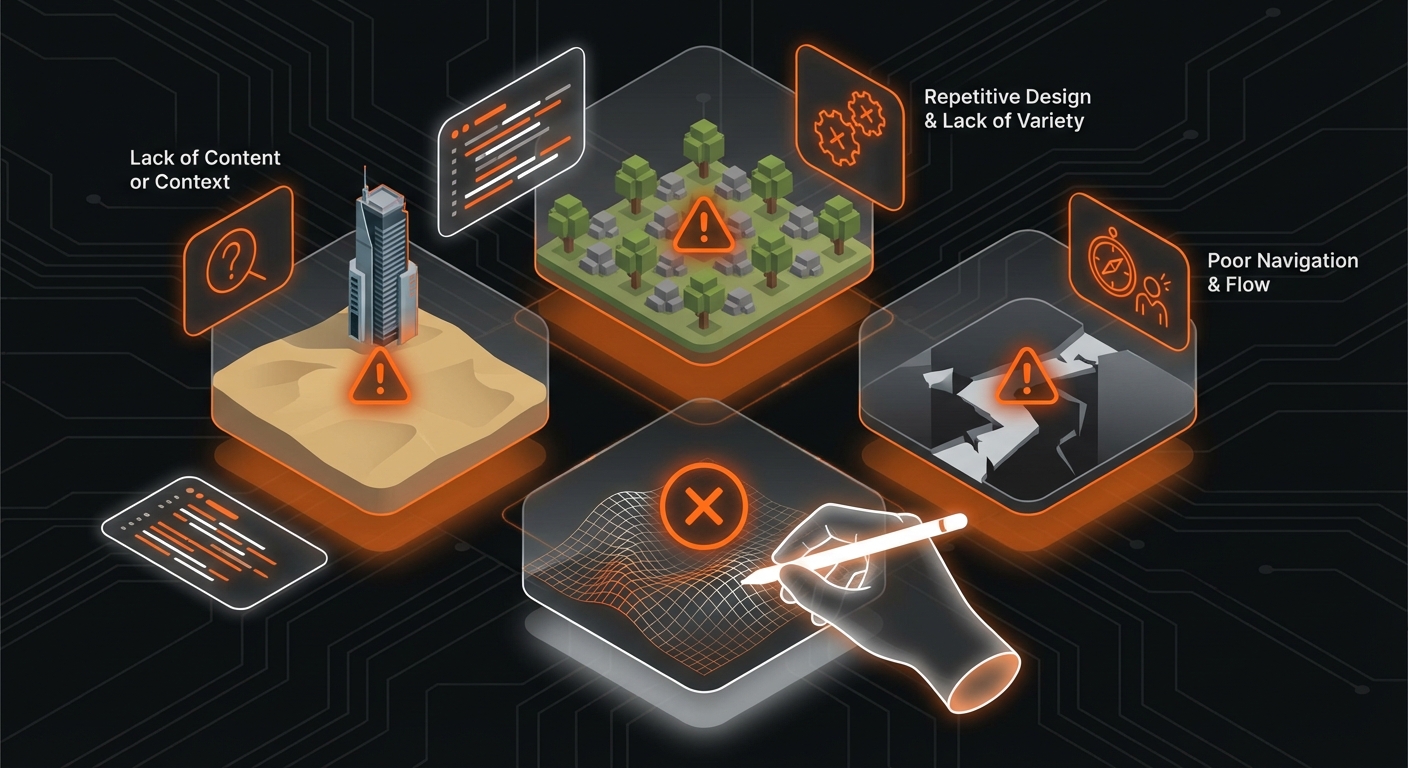
- Inconsistent Scale: Objects that are disproportionate to the player or each other can immediately break immersion.
- Poor Optimization: Using too many high-resolution textures or complex models can lead to low frame rates, making the game unplayable.
- Ignoring a Visual Hierarchy: Cluttering the scene with too much detail can confuse the player. Use lighting and composition to guide their eye to important areas.
- Static Worlds: Forgetting to add small movements—swaying foliage, flowing water, flickering lights—can make an environment feel sterile and lifeless.
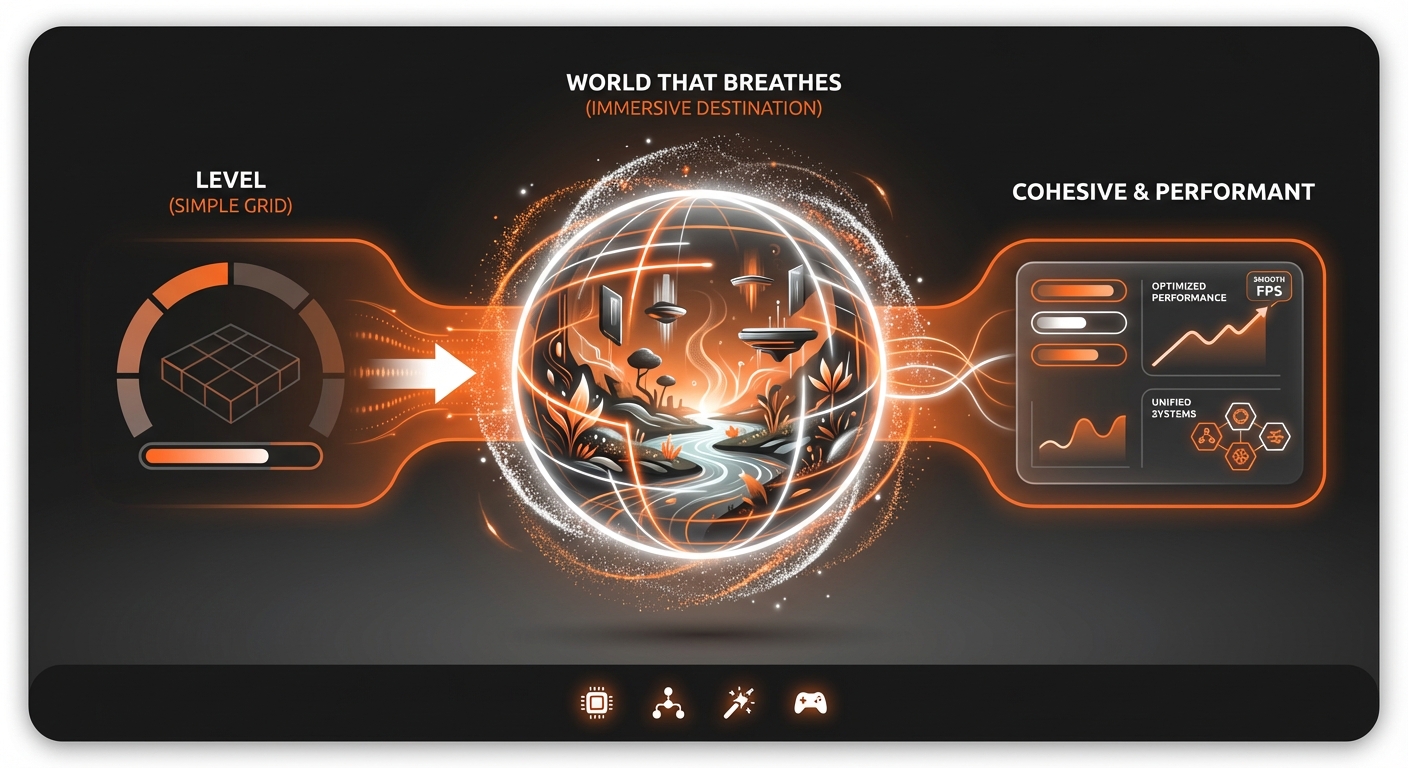
Expected Outcomes: A World That Breathes
By following these steps, you will create more than just a level; you will build a destination. The result is a cohesive, performant, and immersive game environment that effectively supports your gameplay and narrative. Your world will feel intentional, rich with history, and compelling for players to explore.
Ultimately, a well-crafted environment becomes a character in its own right, leaving a lasting impression on the player long after they’ve put the controller down.
Creating compelling game worlds is an art form, but with the right process and tools, it’s a skill anyone can learn. For those looking to bypass the steep learning curves of traditional software, platforms like MakeGamesWithAI offer a revolutionary approach. By leveraging AI and a vast asset library, you can focus directly on the creative aspects of world-building and bring your vision to life in minutes, not months.