How to Deploy Games Online: A 2026 Guide
You’ve spent countless hours designing, developing, and perfecting your game. The final, exhilarating step is to share it with the world. But getting your creation from your computer to a playable online state can feel like a daunting final boss. For any developer in 2026, learning how to deploy games online is the critical skill that transforms a personal project into a public experience, allowing you to gather feedback, build a community, and showcase your talent.
This guide will walk you through the entire process, breaking it down into clear, manageable steps. Whether you’re using a traditional game engine or a modern AI-powered platform, you’ll learn exactly what it takes to get your game live.
A Step-by-Step Guide on How to Deploy Games Online
Deploying a game is more than just uploading files. It involves a strategic process of preparation, platform selection, and promotion to ensure your game reaches the right audience and provides the best possible player experience.
Step 1: Finalize and Polish Your Game
Before you even think about deployment, your game needs to be in its best possible state. A buggy or unoptimized game will quickly turn players away. This is your last chance to make a great first impression.
- Bug Squashing: Playtest your game extensively. Have friends, family, or community members test it as well. Hunt down and fix as many bugs, glitches, and crashes as you can find.
- Performance Optimization: For online games, especially browser-based ones, performance is key. Optimize your code and assets to ensure fast loading times and a smooth frame rate. Large textures, uncompressed audio, and inefficient scripts are common culprits for poor performance.
- Final Touches: Add in the final polish. This includes sound effects, background music, menu screens, a credits roll, and a clear tutorial or instructions screen. These details elevate a project from a tech demo to a complete game. Remember to follow good 7 Game Design Principles for Beginners in 2026 to ensure a cohesive experience.
Step 2: Choose Your Deployment Platform
Where your game lives online will significantly impact its visibility and accessibility. In 2026, you have several excellent options, each with its own pros and cons.
- Indie Game Portals (Itch.io, Game Jolt): These are the most popular choices for independent developers. They offer free hosting, a built-in community of players, and simple tools for creating a customizable game page. They are ideal for browser-based (HTML5) games and downloadable builds.
- Personal Website or Portfolio: Hosting the game on your own domain gives you complete control over branding, presentation, and monetization. However, it requires you to manage web hosting, domain registration, and potentially implement features like leaderboards yourself.
- Integrated Creation Platforms: The rise of no-code and AI-driven development has led to platforms that bundle creation and deployment. For example, MakeGamesWithAI allows you to build a game using AI and then publish it instantly with a single click. This eliminates the technical hurdles of exporting, configuring, and uploading, making it the fastest path from idea to live game.
For a detailed comparison of your options, check out our guide to the Top 5 Instant Game Publishing Platforms of 2026.
Step 3: Prepare and Export Your Game Build
Once your game is polished and you’ve chosen a platform, you need to package it in the correct format. For online deployment, the universal standard is HTML5.
An HTML5 build bundles your game into a set of files (HTML, JavaScript, CSS, and asset files) that can run directly in a web browser like Chrome, Firefox, or Safari. This makes your game instantly accessible without requiring players to download or install anything.
If you’re using a traditional engine like Unity or Godot, you’ll use their built-in export functionality to generate an HTML5/WebGL build. This process can sometimes require specific configuration to ensure compatibility and performance. However, if you’re exploring modern development methods, the process is much simpler. The entire concept of What Is No-Code Game Development? A 2026 Guide revolves around abstracting these technical steps away from the creator.
Step 4: Configure Your Game’s Page
Your game’s page is its storefront. This is where you’ll convince potential players to click “Play.” A well-designed page should include:
- A Compelling Title and Tagline: Grab attention immediately.
- An Engaging Description: Briefly explain the game’s concept, genre, and what makes it unique.
- High-Quality Screenshots and GIFs: Show, don’t just tell. Use dynamic action shots to showcase the best moments of your gameplay.
- A Trailer (Optional but Recommended): A short video is the most effective marketing tool for a game.
- Clear Instructions: List the controls and the objective of the game.
- Tags: Use relevant tags (e.g., “puzzle,” “platformer,” “pixel art”) to help players discover your game on the platform.
Step 5: Upload, Test, and Launch
With your HTML5 build and page assets ready, it’s time to upload. On platforms like Itch.io, you’ll typically upload a .zip file containing all your exported game files. The platform will then unpack it and serve it from their servers.
Warning: Do not assume the game will work perfectly just because it worked on your computer. Test the live version thoroughly.
- Open the game in different web browsers (Chrome, Firefox, Edge, Safari).
- Test it on different devices, including desktops and mobile phones (if designed for them).
- Check for loading errors, broken graphics, or sound issues.
Once you’re confident everything is working as intended, set your page to “Public” and hit that launch button!
Step 6: Promote Your Game
Deployment is not the finish line; it’s the starting line for building an audience. Share the link to your game on your social media channels, relevant subreddits (like r/indiegames), Discord servers, and online forums. Encourage players to leave feedback and ratings, which can help improve your game’s visibility and provide valuable insights for your next update or project.
Common Mistakes to Avoid When Deploying a Game
Navigating the final steps can be tricky. Here are some common pitfalls to watch out for:
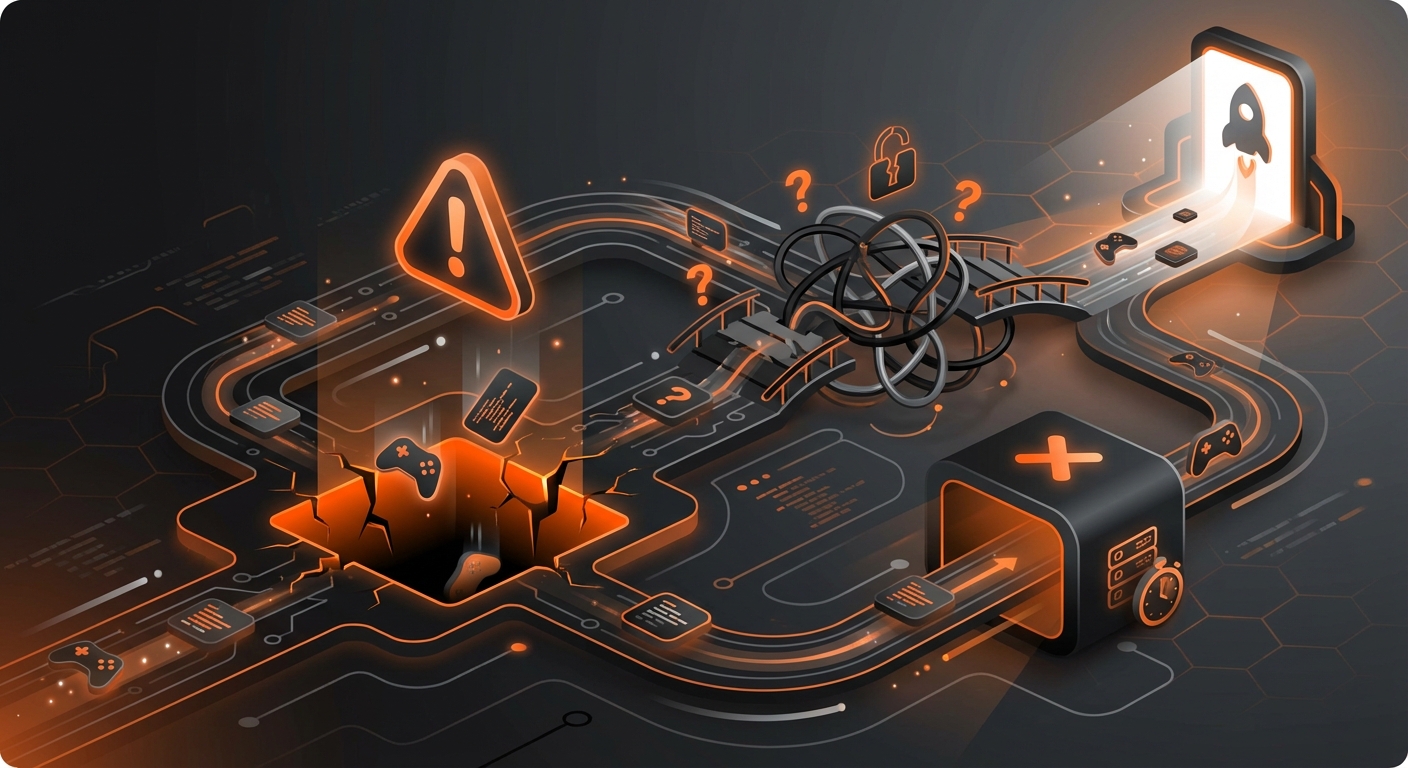
- Forgetting to Optimize File Sizes: Large game files lead to long loading times, which is the number one reason players will abandon a web game before it even starts. Compress your images, audio, and other assets using tools designed for the job. You can find some great options in our list of the Best Tools for Game Asset Creation in 2026.
- Ignoring Mobile Users: In 2026, a significant portion of web traffic is mobile. If your game isn’t designed with a responsive layout or touch controls, you’re alienating a huge potential audience. At a minimum, include a message on your game page if it’s not mobile-compatible.
- A Lack of Clear Instructions: Don’t assume players will automatically understand your game’s mechanics or controls. A simple “How to Play” section on the game page or an in-game tutorial is essential.
- Publishing and Ghosting: Don’t just launch your game and disappear. Engage with your players in the comments section, thank them for their feedback, and post updates about bug fixes or new features. Community engagement is key to long-term success.
Expected Results: Your Game is Live!
By following these steps, you will have successfully navigated the process of how to deploy games online. The expected outcome is a publicly accessible, playable version of your game that you can share with anyone in the world with a simple link. You’ll be able to see real people playing your creation, gather direct feedback, and build a portfolio of your work.
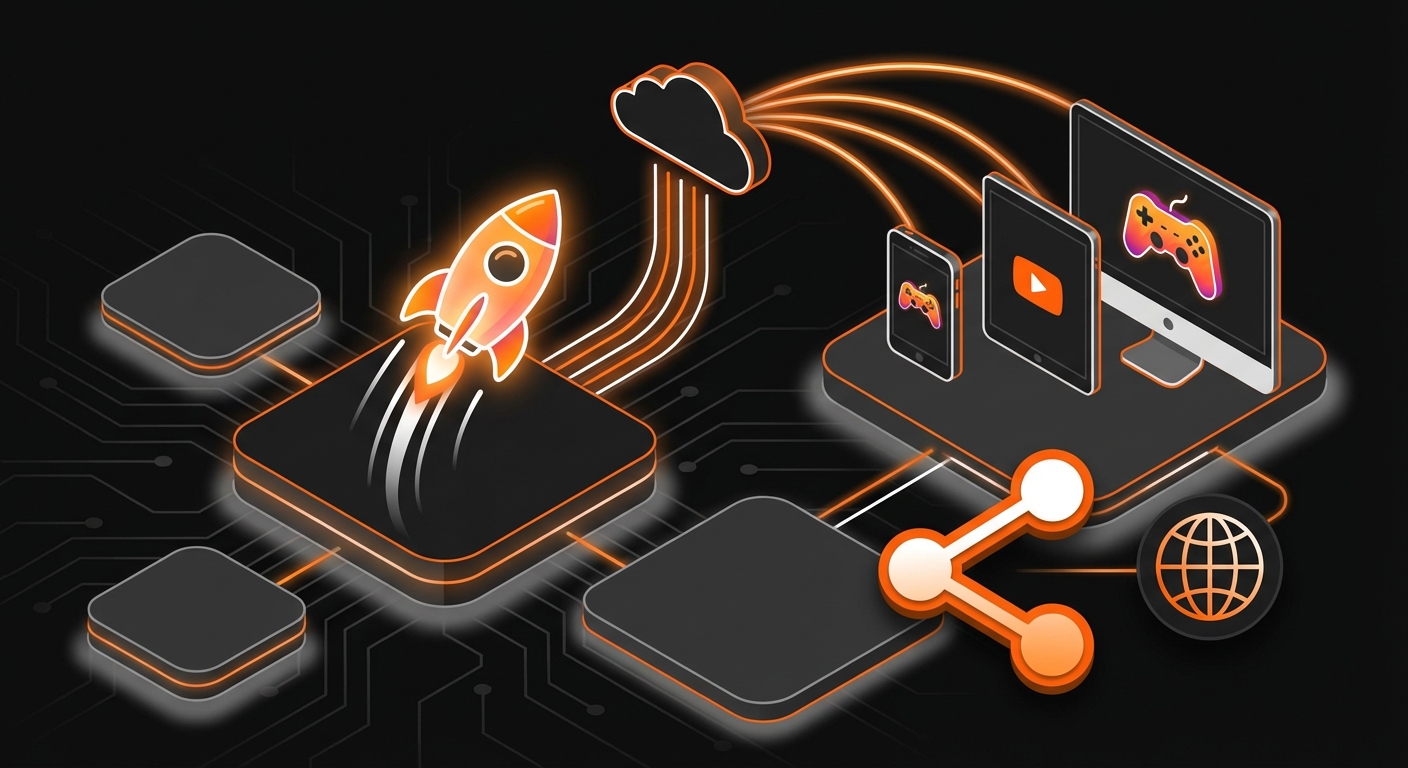
This process, while rewarding, can be technically intensive. For those who want to focus purely on creativity, platforms built on modern technology can make a world of difference. Tools that leverage AI for game creation often integrate deployment directly into the workflow. With a platform like MakeGamesWithAI, publishing your game is as simple as clicking a button, letting you go from concept to a globally available game in minutes, not days. This streamlined approach empowers you to focus on what truly matters: bringing your unique game ideas to life. To learn more about this revolutionary process, see our guide on How to Use AI in Game Creation: A 2026 Guide.