Top 12 Best Game Engines for Beginners in 2025
Jumping into game development is an electrifying adventure, but choosing the right tools can feel like the first boss battle. With so many options, where do you even start? The secret is finding an engine that matches your skill level, creative goals, and how much time you actually want to spend coding versus creating. A clunky engine can kill your motivation before you even draw your first sprite.
What if you could bypass the steepest learning curves and build a fully playable game in minutes, just by describing it? At MakeGamesWithAI, our AI-powered platform does exactly that, instantly turning your wild ideas into addictive arcade-style games. Every game you create comes complete with global leaderboards, so you can challenge your friends and see who gets the top score on our global leaderboard page. While you're exploring the more traditional options below, remember that the fastest path from idea to playable fun is just a prompt away.
This guide will break down the absolute best game engines for beginners, cutting through the marketing fluff to give you the honest pros, cons, and real-world use cases you need. We'll show you exactly what each engine is good for, from epic 3D RPGs to quirky 2D platformers. Each entry includes screenshots, direct links, and a clear breakdown to help you find the perfect match for your first project. Let’s get you building.
1. Make Games With AI
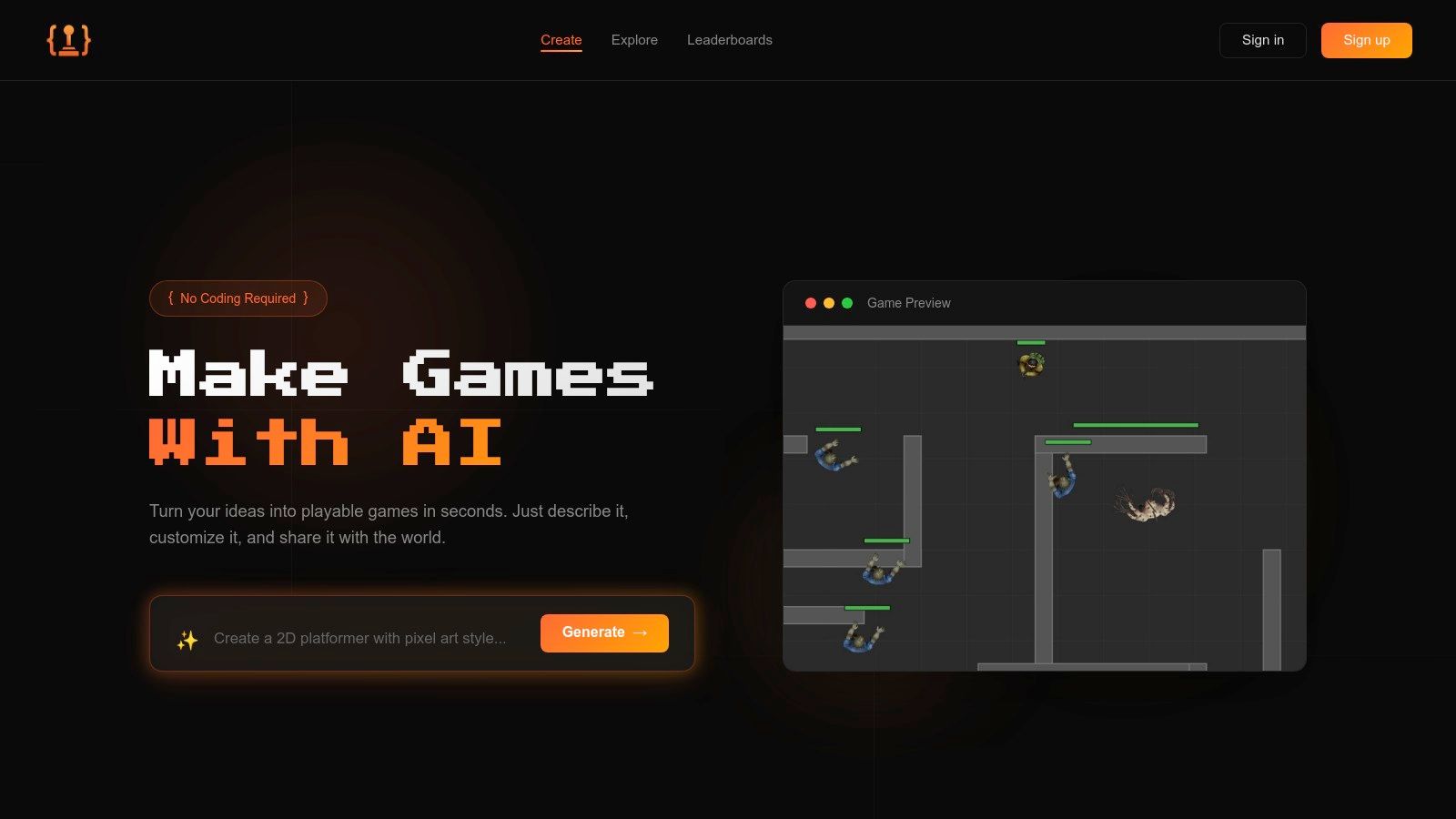
Kicking off our list is a platform that fundamentally redefines what it means to create a game. Make Games With AI isn't just another engine; it's an AI-powered game creation studio that turns your ideas into fully playable, publishable games in under a minute. For absolute beginners intimidated by code, complex interfaces, and steep learning curves, this platform represents the most direct path from imagination to a shareable, finished product. It solidifies its place as one of the best game engines for beginners by eliminating traditional development barriers entirely.
Why It's Our Top Pick for Beginners
Make Games With AI stands out with its prompt-based generation. You simply describe the game you want to build in plain English, like "a side-scrolling platformer where a ninja collects coins and avoids zombies." The AI then generates a complete game, including mechanics, assets, and even a global leaderboard.
The true magic lies in its conversational editor. Instead of digging through menus or writing scripts, you just chat with the AI. Want to make the player jump higher or add more enemies? Just type it. This iterative, dialogue-driven process makes game design feel intuitive and experimental, perfect for those new to the craft.
Standout Features
- Instant Generation: Go from a simple text prompt to a playable game in seconds. This is ideal for rapid prototyping or simply bringing a fun idea to life without any setup.
- Conversational Editor: Tweak gameplay, adjust difficulty, and change features using natural language. It’s a revolutionary approach that removes technical hurdles.
- Built-in Publishing & Leaderboards: Every game you create can be published with a single click, generating a shareable link. Automatic global leaderboards add a competitive edge right out of the box.
- Professional Asset Library: Access over 100 professional assets to give your game a polished look without needing any artistic skill.
Practical Use Cases
This platform is a phenomenal tool for educators, hobbyists, or anyone looking to prototype quickly. Imagine running a game jam where participants can build and publish a dozen ideas in an afternoon. It’s also perfect for content creators who want to make simple, engaging games for their audience without investing months in learning a traditional engine. You can even explore the games made by the community for inspiration.
Get started by creating one game for free. For unlimited creation and commercial rights, the subscription is a clear and simple $19.99/month. This makes it one of the most accessible options available for aspiring creators. For a deeper dive into how it compares to other tools, Make Games With AI has published a detailed guide on video game creation software.
2. Unity
Unity is the undisputed heavyweight champion of indie and mobile game development, and for good reason. It’s the engine behind massive hits like Among Us, Hollow Knight, and Genshin Impact. If you’re looking for one of the best game engines for beginners that offers a direct path from your first "hello world" project to a commercial release, Unity's official website is your starting point. It's a powerhouse that scales with your ambition, handling everything from simple 2D platformers to complex 3D RPGs and even AR/VR experiences.
The platform’s greatest strength is its ecosystem. The Unity Asset Store is a gigantic marketplace where you can find pre-made 3D models, audio, and code scripts to jumpstart your projects. Think of it like a massive digital LEGO set that lets you build faster. Combine that with an unparalleled library of official and community-made tutorials on YouTube and Unity's own learning portal, and you’ll never be stuck for long. This community support is invaluable when you're just starting out and need a helping hand.
Key Features & Considerations
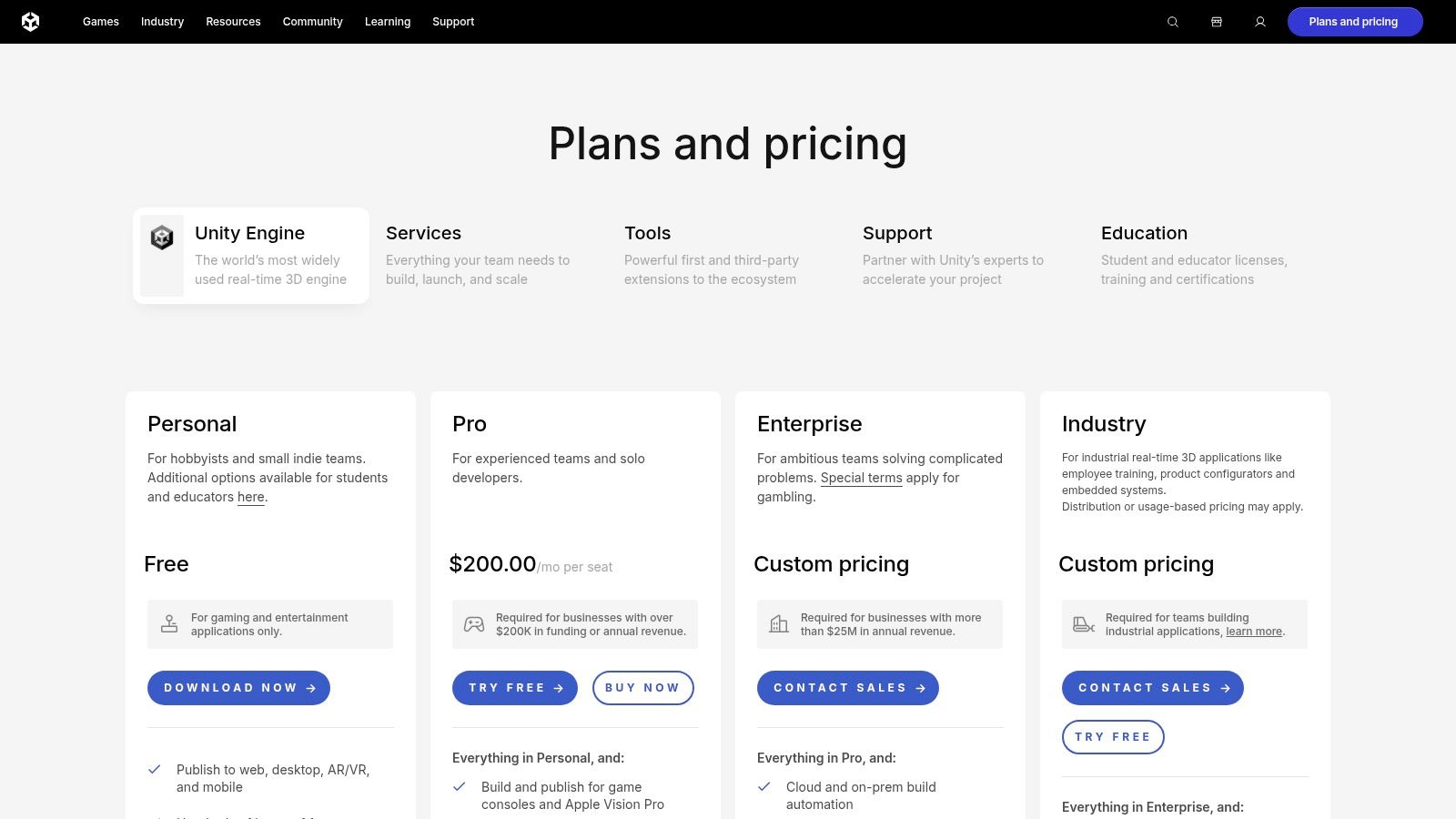
Unity's free Personal plan is perfect for hobbyists and small teams, remaining free until you hit a significant revenue or funding threshold. This makes it incredibly accessible. While the engine uses C#, the learning curve is manageable thanks to the vast amount of learning resources.
- Pros:
- Massive Community: Unrivaled access to tutorials, forums, and courses.
- Asset Store: Speeds up development with thousands of free and paid assets.
- Platform Reach: Easily export games to mobile, desktop, web, and AR/VR.
- Cons:
- Pricing Complexity: Subscription costs and recent pricing model changes can be confusing.
- Feature Bloat: Can feel overwhelming for absolute beginners compared to simpler engines.
Website: https://unity.com/
3. Unreal Engine
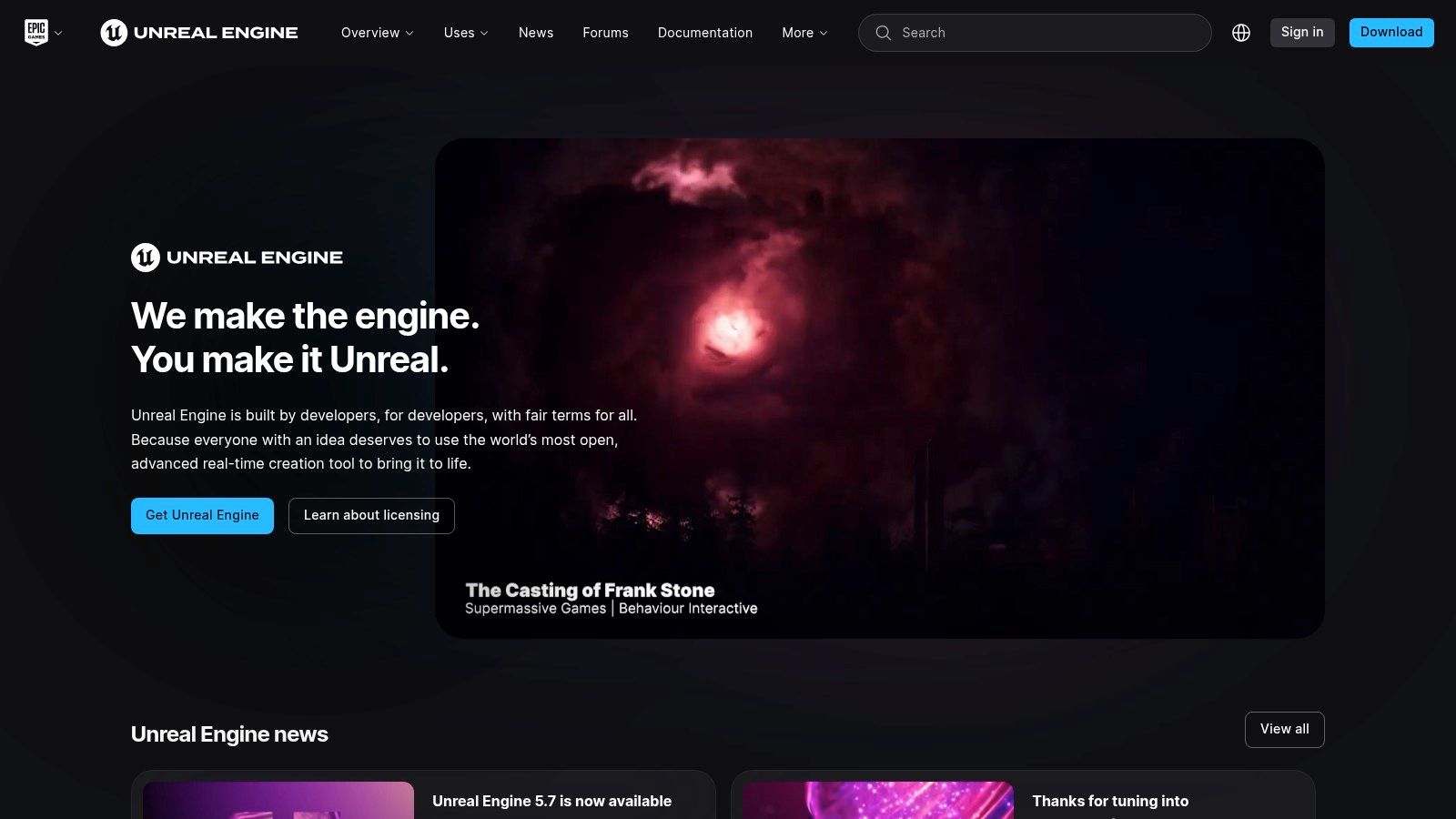
If you dream of creating games with jaw-dropping, AAA-quality graphics, Unreal Engine is your destination. This is the powerhouse behind visual spectacles like Fortnite, Valorant, and Senua's Saga: Hellblade II. While it has a reputation for being a professional-grade tool, Epic Games has made significant strides in making it one of the best game engines for beginners who prioritize graphical fidelity above all else. Its official website is a gateway to a world of high-end development, offering extensive documentation and learning pathways to get you started.
Unreal’s secret weapon for newcomers is Blueprints, a visual scripting system that lets you build game logic by connecting nodes and wires instead of writing code. It’s like creating a flowchart for your game’s functionality, making it incredibly intuitive for visual learners to grasp core programming concepts. This system allows you to create fully functional games without typing a single line of C++, though the option to dive into code is always there when you're ready. The Quixel Megascans library, offering thousands of free, photorealistic assets, further lowers the barrier to creating stunning environments.
Key Features & Considerations
Unreal Engine is completely free to download and use for game development. You only pay royalties after your game achieves significant commercial success, which is a fantastic deal for beginners and indie developers. Its royalty model is 5% on lifetime gross revenue after your first $1 million, giving you plenty of runway before you ever have to pay.
- Pros:
- Unmatched Visuals: Industry-leading graphics capabilities for photorealistic results.
- Blueprints System: A powerful and accessible visual scripting alternative to coding.
- Generous Royalty Model: Free to start, with a high revenue threshold before fees apply.
- Cons:
- Steeper Learning Curve: The sheer number of advanced tools can be intimidating.
- Demanding System Requirements: Requires a powerful PC to run smoothly.
Website: https://www.unrealengine.com
4. Godot Engine
Godot is the darling of the open-source world and a rising star in game development. It’s a completely free, all-in-one engine that champions a "no strings attached" philosophy. Forget royalties or subscription fees; what you make is 100% yours. This makes the official Godot Engine website a fantastic starting point for anyone who wants one of the best game engines for beginners without worrying about future costs. Its lightweight nature and focus on rapid iteration mean you can go from an idea to a playable prototype incredibly fast.
The engine’s node-based scene system is incredibly intuitive, allowing you to build game objects like you're assembling LEGO bricks. This visual approach is a game-changer for grasping core development concepts. While its 3D capabilities are improving rapidly, Godot truly shines in 2D, with many developers finding its 2D workflow more streamlined and powerful than its bigger competitors. For those looking to generate unique game assets quickly, combining Godot's simple pipeline with an AI art tool from platforms like MakeGamesWithAI can be a powerful and cost-effective strategy.
Key Features & Considerations
Godot’s proprietary scripting language, GDScript, is very similar to Python, making it one of the easiest languages to pick up for non-programmers. The entire engine is a tiny download, so you can get it installed and running in minutes, not hours. This accessibility and open-source spirit have cultivated a passionate and helpful community.
- Pros:
- Completely Free: Zero cost with an MIT license, so no royalties or hidden fees.
- Approachable Workflow: The node system and easy-to-learn GDScript are perfect for beginners.
- Lightweight & Fast: Small download size and quick to launch, encouraging rapid iteration.
- Cons:
- Smaller Asset Library: The official asset marketplace is not as extensive as Unity's.
- Growing Pains: While powerful, its 3D feature set is still maturing compared to industry giants.
Website: https://godotengine.org/
5. GameMaker
GameMaker has carved out a legendary status in the 2D game development world, powering iconic indie hits like Undertale, Hotline Miami, and Hyper Light Drifter. It is one of the best game engines for beginners precisely because it masters the art of simplicity without sacrificing depth. The platform's official website, GameMaker.io, is the central hub for an engine that offers a brilliant on-ramp for creators, blending a drag-and-drop visual scripting system with its own straightforward coding language, GML (GameMaker Language). This dual approach lets you build your first game visually and then gradually transition to code as your confidence grows.
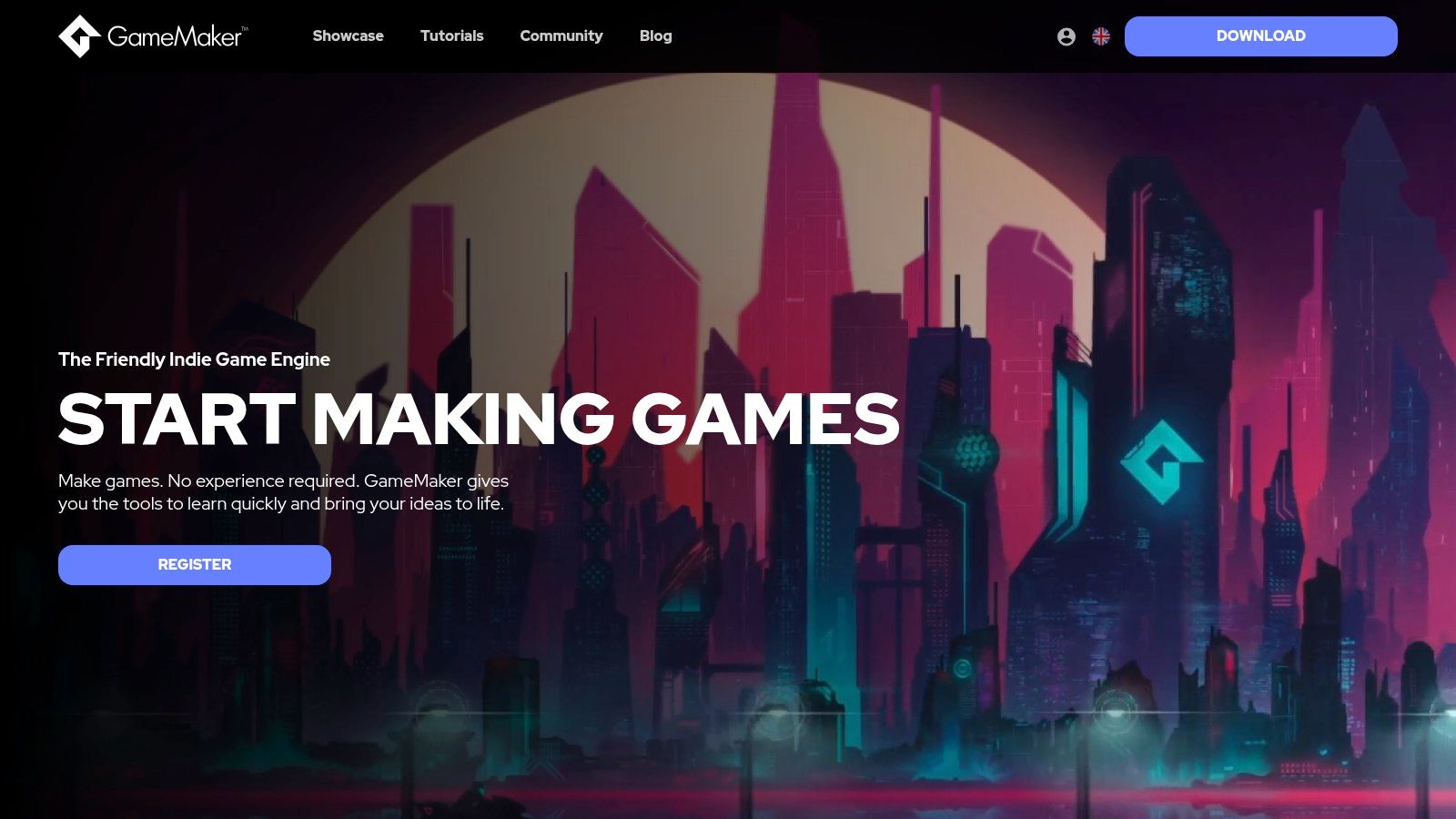
The engine’s core philosophy is rapid prototyping. You can go from a blank canvas to a playable 2D game incredibly quickly, making it perfect for game jams and for developers who want to test ideas without getting bogged down in complex setup. The community is robust, with a treasure trove of tutorials available to guide you through everything from platformer physics to crafting a compelling RPG. Its focused approach makes it a premier choice among the best 2D game engines, especially for those who want to create pixel art masterpieces or stylized 2D adventures without the overhead of a 3D-first engine.
Key Features & Considerations
GameMaker offers a generous free version for non-commercial projects, with a very reasonable one-time fee for a commercial license, making it accessible for aspiring indie developers. While it's heavily 2D-focused, its toolset is highly optimized for that purpose, delivering excellent performance.
- Pros:
- Very fast to prototype 2D games: Its workflow is streamlined for speed.
- Smooth progression: Effortlessly move from its no-code interface to scripting with GML.
- Large tutorial base: A wealth of community and official resources to learn from.
- Cons:
- Limited 3D capabilities: Not the right tool for 3D-focused projects.
- Paid tiers for console export: Releasing on consoles like Switch or PlayStation requires a pricier subscription.
Website: https://gamemaker.io/
6. Construct 3
If the thought of setting up a complex development environment makes you want to close your laptop, Construct 3 is your savior. This engine runs entirely in your web browser, meaning you can start building your game literally seconds after visiting the website. It’s a dream for beginners, educators, and anyone who wants to jump straight into creating without any installation headaches. This frictionless approach makes it one of the best game engines for beginners who prioritize speed and ease of use for 2D game creation.
Construct 3’s magic lies in its "Event Sheet" system, a visual scripting method that replaces traditional coding with logic blocks. You build game mechanics by creating "if this, then that" style rules, which is an incredibly intuitive way to learn the fundamentals of game logic. It's a fantastic stepping stone that helps you understand how to create a game app without writing a single line of code, turning complex ideas into playable realities through simple drag-and-drop actions. The engine is perfect for game jams, classroom projects, or just experimenting with a new idea on a lazy afternoon.
Key Features & Considerations
Getting started is as simple as opening a new tab. Construct 3 offers a free trial directly in the browser with no sign-up required, letting you test its full potential immediately. The personal subscription plans are affordable, unlocking the ability to export your creations to a wide array of platforms, including mobile and desktop.
- Pros:
- Zero Installation: Runs entirely in your browser, making it incredibly accessible on almost any device.
- Visual Scripting: The Event Sheet system is intuitive and perfect for non-programmers.
- Rapid Prototyping: Go from idea to playable prototype faster than almost any other engine.
- Cons:
- Strictly 2D Focused: Its 3D capabilities are extremely limited and not its primary function.
- Subscription Model: Lacks a one-time purchase option, which some developers may prefer.
Website: https://www.construct.net/
7. GDevelop
GDevelop is the champion for anyone who wants to make a game right now without writing a single line of code. It’s an open-source engine built around a visual event system that feels like putting puzzle pieces together. If you've ever found coding intimidating but have a brilliant game idea for a 2D platformer, puzzle game, or top-down shooter, the GDevelop website is your ideal launchpad. It’s widely regarded as one of the best game engines for beginners who want to see results fast and learn core game logic visually.
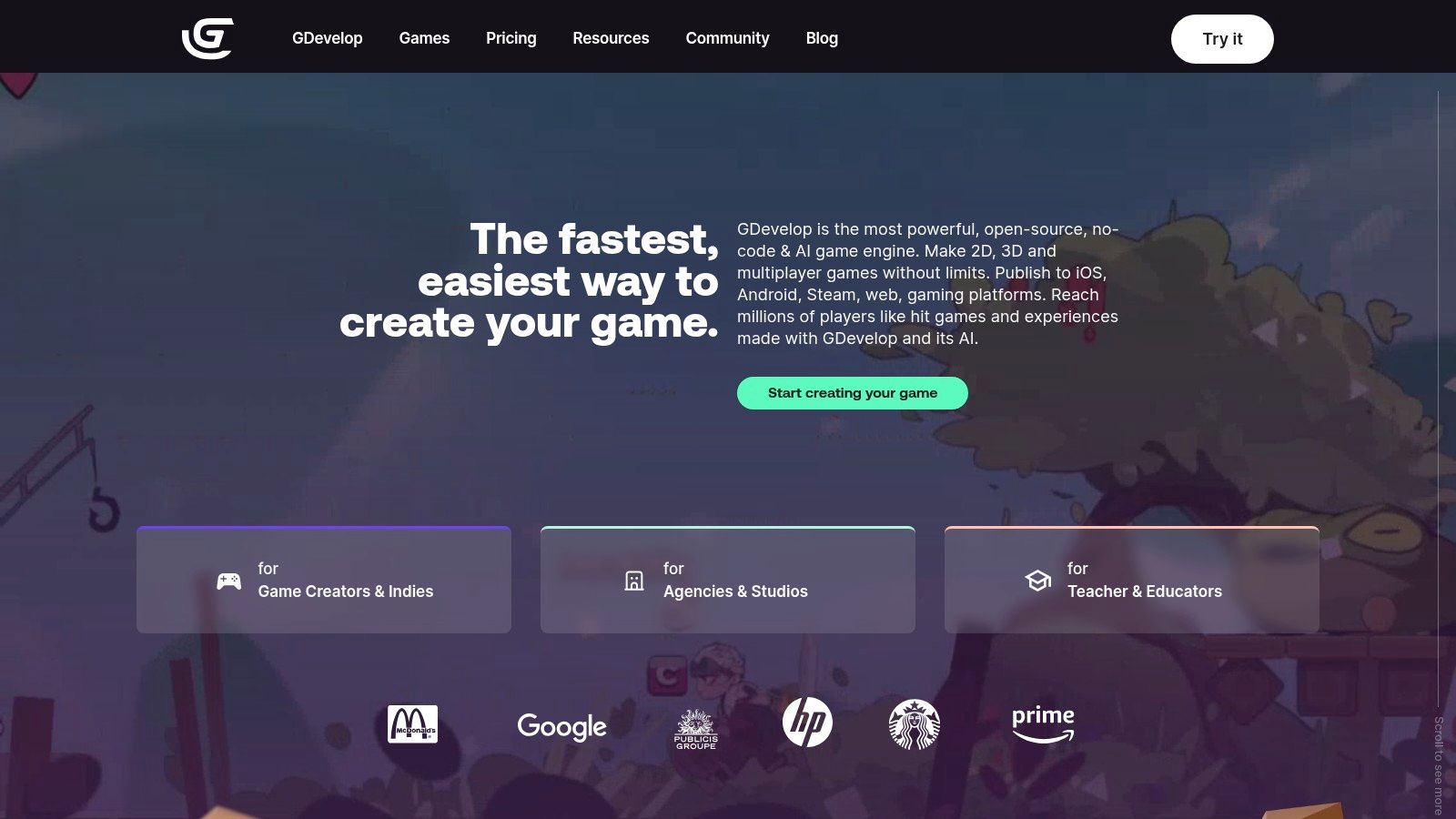
The platform’s magic lies in its accessibility. GDevelop's "events" system replaces complex code with simple "if this, then that" logic blocks, making it incredibly intuitive. The engine comes packed with ready-to-use templates and behaviors, plus an integrated asset store, so you can start building immediately. With its one-click export feature, you can publish your creation to the web, desktop, and mobile with almost no friction. This streamlined process lets you focus on creativity rather than getting bogged down in technical setup.
Key Features & Considerations
GDevelop’s open-source core is completely free, offering a generous starting point for any new creator. While optional paid tiers unlock advanced features like more cloud builds, AI credits, and easier iOS publishing, the free version is more than enough to build and publish a complete game. This makes it an excellent choice for getting your feet wet in game development.
- Pros:
- Truly No-Code: The visual event system is one of the most intuitive and beginner-friendly workflows available.
- Generous Free Tier: Build and publish full games without paying a cent.
- Quick Publishing: One-click exports to web, mobile, and desktop simplify the release process.
- Cons:
- Limited 3D Capabilities: Primarily focused on 2D, so not ideal for complex 3D projects.
- Paywalled Conveniences: Some of the easiest publishing options and cloud features are behind a subscription.
Website: https://gdevelop.io
8. RPG Maker
If you’ve ever dreamed of crafting your own sprawling JRPG epic in the vein of Final Fantasy or Dragon Quest but the thought of coding makes your head spin, RPG Maker is your holy grail. This specialized tool, available on its official webshop, is one of the best game engines for beginners precisely because it laser-focuses on one genre and executes it flawlessly. It’s less of a general-purpose engine and more of a complete JRPG construction kit, perfect for storytellers and designers who want to build worlds, not programming skills.
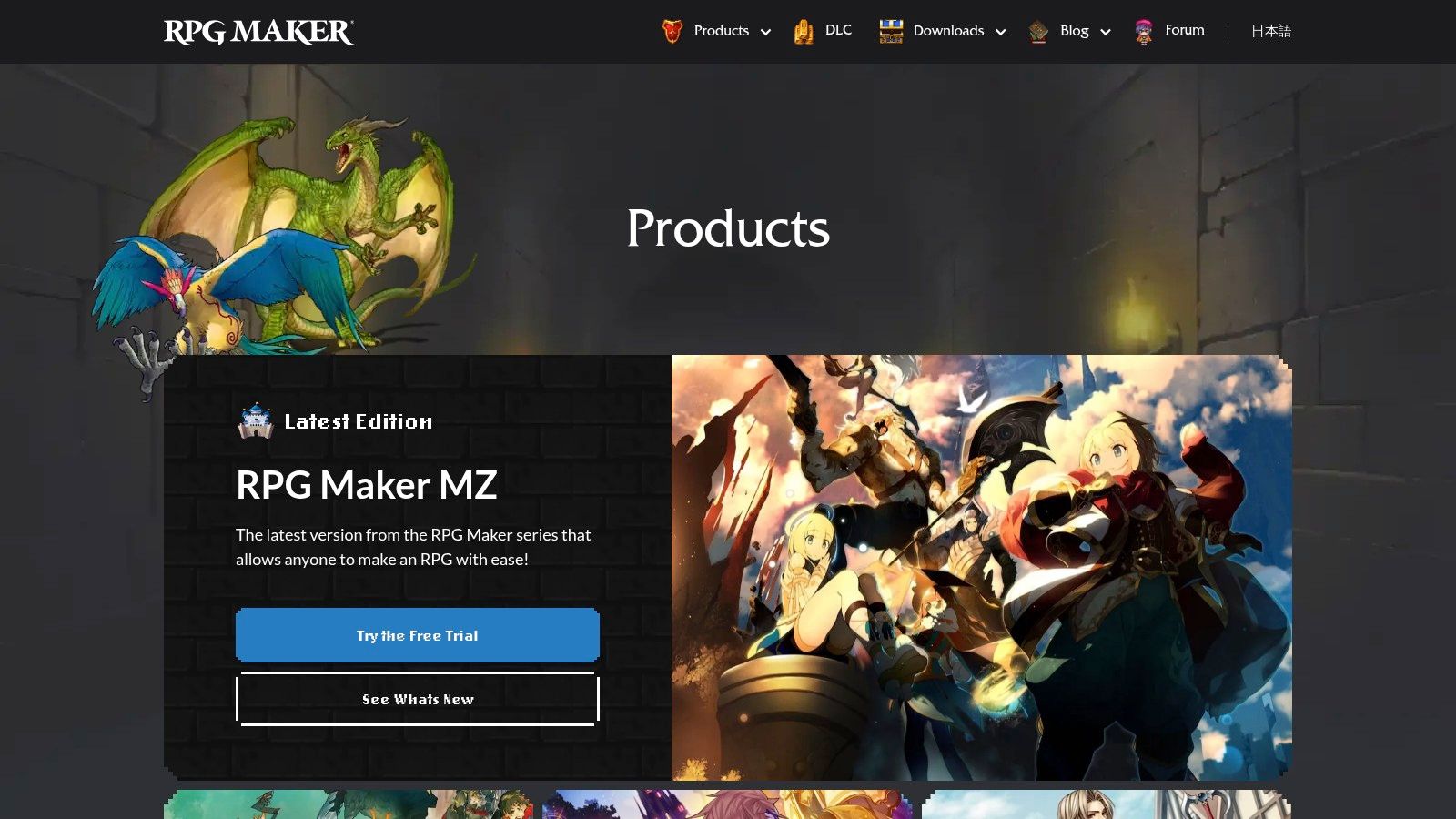
The platform’s magic lies in its event-based system and intuitive map editor. You can create complex quests, character dialogues, and turn-based battles without writing a single line of code. The official store and Steam are packed with a massive ecosystem of pre-made assets and DLC, from character sprites to music packs, allowing you to assemble your dream game with incredible speed. For those looking to generate unique game assets quickly, exploring AI-powered tools on platforms like MakeGamesWithAI can provide a fantastic creative boost, letting you focus on the narrative.
Key Features & Considerations
RPG Maker operates on a one-time purchase model for each version (like the current flagship, RPG Maker MZ), often with deep discounts on Steam. This makes it a straightforward and affordable entry point. While it’s incredibly powerful for its intended purpose, creating anything outside the classic RPG format is a significant challenge. However, for a beginner focused on narrative, it’s an unbeatable choice.
- Pros:
- Gentle Learning Curve: Incredibly easy for non-programmers to pick up and start creating.
- Huge Asset Ecosystem: A vast library of official and community DLC accelerates development.
- One-Time Purchase: No subscriptions; you buy the software once and own it forever.
- Cons:
- Genre-Locked: Extremely difficult to create games outside the traditional JRPG formula.
- Scripting for Customization: Advanced features require learning JavaScript for plugin integration.
Website: https://www.rpgmakerweb.com/products
9. Defold
Defold is the lean, mean, fighting machine of the game engine world, perfect for creators who value speed and efficiency above all else. Known for its incredibly lightweight runtime and straightforward Lua scripting, it's a 2D-first engine that also packs a punch with its 3D capabilities. If you want one of the best game engines for beginners that lets you go from an idea to a playable prototype with minimal fuss and zero cost, Defold's official site is where your journey begins. It's designed for rapid iteration, letting you get your game running on multiple platforms in a snap.
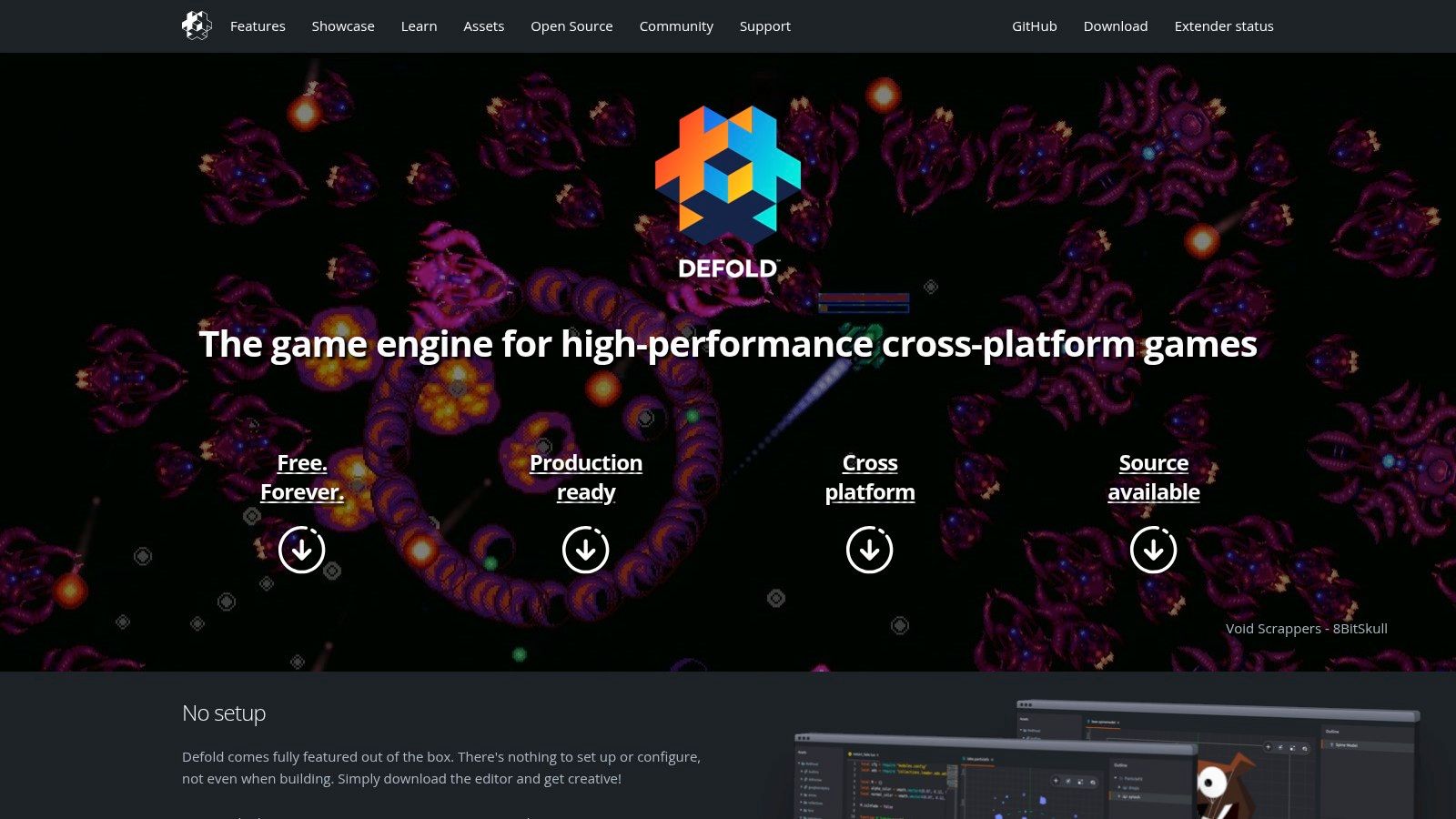
What makes Defold truly special is its developer-first philosophy. The entire engine is completely free, with no royalties, hidden fees, or convoluted licensing terms, even for commercial projects. This straightforward approach is a huge relief for new developers. The engine is backed by the Defold Foundation, ensuring its future is guided by the community’s needs. Combined with extensive documentation, step-by-step manuals, and a supportive community forum, Defold provides a refreshingly simple and powerful environment to build and release your game without financial barriers.
Key Features & Considerations
Defold's focus on Lua scripting makes it an accessible entry point into game programming, as Lua is often considered easier to learn than C# or C++. The engine’s architecture is built for performance, resulting in tiny build sizes that are ideal for mobile and web games. This efficiency means your games run smoothly even on lower-end hardware.
- Pros:
- Extremely Efficient: Very small build sizes and a fast runtime perfect for mobile and web.
- Completely Free: No royalties, licensing fees, or hidden costs for commercial use.
- Excellent Documentation: Clear, comprehensive tutorials and manuals guide you through the process.
- Cons:
- Smaller Ecosystem: The asset marketplace and community are less extensive than Unity's or Godot's.
- Lua-Centric: May not be the best fit if you're determined to learn a more widely used language like C#.
Website: https://defold.com/
10. Stencyl
Stencyl is the quintessential "my first game engine," designed from the ground up to be one of the most welcoming entry points into game development. Inspired by the visual programming language Scratch, it allows you to build entire games by snapping together logic blocks, much like digital LEGOs. This approach removes the intimidating barrier of syntax, letting you focus purely on game logic and design. If you've ever wanted to make a 2D game but felt overwhelmed by code, Stencyl's official website offers a gentle, visual introduction to the craft.
The platform’s charm lies in its simplicity and classroom-friendly design. It’s an excellent tool for educators, students, or anyone who wants to understand the fundamentals of programming through a fun, interactive medium. As you grow more confident, you can peek behind the curtain and even write custom code, providing a smooth transition to more advanced development concepts. It's a fantastic sandbox for experimenting with game mechanics without getting bogged down in complex boilerplate code, making it one of the best game engines for beginners who prefer a visual-first approach.
Key Features & Considerations
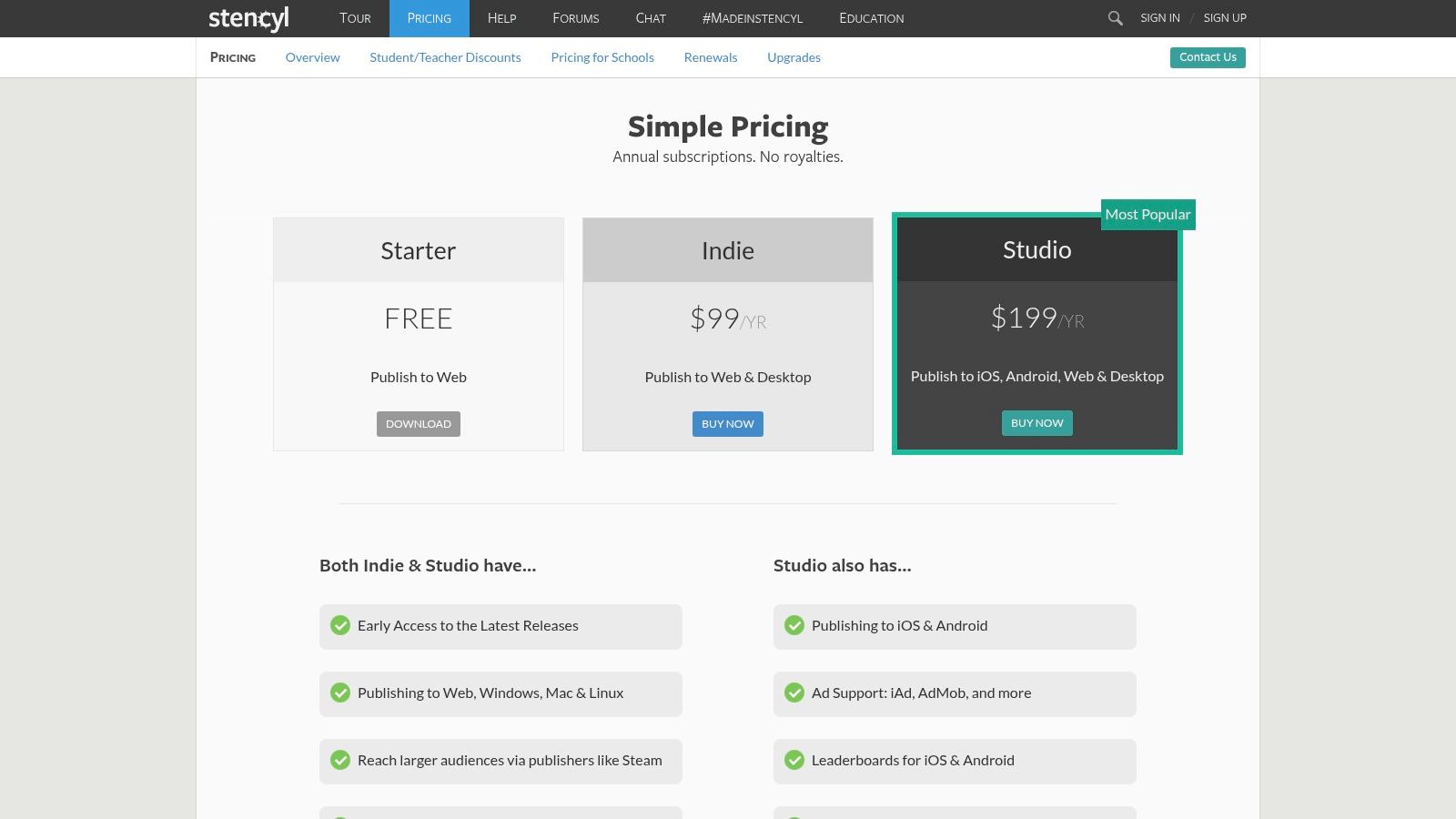
Stencyl’s free plan is quite generous, allowing you to publish your games to the web completely free of charge. When you're ready to take your creation to a wider audience, the paid Indie and Studio plans unlock the ability to publish to desktop (Windows, Mac, Linux) and mobile (iOS, Android), along with monetization options. This tiered system provides a clear and simple upgrade path as your skills and ambitions grow.
- Pros:
- Very Approachable: The Scratch-style block system is incredibly intuitive for first-time creators.
- Simple Upgrade Path: Easily move from web publishing to commercial mobile releases.
- Classroom-Friendly: Excellent structure and resources for educational environments.
- Cons:
- Subscription Model: Publishing to desktop or mobile requires an annual subscription.
- Narrower Ecosystem: The community and asset marketplace are smaller than giants like Unity or Godot.
Website: https://www.stencyl.com/pricing/
11. Roblox Studio
Roblox Studio is less of a traditional game engine and more of a complete creation ecosystem. It's the official gateway to building and publishing games on the Roblox platform, which boasts millions of daily active users. For beginners, especially younger learners, this is a phenomenal entry point. It's not just an engine; it's an entire universe with a built-in audience, making it one of the best game engines for beginners who want to see real people playing their creations almost instantly. It’s the driving force behind hits like Adopt Me! and Brookhaven RP, showcasing its massive potential.
The platform’s major draw is its seamless integration of creation and play. With Roblox Studio, you can build a multiplayer game from scratch using the Lua scripting language and publish it with a single click. The Creator Hub is packed with guided tutorials, project templates, and step-by-step lessons designed to get you from zero to a functional game quickly. While it's a closed garden, it's a very big and welcoming garden for those just starting their game development journey.
Key Features & Considerations
Roblox Studio is completely free to download and use. The monetization system is built into the Roblox platform through its virtual currency, Robux, which creates a direct path from creation to potential earnings. However, this also means your creations are entirely locked into the Roblox ecosystem, which is a key trade-off for its ease of use and instant audience access.
- Pros:
- Instant Audience: Publish directly to millions of Roblox players.
- Built-in Multiplayer: Multiplayer functionality is handled automatically.
- Excellent Learning Resources: Extensive, beginner-focused tutorials and guides.
- Cons:
- Platform Lock-in: Games cannot be exported or published outside of Roblox.
- Strict Policies: You must adhere to Roblox's monetization and content rules.
Website: https://create.roblox.com/
12. Steam – Game Development Software
Wait, Steam? The place you buy games? Absolutely. While it’s not an engine itself, Steam is a fantastic one-stop shop for purchasing and managing some of the best game engines for beginners, like GameMaker and the entire RPG Maker series. Think of it as a convenient digital toolbox where you can grab your engine, all its DLC, and get automatic updates, all while keeping everything neatly organized in the same library you use for gaming. It’s the perfect launchpad if you prefer managing your software through a familiar, trusted platform.
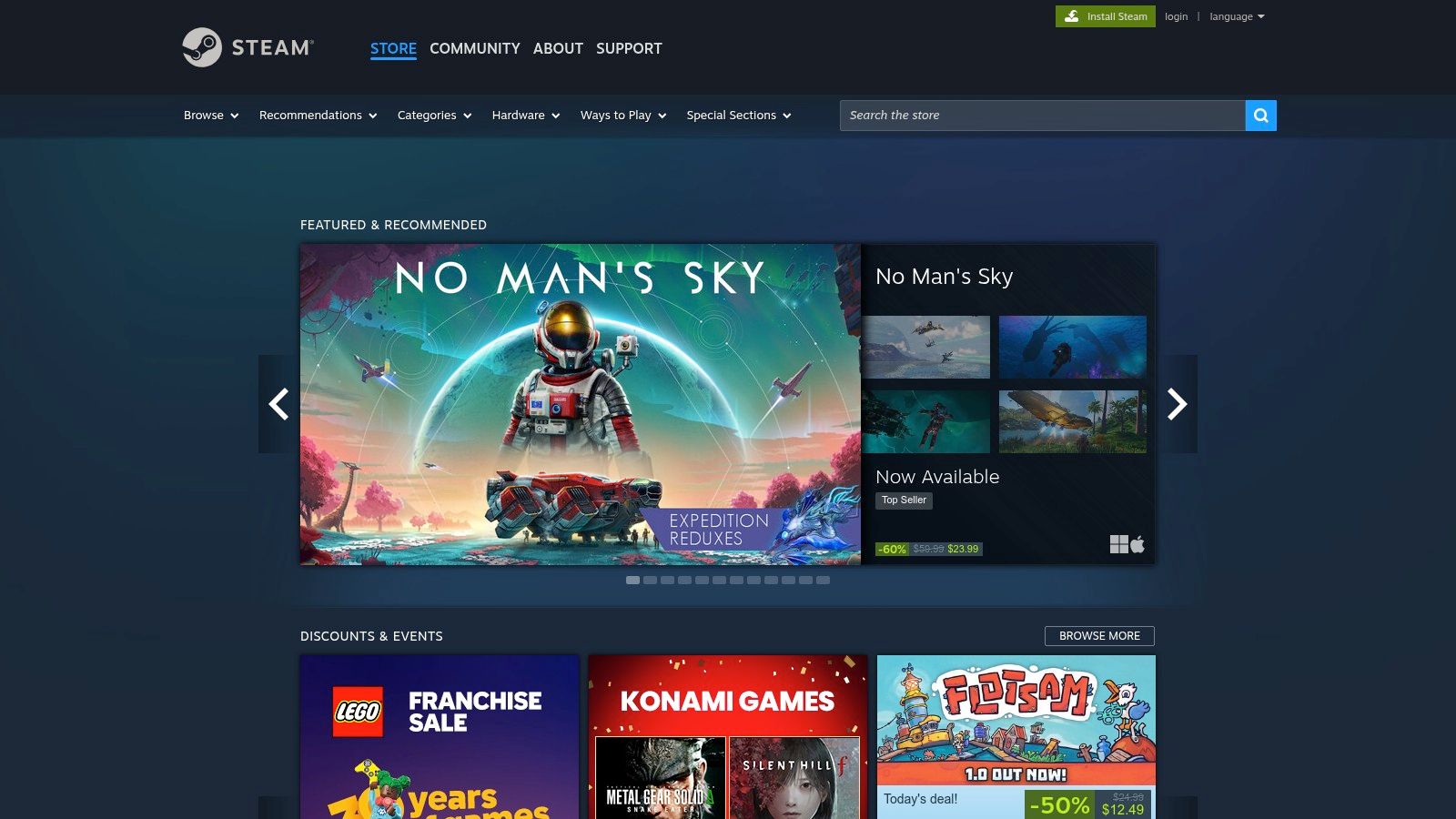
The biggest draw here is the legendary Steam Sales. You can often snag a powerful engine or asset pack for a fraction of its retail price, making it an incredibly budget-friendly way to get started. User reviews on each engine’s store page also provide brutally honest, real-world feedback from fellow aspiring developers, helping you choose the right tool before you spend a dime. For certain engines, the Steam Workshop integration offers a treasure trove of free, user-made plugins and assets, adding even more value.
Key Features & Considerations
Steam simplifies the logistics of getting started. Instead of juggling multiple accounts and installers from different websites, you can buy, install, and update your game dev software with a single click. This convenience is a huge win when all you want to do is start creating.
- Pros:
- Massive Sales: Frequent discounts make premium engines highly affordable.
- User Reviews: Get unfiltered opinions from a huge community of users.
- Centralized Library: Keep your games and game development tools in one place.
- Cons:
- Limited Selection: Not all engines are available, and versions or licenses may differ from official sites.
- Dependency on Steam: You need the Steam client running to use the software.
Website: https://store.steampowered.com/category/software_gamedev/
Top 12 Game Engines for Beginners — Quick Comparison
| Name | Core features | UX / Quality (★) | Unique selling points (✨/🏆) | Target audience (👥) | Pricing / Value (💰) |
|---|---|---|---|---|---|
| Make Games With AI 🏆 | AI‑generate playable 2D/arcade games, asset library, auto leaderboards | ★★★★ | ✨Conversational editor; instant 1‑click publish; built‑in global leaderboards | 👥 Creators, educators, hobbyists, rapid prototypers | 💰1 free game; $19.99/mo unlimited |
| Unity | 2D/3D engine, wide platform exports, Asset Store | ★★★★ | ✨Massive ecosystem + marketplace; broad platform reach | 👥 Indies → studios; cross‑platform devs | 💰Free Personal; paid tiers for pros |
| Unreal Engine | AAA visuals, Blueprints visual scripting, scalable tools | ★★★★★ | ✨Top‑tier graphics; Blueprints for non‑coders | 👥 AAA teams, pros, visual storytellers | 💰Free→royalty model after revenue thresholds |
| Godot Engine | Open‑source 2D/3D, lightweight editor, GDScript/C# | ★★★★ | ✨MIT open‑source, no royalties, strong 2D workflow | 👥 Beginners, hobbyists, open‑source advocates | 💰Free (MIT) |
| GameMaker | Drag‑and‑drop + GML, 2D focus, quick prototyping | ★★★★ | ✨Fast 2D prototyping; smooth path to scripting | 👥 Indie devs, 2D designers, beginners | 💰Free non‑commercial; paid commercial licenses |
| Construct 3 | Browser‑based, Event Sheet visual scripting, templates | ★★★ | ✨No install; ideal classroom & quick experiments | 👥 Educators, students, first‑time creators | 💰Subscription plans (trial available) |
| GDevelop | Open‑source no‑code, templates, cloud publishing | ★★★ | ✨One‑click exports; generous free tier | 👥 Absolute beginners, educators, hobbyists | 💰Free core; optional paid tiers for cloud/iOS |
| RPG Maker | Map editor, event system, large DLC/asset library | ★★★ | ✨JRPG‑focused tools and huge asset ecosystem | 👥 Storytellers, RPG designers, pixel artists | 💰One‑time purchase (often on sale) |
| Defold | Lua scripting, efficient runtime, small builds | ★★★★ | ✨Very lightweight builds; fast iteration; free license | 👥 Developers wanting efficiency & small builds | 💰Free; no royalties |
| Stencyl | Scratch‑style drag‑drop, classroom friendly, tiered export | ★★★ | ✨Very approachable for students; visual logic | 👥 Students, educators, novice creators | 💰Free web; paid plans for desktop/mobile |
| Roblox Studio | Free editor, built‑in multiplayer, platform audience | ★★★★ | ✨Instant multiplayer + huge built‑in audience | 👥 Young creators, social/multiplayer devs | 💰Free to use; monetization tied to Roblox |
| Steam – Game Dev Software | Storefront for engines/tools, reviews, updates | ★★★ | ✨Single storefront, frequent sales, auto updates | 👥 Buyers looking for tools & DLC bundles | 💰Varies by product; frequent discounts |
Your Adventure Awaits: Which Path Will You Choose?
And there you have it, the grand tour of the game development multiverse. We've journeyed from the towering skyscrapers of Unity and Unreal Engine to the charming, focused workshops of RPG Maker and GameMaker. We’ve explored the click-and-create magic of GDevelop and Construct 3, and even peeked into the future with AI-powered creation on our very own platform, Make Games With AI. The sheer number of options can feel like standing at a crossroads in a massive open-world RPG, with a dozen quest markers all blinking at once. But don't let analysis paralysis set in. The secret is that there is no "wrong" path, only the path you choose to walk first.
The most crucial takeaway from this deep dive into the best game engines for beginners is this: the perfect engine is the one that gets you from a spark of an idea to a playable prototype the fastest. It’s the tool that keeps the flame of your motivation burning bright, rather than extinguishing it with a tidal wave of complex documentation and cryptic error messages. The best way to find that tool isn't by reading another hundred articles; it's by downloading one and getting your hands dirty.
Making Your Final Decision
Let's distill this epic quest down to a simple choice. Your decision should hinge on three key questions:
- What kind of game are you dying to make? If you have a sprawling 2D pixel-art epic in your head, GameMaker or Godot are calling your name. Dreaming of a 3D first-person puzzler? Unity is your most direct route. If it’s a classic JRPG, don't overthink it, grab RPG Maker. Aligning the tool with your genre is the ultimate cheat code for a successful first project.
- How much do you enjoy (or tolerate) coding? Be brutally honest with yourself. If the thought of writing lines of C# or GDScript makes you excited, engines like Unity, Godot, and Defold offer immense power and flexibility. If you'd rather focus purely on logic, art, and design, the visual scripting and no-code environments of Construct, GDevelop, and Stencyl are your ideal companions.
- What is your ultimate goal? Are you learning game development as a fun hobby, or are you hoping to build a portfolio for a career in the industry? For aspiring professionals, learning the ropes of industry-standard engines like Unity or Unreal is a strategic long-term investment. For hobbyists, the goal is pure, unadulterated fun, making the fastest, most intuitive tool the undisputed winner.
Your First Steps on the Path
Once you’ve picked your champion, commit to it for at least one small project. Don't just follow a tutorial verbatim; try to add your own twist. Change the player sprite, add a new sound effect, or design one unique level. This small act of creation is where the real learning happens. It’s the moment the engine transforms from a piece of software into your creative tool.
Remember that every single developer you admire started exactly where you are now: with a blank screen and a bold idea. They didn't master their chosen engine overnight. They learned one small piece at a time, project by project, failure by failure. The journey of a thousand games begins with a single click. So, pick your engine, find a "hello world" tutorial, and take that first step. The world is waiting for your game.
Feeling the traditional engine learning curve is a bit steep? If you want to bypass the setup and jump straight into creating, Make Games With AI offers the most beginner-friendly path of all. Generate a complete, playable game from a single text prompt and see your vision come to life in minutes, not months, at Make Games With AI.