AI for Quick Game Prototyping: A 2025 How-To Guide
In the hyper-competitive landscape of 2025, speed is everything. For game developers, the ability to rapidly test and validate an idea can be the difference between a breakout hit and a forgotten project. Traditionally, prototyping was a bottleneck—a resource-intensive process requiring weeks of coding and design work just to see if a core concept was fun. Today, that has all changed. Leveraging AI for quick game prototyping empowers creators to transform a fleeting idea into a playable experience in minutes, not months, completely revolutionizing the creative workflow.
This guide will walk you through the step-by-step process of using modern AI tools to bring your game concepts to life faster than ever before. This isn’t just about efficiency; it’s about unlocking a new level of creative freedom.
Step 1: Define Your Core Game Idea
Before you dive into any AI tool, you need a clear, concise concept. The goal of a prototype is to test the core gameplay loop—the primary set of actions the player will repeat. Trying to build your entire dream game in the first prototype is a recipe for failure. Instead, distill your idea down to its simplest form.
Ask yourself:
- What is the player’s main goal? (e.g., reach the end of the level, get the highest score, survive as long as possible)
- What is the primary action the player takes? (e.g., jumping, shooting, matching tiles, collecting items)
- What is the main obstacle or challenge? (e.g., enemies, a timer, tricky platforming)
Try to summarize your concept in a single sentence. For example: “A 2D platformer where a squirrel collects acorns while avoiding angry birds.” This clarity is crucial for guiding the AI effectively.
Tip: Keep It Simple
Your first prototype should focus on proving one thing: is the core mechanic engaging? You can always add complexity later. A strong, simple foundation is far more valuable than a complex but broken one.
Step 2: Select an AI Game Generation Platform
The market for AI development tools has exploded, but for rapid prototyping, you need a platform built for speed and ease of use. Not all tools are created equal. When evaluating your options, look for platforms that offer a holistic, no-code experience.
Key features to look for in 2025 include:
- Text-to-Game Generation: The ability to generate a playable game from a simple text description.
- Large Asset Library: Access to a wide range of pre-made characters, environments, and effects to quickly visualize your game.
- Intuitive AI Editor: A chat-based or visual editor that allows you to make changes using natural language commands, not code.
- Instant Playtesting: The ability to play and share your game with a single click.
Platforms like MakeGamesWithAI are specifically designed for this purpose. They integrate all these features into a seamless workflow, allowing you to focus purely on your game’s design and feel. To explore your options further, check out this list of the 11 Best AI Game Generators (December 2025).
Step 3: Write Your Initial Game Prompt
With your platform chosen, it’s time to communicate your vision to the AI. This is done through a “prompt”—a text description of the game you want to create. The quality of your prompt directly impacts the quality of your initial prototype. Using the concept from Step 1, you can build a more detailed prompt.
An effective prompt includes:
- Genre: (e.g., side-scrolling platformer, top-down shooter, puzzle game)
- Protagonist: (e.g., “a knight in shiny armor,” “a small robot”)
- Objective: (e.g., “collect all the floating gems,” “defeat the final boss”)
- Environment: (e.g., “a spooky forest at night,” “a futuristic cityscape”)
- Core Mechanics: (e.g., “the player can jump and double-jump,” “the player shoots lasers”)
Example Prompt:
“Create a 2D side-scrolling platformer. The player is a brave squirrel who must collect 10 golden acorns to win the level. The enemies are angry birds that fly back and forth. The background is a dense forest with tall trees.”
Step 4: Generate and Immediately Test Your Prototype
This is where the magic happens. After you input your prompt, the AI will generate a complete, playable prototype in seconds. This is the critical moment where your idea leaves your head and becomes an interactive experience. Your primary goal here is to play it immediately and assess the core loop.
Don’t worry about the color of the sky or the design of the character’s shoes. Ask yourself the big questions:
- Is the basic movement fun?
- Is the objective clear?
- Does the core action feel satisfying?
Warning: Avoid Premature Polish
The purpose of using AI for quick game prototyping is to fail fast and learn faster. Resista the urge to perfect the visuals or sound in this initial version. The focus should be 100% on gameplay feel and function.
Step 5: Iterate and Refine with AI-Powered Editing
Your first prototype will never be perfect. The real power of AI-driven development lies in the speed of iteration. Instead of opening a code editor and spending hours tweaking variables, you can use natural language commands to make changes on the fly.
Modern platforms with chat-based editors make this incredibly intuitive. You can simply tell the AI what you want to change:
- “Make the player’s jump height 20% higher.”
- “Increase the movement speed of the angry birds.”
- “Change the background to a snowy mountain.”
- “Add a score counter to the top-right corner.”
This rapid feedback loop allows you to test dozens of variations in a single session. This is the essence of modern game development for beginners: create your first game without coding, as it removes the technical barriers to experimentation.
Step 6: Share and Gather Crucial Feedback
A prototype’s value multiplies when you get fresh eyes on it. Most AI game generation platforms, including MakeGamesWithAI, allow you to share your creation instantly with a public or private link. You can send it to friends, post it in developer communities, or share it with potential collaborators.
When gathering feedback, be specific with your questions:
- On a scale of 1-10, how enjoyable is the core action?
- Was there anything you found confusing or frustrating?
- What one thing would you change to make it more fun?
Use this feedback to guide your next round of iterations in Step 5. This cycle of generating, testing, refining, and sharing is what will transform your simple concept into a promising game.
Common Mistakes to Avoid
Venturing into AI-powered game creation is exciting, but there are common pitfalls that can slow you down. Here are a few to watch out for:
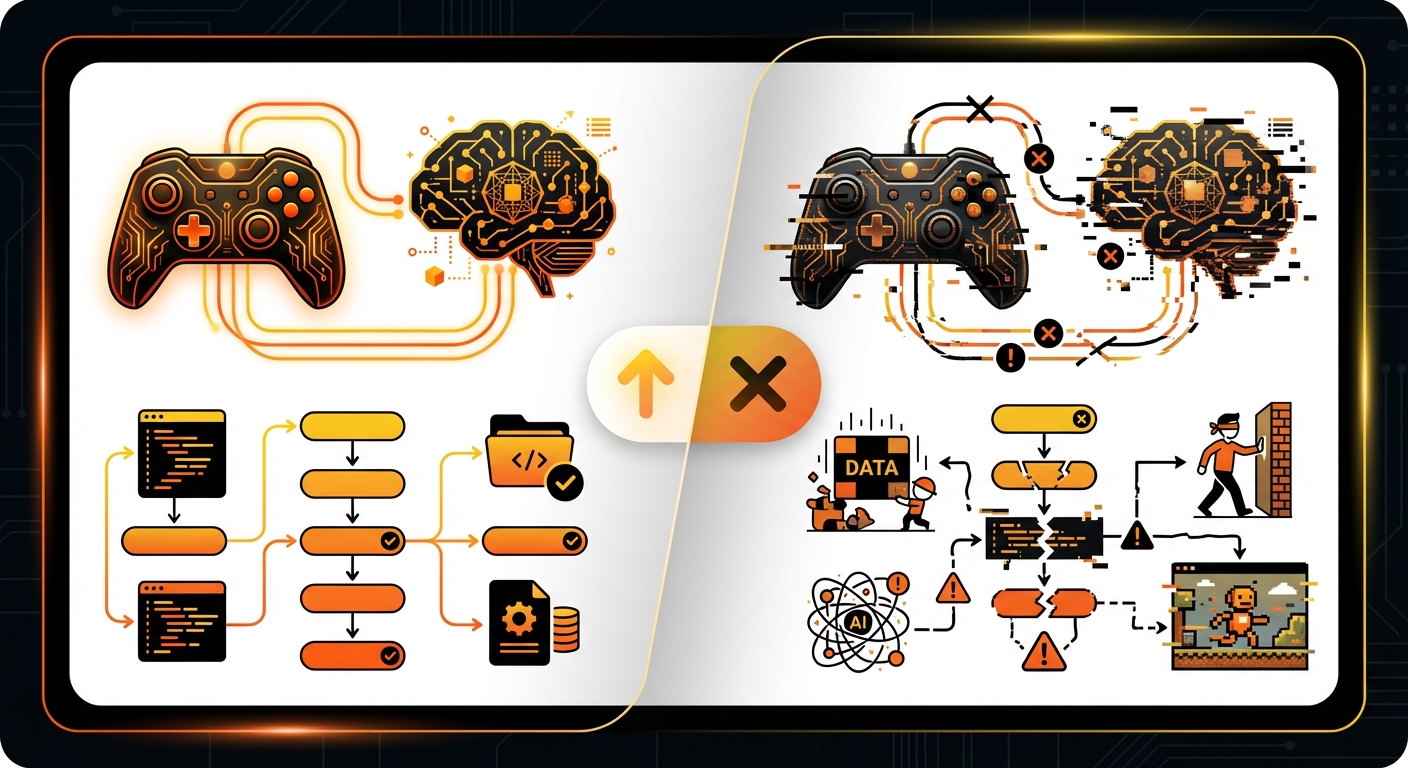
- Prompting Your Entire Vision at Once: Don’t write a ten-page document for your first prompt. Start with the core mechanic and build from there. You’ll get better results by iterating with smaller, more focused requests.
- Focusing on Assets Over Gameplay: It’s easy to get lost in choosing the perfect character model or sound effect. In the prototyping stage, gameplay is king. Use placeholder assets and focus on making the game feel right.
- Ignoring the Fun Factor: The goal of a prototype is to answer one question: “Is this fun?” If the core loop isn’t enjoyable, no amount of extra features will save it.
- Developing in a Silo: Don’t wait until your prototype is “perfect” to show it to someone. Early and frequent feedback is the fastest way to identify problems and find solutions. For a deeper dive, understand the basics of AI for game development: what is it & how do you use it? to better grasp the underlying principles.
Expected Results: From Idea to Insight
By following this process, you will have successfully leveraged AI for quick game prototyping. The outcome isn’t just a single playable game; it’s a powerful new workflow. You’ll have a tangible prototype that validates (or invalidates) your core game idea, saving you countless hours of development on a concept that might not have worked.
More importantly, you’ll have the ability to repeat this process for any idea that comes to mind. You can test ten different game concepts in the time it would have taken to build one prototype using traditional methods. This dramatically increases your chances of landing on a truly special idea.
Conclusion: The Future of Game Creation is Now
The barrier between a game idea and a playable reality has been effectively demolished. The steps outlined above show how anyone, regardless of technical skill, can now participate in the act of game creation. This democratization is one of the most exciting shifts the industry has seen in decades.
By embracing AI for prototyping, you’re not just building games faster; you’re building them smarter. You’re able to focus on what truly matters—creativity, design, and fun. Platforms like MakeGamesWithAI are at the forefront of this revolution, providing the tools you need to bring your vision to life instantly. If you’re ready to stop dreaming and start creating, the future of game development is just a prompt away.