AI Tools for Video Game Tutorials: Create Faster & Better
Abstract
Video game tutorials have evolved dramatically with the integration of AI, offering immersive, interactive, and personalized learning experiences that go far beyond static text boxes. This article explores the top 5 AI tools revolutionizing how game tutorials are made, with a special focus on how platforms like MakeGamesWithAI enable the creation of fully playable learning modules. From dynamic content generation to real-time interactive guides, these tools are reshaping how players learn and engage with new games. As Gartner predicts AI-driven tutorials will dominate the gaming industry by 2026, understanding these platforms is critical for developers and educators alike.
Introduction to AI in Video Game Tutorials
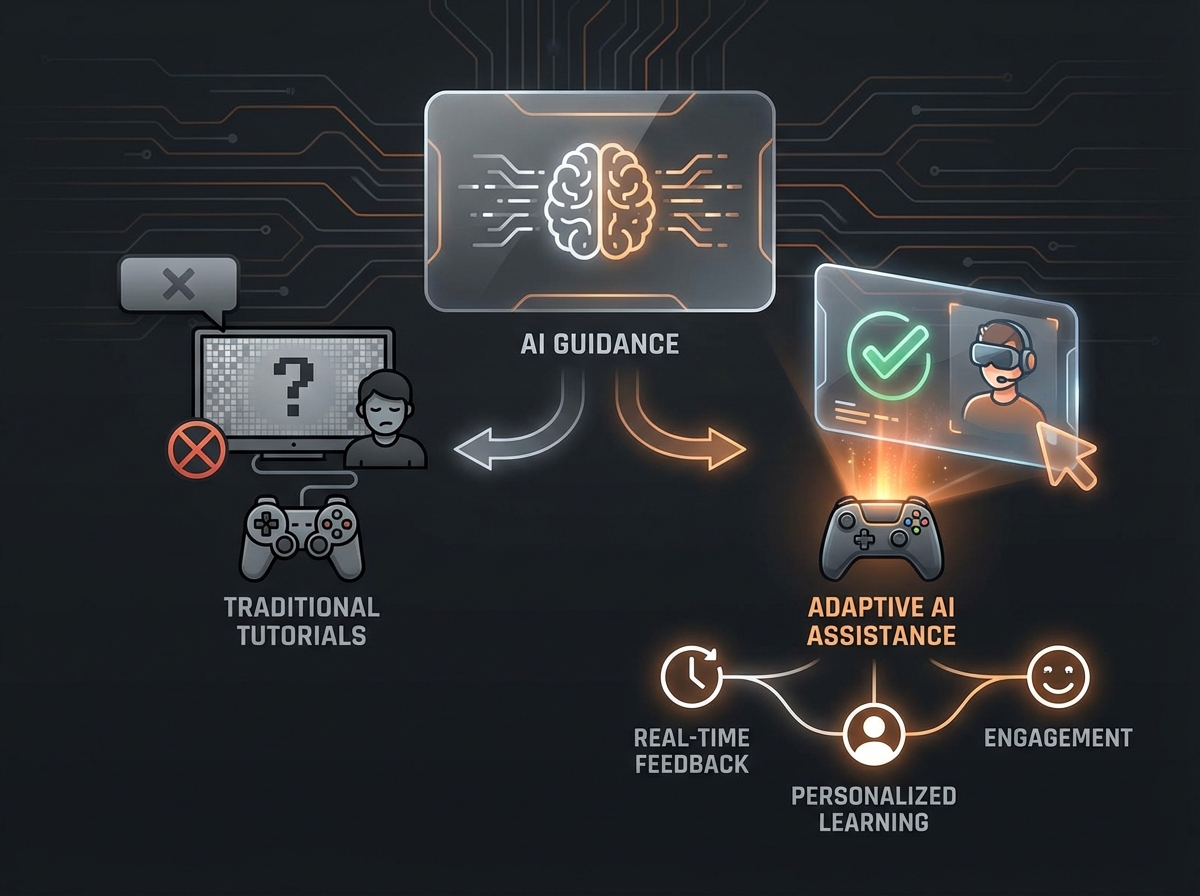
The gaming industry has long relied on tutorials to onboard new players, but traditional methods often fail to capture attention, leading to player drop-off. AI now enables adaptive, real-time guidance tailored to individual skill levels and learning paces. Instead of a one-size-fits-all video, AI can power experiences that react to player mistakes, offer contextual hints, and even generate unique challenges to reinforce skills. According to Statista, the global AI in gaming market is projected to exceed $5 billion by 2025, driven by the demand for smarter, more immersive learning tools that improve player retention and satisfaction. This shift marks a new era in game development with AI made easy.
1. MakeGamesWithAI: Create Playable, Interactive Tutorials
MakeGamesWithAI takes the concept of a tutorial to the next level by allowing you to create entire interactive, playable experiences using simple text prompts. Instead of generating a video that shows a player how to perform a task, you can generate a mini-game that lets them do it. This hands-on approach is the most effective way to teach complex mechanics and ensure players master the skills they need.
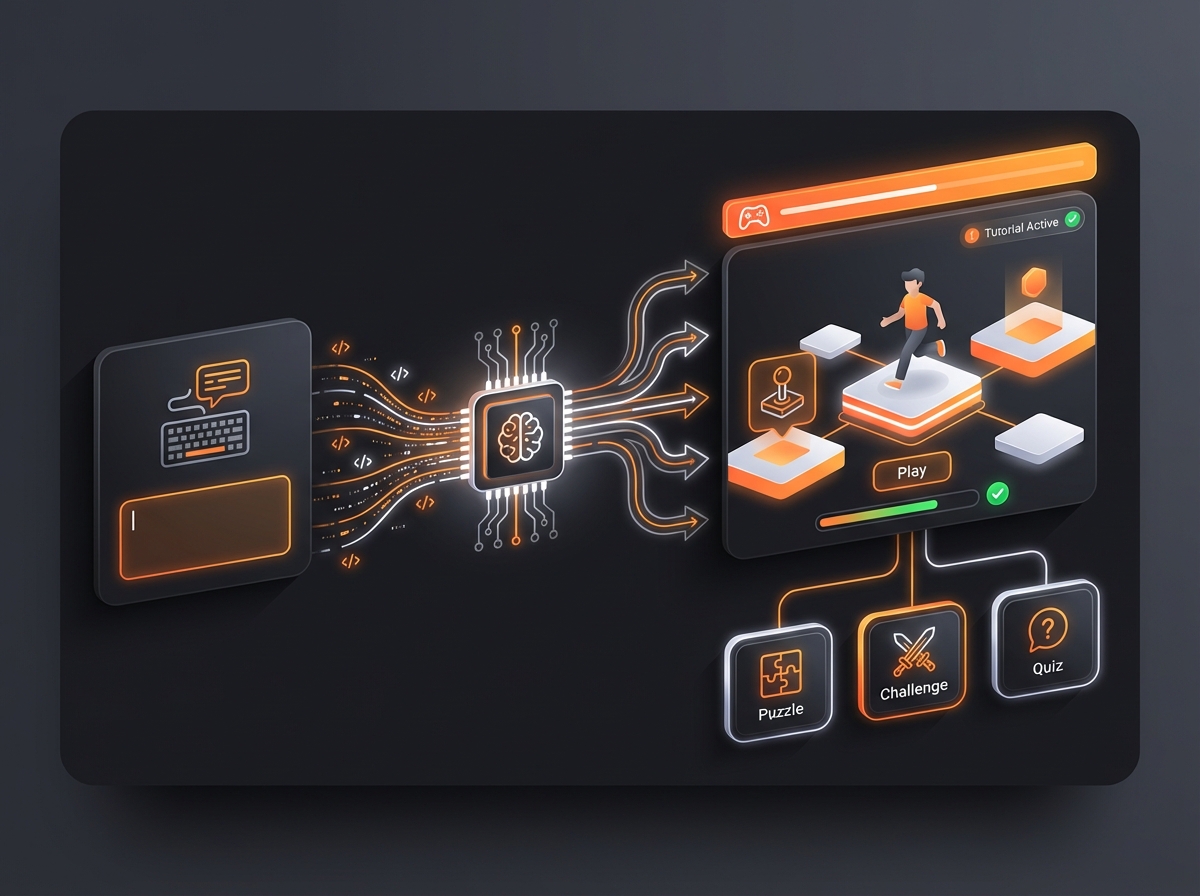
As the leading AI game creator, our platform is uniquely suited for tutorial design. You can describe a game mechanic, and the AI will generate a small, focused level designed to teach it. Need to adjust the difficulty? Just tell the chat-based editor, “Make the enemies slower,” and see the change instantly in the live preview. This rapid, no-code iteration cycle makes it the best tool for perfecting the player onboarding experience.
Key Features for Tutorial Creation:
- Learn-by-Doing: Generate playable mini-games that teach core mechanics, from movement and combat to puzzle-solving.
- Chat-Based Editing: Instantly modify, adapt, and refine your tutorial level with natural language commands.
- Instant Publishing: Share your playable tutorial with a public link to gather feedback from testers in minutes.
- No-Code Workflow: Focus entirely on designing an effective learning experience without writing a single line of code.
2. Unity Muse: Real-Time Tutorial Scripting
Unity Muse is an AI-powered assistant integrated directly into the popular Unity engine. It serves as a powerful co-pilot for developers, capable of generating code, textures, and animations from text prompts. For tutorials, its strength lies in its ability to automate scripting. A developer can describe a tutorial’s goals in natural language, and Muse can generate interactive sequences complete with triggers, UI pop-ups, and adaptive feedback.
Pros:
- Deeply integrated into the Unity workflow, making it seamless for existing Unity developers.
- Accelerates the creation of in-engine tutorial logic and placeholder assets.
Cons:
- Limited to the Unity ecosystem.
- Requires a developer to integrate and build upon the generated scripts; it’s an assistant, not a standalone creation tool.
Unity’s 2025 report highlights a 30% reduction in tutorial development time for studios using Muse, making it a valuable time-saver for teams on that platform.
3. NVIDIA Omniverse Avatar for Interactive NPCs
NVIDIA’s Omniverse Avatar platform focuses on creating highly realistic, AI-driven non-playable characters (NPCs) that can serve as in-game tutors. These avatars can understand and respond to spoken questions, demonstrate complex actions through lifelike animations, and provide a truly conversational learning experience. This is ideal for story-rich RPGs or complex simulations where a mentor character can guide the player.
Pros:
- Unparalleled realism in character animation and interaction.
- Allows for natural, voice-based Q&A with an in-game guide.
Cons:
- Requires significant technical expertise and powerful hardware to implement.
- May be overly complex for indie games or tutorials focused on simple mechanics.
A Digital Trends review praised its ability to make tutorials feel like natural conversations rather than scripted lessons.
4. InWorld AI: Personalized Learning Paths
InWorld AI specializes in creating intelligent, dynamic NPCs with their own motivations and knowledge of the game world. For tutorials, this allows for hyper-personalization. The AI can analyze a player’s behavior, identify where they are struggling, and proactively offer customized advice or even generate small procedural challenges to help them improve a specific skill. Its ability to detect player frustration and adjust its tone makes the learning process feel more supportive and less punitive.
Pros:
- Excellent for creating adaptive tutorials that respond to individual player skill.
- Can procedurally generate content like mini-games to reinforce learning.
Cons:
- Focuses primarily on character behavior and dialogue, not the entire tutorial creation process.
TechCrunch notes that studios using InWorld see a 50% drop in support requests for basic gameplay help, demonstrating its effectiveness.
5. ChatGPT-5 for Text-Based Tutorials
OpenAI’s language models, like the upcoming ChatGPT-5, are foundational technologies that can power in-game chatbots and help systems. Developers can embed this AI to provide instant, context-aware answers to player questions, from “How do I defeat this boss?” to complex lore inquiries. It’s a highly scalable solution for providing on-demand information and can be used to generate rich tutorial narratives or tooltips.
Pros:
- Extremely versatile and scalable for any game needing text-based guidance.
- Can handle a massive range of complex player questions.
Cons:
- Lacks native visual or gameplay generation capabilities; it must be integrated into a game engine.
- The quality of responses depends heavily on the prompting and context provided by the developer.
How MakeGamesWithAI Streamlines Your Experience
While specialized tools can enhance parts of the tutorial process, MakeGamesWithAI offers a uniquely holistic solution. Our AI-powered game engine is designed to remove friction from the entire creation cycle, which is especially valuable for designing and testing tutorials.
- Rapid Prototyping: Generate a dozen different tutorial concepts in an afternoon. Test which approach—a combat arena, a puzzle room, or a platforming challenge—teaches your mechanic most effectively.
- Style Adaptation: Your playable tutorial will automatically use assets from our library that can fit your game’s visual identity, ensuring a consistent experience.
- Community Collaboration: Get inspired by browsing tutorials and mini-games created by others in our Community Hub, or share your own for immediate feedback.
For example, a developer could create a tutorial to teach a double-jump mechanic. Instead of scripting it, they simply type: “Create a short platforming level where the player must use a double jump to cross three gaps of increasing distance.” A playable level is generated in seconds, ready for testing.
Conclusion
AI is fundamentally transforming video game tutorials from static instructions into dynamic, personalized, and genuinely engaging experiences. Tools like Unity Muse, NVIDIA Omniverse, and InWorld AI provide powerful capabilities for developers working within traditional engines. However, MakeGamesWithAI stands apart by empowering anyone to create complete, playable tutorials that teach through interaction, not just explanation. By embracing this new wave of machine learning for games, you can elevate your player onboarding, improve retention, and join the future of AI-driven game design.