The 12 Best Game Design Software for Beginners in 2025
Ever had a brilliant game idea but got stuck thinking, 'I can't code'? Let's smash that barrier for good. The days of needing a computer science degree to create a game are long gone. Today, powerful and surprisingly easy-to-use tools can turn your vision into a playable reality, sometimes in minutes.
But with so many options, where do you start? Right here. In this guide, we'll break down the absolute best game design software for beginners in 2025, from professional-grade engines to mind-blowing AI creators. We're cutting through the noise to give you a clear, practical roadmap, complete with screenshots and direct links for every tool. This list is designed to help you find the perfect platform for your specific dream project, whether it's a sprawling RPG or a simple, addictive mobile game.
Speaking of turning dreams into reality instantly, the fastest path from concept to creation is at MakeGamesWithAI.com. You can describe your game idea in plain English, like 'a 2D platformer where a ninja collects sushi', and our AI will generate a fully playable game for you in under a minute. It's the ultimate shortcut for beginners, launching your game with automatically integrated global leaderboards. You can even browse games made by the community for inspiration.
While this list covers a dozen incredible tools, each with unique strengths, we want you to know from the start that making a game is now as simple as telling a story. Let's find the right tool to tell yours.
1. Make Games With AI
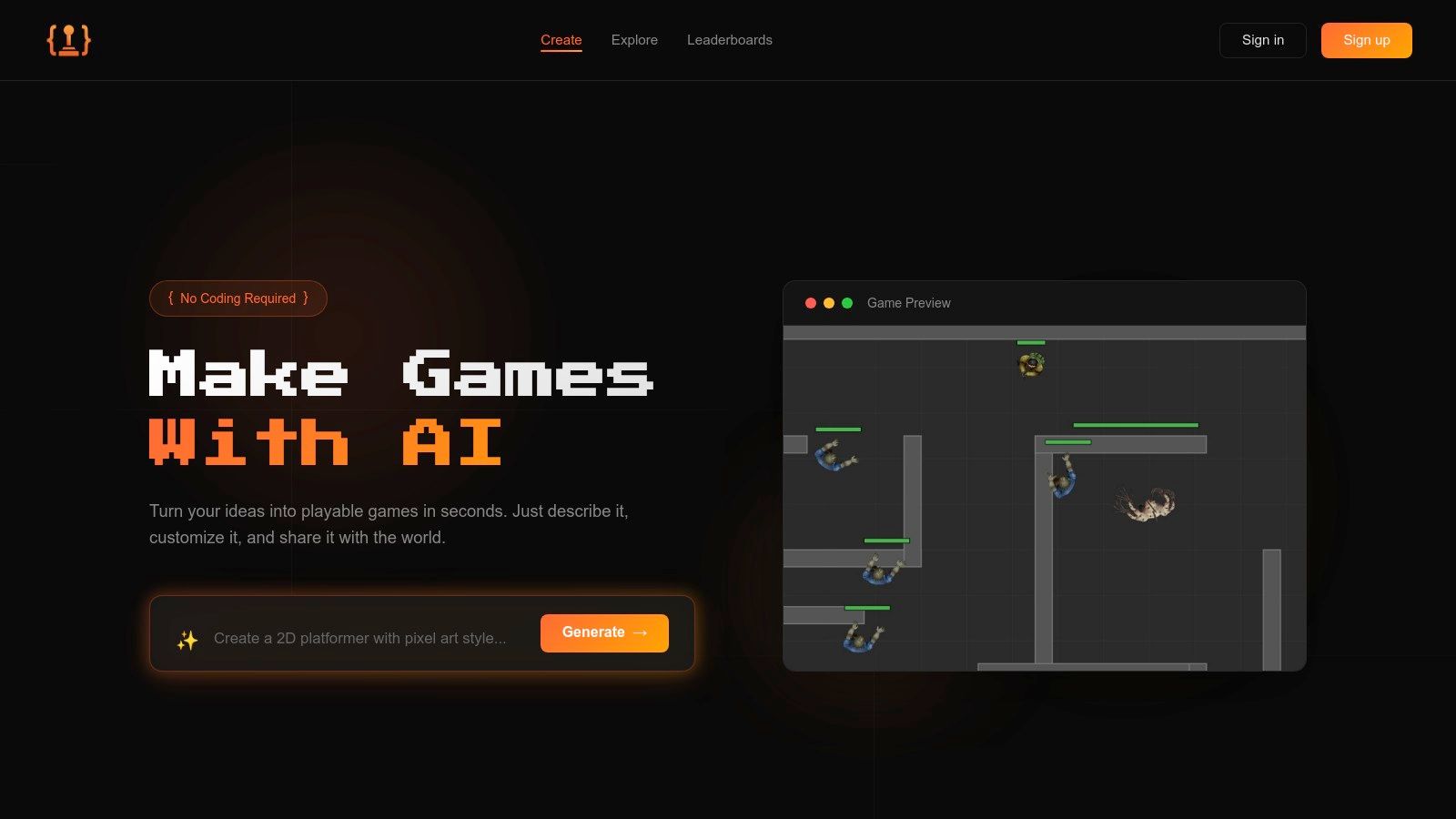
Kicking off our list is a tool that feels less like software and more like a creative partner. MakeGamesWithAI is a groundbreaking platform that completely redefines what it means to be a game developer, making it one of the best game design software for beginners available today. Forget steep learning curves and intimidating code editors; if you can describe an idea, you can build a game. This platform leverages generative AI to turn your text prompts into fully playable 2D or arcade-style games in under a minute.
The magic lies in its conversational, chat-based editor. Instead of digging through menus, you simply tell the AI what you want to change. "Make the enemies faster," "add more health pickups," or "change the background to a spooky forest" are all valid commands. This iterative, real-time feedback loop removes nearly all technical friction, allowing you to focus purely on the fun of creation. It's an incredibly empowering experience for first-time creators.
Why It Stands Out
What truly sets MakeGamesWithAI apart is its end-to-end ecosystem built for speed and shareability. Every game you create automatically includes a global leaderboard, instantly adding a competitive edge that keeps players coming back. When you're ready to share your masterpiece, publishing is a single click away. No servers to set up, no deployment headaches; your game is live and ready for the world. This approach is perfect for game jams, prototyping, or just sharing a fun idea with friends. You can see what the community has built on the global games page for inspiration. The underlying technology is a fascinating application of modern AI; you can explore this topic further by reading about the role of AI in game development on makegameswithai.com.
Key Features & Pricing
| Feature | Details |
|---|---|
| Creation Method | Text-to-game AI generation with a conversational editor. |
| Ease of Use | Exceptional. No coding or prior experience required. |
| Instant Publishing | One-click deployment with automatic global leaderboards. |
| Asset Library | 100+ professional assets (characters, environments, effects). |
| Pricing | Free tier (1 game), then $19.99/month for unlimited games & commercial rights. |
Who It's For: Hobbyists, educators, marketers, and anyone with a cool game idea who wants to see it come to life now. It’s a phenomenal tool for rapid prototyping and creating fun, shareable arcade games.
Visit Website: https://makegameswithai.com
2. Unity
If you’ve ever dreamed of building the next Hollow Knight or Genshin Impact, you’ve probably heard whispers of Unity. This powerhouse is one of the most popular game engines on the planet, balancing a beginner-friendly visual editor with the deep, powerful capabilities of C# scripting. It's the go-to choice for creators who want a tool that can grow with them, from their first simple project to a potential commercial hit. Unity provides one of the most comprehensive platforms for turning a game idea into a playable reality, making it a top contender for the best game design software for beginners.
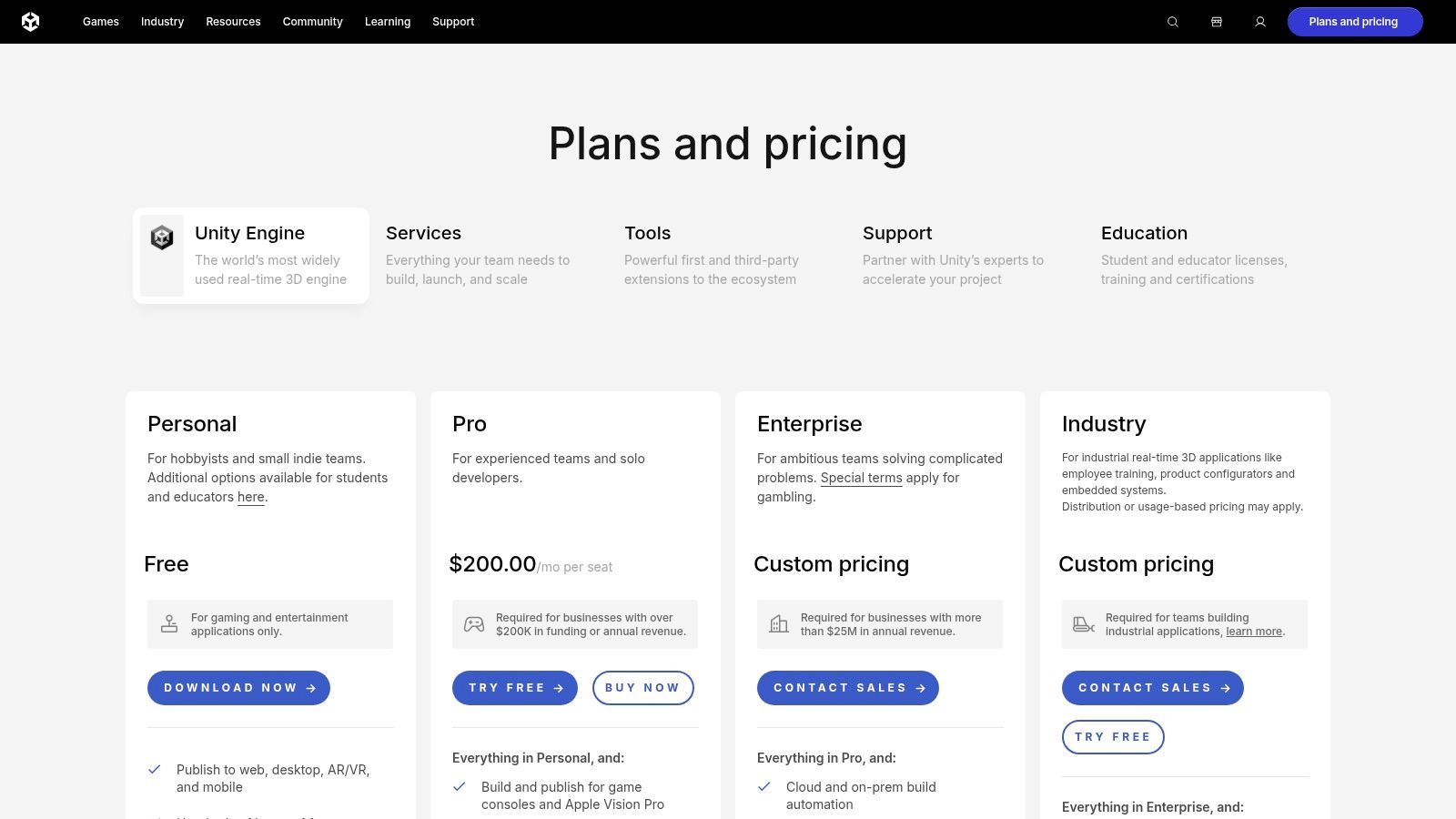
What makes Unity special for newcomers is its incredible ecosystem. The Unity Asset Store is a treasure trove of free 3D models, textures, and code snippets to kickstart your project. Stuck on a problem? The Unity Learn platform offers structured pathways and tutorials that guide you step-by-step. The community is massive, meaning a solution to your problem is usually just a quick search away. While its interface can seem intimidating at first, the core drag-and-drop functionality makes building your first scenes surprisingly intuitive.
Core Features for Newcomers
- Visual Editor: Manipulate game objects, design levels, and preview your game in real-time without writing a single line of code.
- Unity Learn Pathways: Follow curated learning paths like "2D Game Development" to build foundational skills.
- Asset Store: Access thousands of free and paid assets to quickly prototype your game.
- C# Scripting: Offers a smooth transition from visual logic to text-based coding when you're ready.
Pros & Cons
| Pros | Cons |
|---|---|
| Immense community and tutorial library | Can feel overwhelming due to its vast number of features |
| Scales from simple 2D games to complex 3D worlds | Performance optimization can be a steep learning curve |
| Excellent multi-platform support (PC, Mac, mobile, web) | Publishing to consoles like PlayStation or Xbox requires paid licenses |
| A free Personal plan is available if you meet the revenue/funding criteria (under $100k annually) | The recent pricing model changes have created some uncertainty |
The Verdict
Choose Unity if you have ambitious long-term goals and want to learn an industry-standard engine. It strikes a fantastic balance between accessibility for beginners and the high-end power needed for professional development. For those curious about how Unity stacks up against other top-tier engines, check out this in-depth comparison of the best game engines for beginners. Unity is the engine you start with and stick with for your entire game development journey.
3. Unreal Engine
If you’ve ever been blown away by the stunning visuals of games like Fortnite or Final Fantasy VII Remake, you've seen the raw power of Unreal Engine. Often seen as the high-fidelity titan of the industry, Unreal might seem intimidating for beginners. However, its groundbreaking Blueprints visual scripting system makes it one of the most accessible entry points into professional-grade 3D game development. It allows you to build entire game logic, from character movement to complex AI, by connecting nodes instead of writing code. This makes Unreal Engine an incredible piece of game design software for beginners who want breathtaking graphics without a C++ degree.
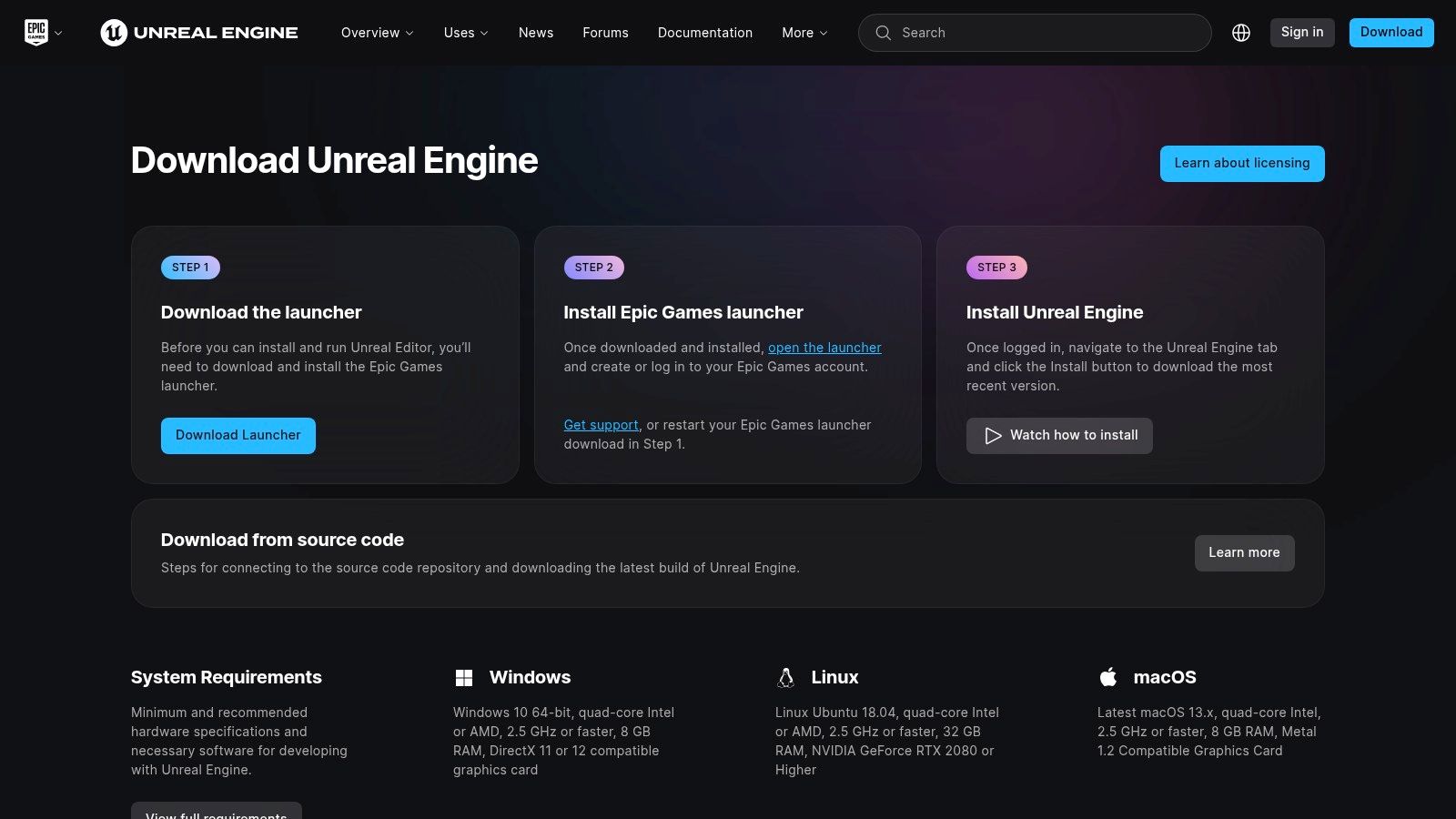
What truly sets Unreal apart for newcomers is its "what you see is what you get" philosophy. The engine's real-time lighting and material editor mean your game looks incredible right out of the box. The Epic Games Marketplace frequently offers high-quality 3D models, environments, and animations for free, giving you a professional toolkit from day one. Furthermore, comprehensive sample projects like the shooter template Lyra provide a fully functional game that you can deconstruct and learn from, offering a hands-on education in modern game design.
Core Features for Newcomers
- Blueprints Visual Scripting: Create complex game logic with a drag-and-drop, node-based interface, perfect for non-programmers.
- Rich Sample Projects: Learn by reverse-engineering complete, professional-quality game templates.
- Marketplace Freebies: Access a rotating selection of free, high-end assets every month to build your library.
- Seamless C++ Integration: Provides a direct path to powerful, text-based coding when you’re ready to level up your skills.
Pros & Cons
| Pros | Cons |
|---|---|
| Industry-leading graphics and visual effects capabilities | Requires a powerful computer to run smoothly |
| Blueprints system is one of the best no-code solutions available | The user interface can be complex for absolute beginners |
| Generous free asset library and excellent learning resources | Can be overkill for simple 2D or mobile game projects |
| Free to use until your game earns over $1 million in gross revenue | A 5% royalty applies after crossing the $1M revenue threshold |
The Verdict
Choose Unreal Engine if your primary goal is to create visually stunning 3D games and you prefer a visual, node-based approach to logic. It’s the perfect engine for aspiring artists, level designers, and creators who want to build worlds that push graphical boundaries. While it has a steeper hardware requirement, its beginner-friendly Blueprints system and wealth of free assets provide an unparalleled launchpad into high-end game development. For an even faster start, consider using an AI game generator like the one on MakeGamesWithAI to quickly prototype ideas you can later build out in a powerful engine like Unreal.
4. Godot Engine
If you’re looking for a game engine that champions freedom and community spirit, look no further than Godot. This completely free and open-source powerhouse has rapidly become a favorite for indie developers and beginners alike. Godot offers a remarkably clean and intuitive interface for both 2D and 3D game creation, all without royalties, fees, or restrictive licenses. It’s the perfect choice for creators who want to own their work outright and learn in a lightweight, fast-iterating environment, making it a strong contender for the best game design software for beginners.
What makes Godot so appealing to newcomers is its simplicity and all-in-one nature. The engine uses a unique scene-and-node system that makes organizing game elements feel incredibly logical. Its primary scripting language, GDScript, was designed to be easy to learn, with a syntax similar to Python. This gentle learning curve, combined with a passionate and helpful community, means you can go from installation to a playable prototype in a surprisingly short amount of time. You won't find a massive asset store like Unity's, but the built-in tools are more than enough to get started.
Core Features for Newcomers
- GDScript: An easy-to-learn, Python-like language designed specifically for Godot.
- Scene & Node System: An intuitive structure for organizing game objects and logic.
- Integrated Editor: Everything you need, from coding to animation, is in one clean window.
- Completely Free: No fees, no royalties, no strings attached. What you create is 100% yours.
Pros & Cons
| Pros | Cons |
|---|---|
| Absolutely free with no royalties (MIT license) | The asset ecosystem is smaller than Unity's or Unreal's |
| Lightweight and incredibly fast to launch and iterate | 3D capabilities are still maturing compared to industry giants |
| Excellent and highly-praised workflow for 2D games | Fewer native options for console publishing without third parties |
| A passionate and rapidly growing community | You might encounter fewer pre-made solutions for complex problems |
The Verdict
Choose Godot if you value freedom, speed, and a community-driven tool. It's the ideal engine for hobbyists, indie developers, and anyone who wants to learn game development without any financial barriers. Its 2D capabilities are top-notch, and its straightforward approach makes it one of the most accessible yet powerful tools on the market. For those ready to build their first project from scratch, Godot is a fantastic starting point.
5. GameMaker
If your goal is to make a 2D game fast, GameMaker should be at the top of your list. For decades, it has been the secret weapon for indie developers behind hits like Undertale, Hotline Miami, and Hyper Light Drifter. GameMaker strips away much of the complexity found in larger engines, focusing on a streamlined workflow that takes you from a blank canvas to a playable prototype in record time. It's purpose-built for 2D creation, making it an exceptional piece of game design software for beginners who want to see results without getting bogged down in technical details.
What makes GameMaker so approachable is its dual approach to logic. You can start with its visual, drag-and-drop scripting system, which lets you build game mechanics without writing any code. When you're ready for more control, you can transition to its proprietary GameMaker Language (GML), a flexible scripting language similar to C. This creates a gentle learning curve, allowing you to gradually increase the complexity of your projects as your skills grow. The integrated editor provides everything you need-from sprite editing to level design-all in one window.
Core Features for Newcomers
- Drag-and-Drop System: Build game logic visually by connecting pre-made action blocks.
- GameMaker Language (GML): An easy-to-learn, C-like language for when you need more power and flexibility.
- Integrated Editors: Includes built-in tools for creating sprites, designing levels, and managing game assets.
- Extensive Tutorials: A large library of official tutorials and example projects to get you started.
Pros & Cons
| Pros | Cons |
|---|---|
| One of the fastest engines for 2D game prototyping | 3D capabilities are very limited and not a primary focus |
| Gentle learning curve with both visual and code-based scripting | GML is a proprietary language, not transferable to other engines |
| Free plan available for non-commercial projects | Exporting to consoles requires a paid subscription |
| Strong, dedicated community focused on 2D game development | Interface can feel less modern than competitors like Godot |
The Verdict
Choose GameMaker if you are laser-focused on creating 2D games and value speed and simplicity above all else. It’s perfect for game jams, solo developers, and anyone who wants to build platformers, shoot 'em ups, or RPGs without a steep learning curve. While it's not the tool for crafting the next 3D open-world epic, it remains one of the best 2D game engines available for bringing your creative visions to life quickly and efficiently.
6. Construct 3
If you want to build a game right now, without installing a single thing, Construct 3 is your ticket. This clever, browser-based engine throws the traditional setup process out the window, letting you jump straight into creating. It's famous for its "event sheet" system, a powerful form of visual scripting that lets you build complex game logic with no coding required. This focus on immediate, accessible creation makes Construct 3 one of the best game design software for beginners, especially those in classroom settings or who want to avoid a hefty installation.
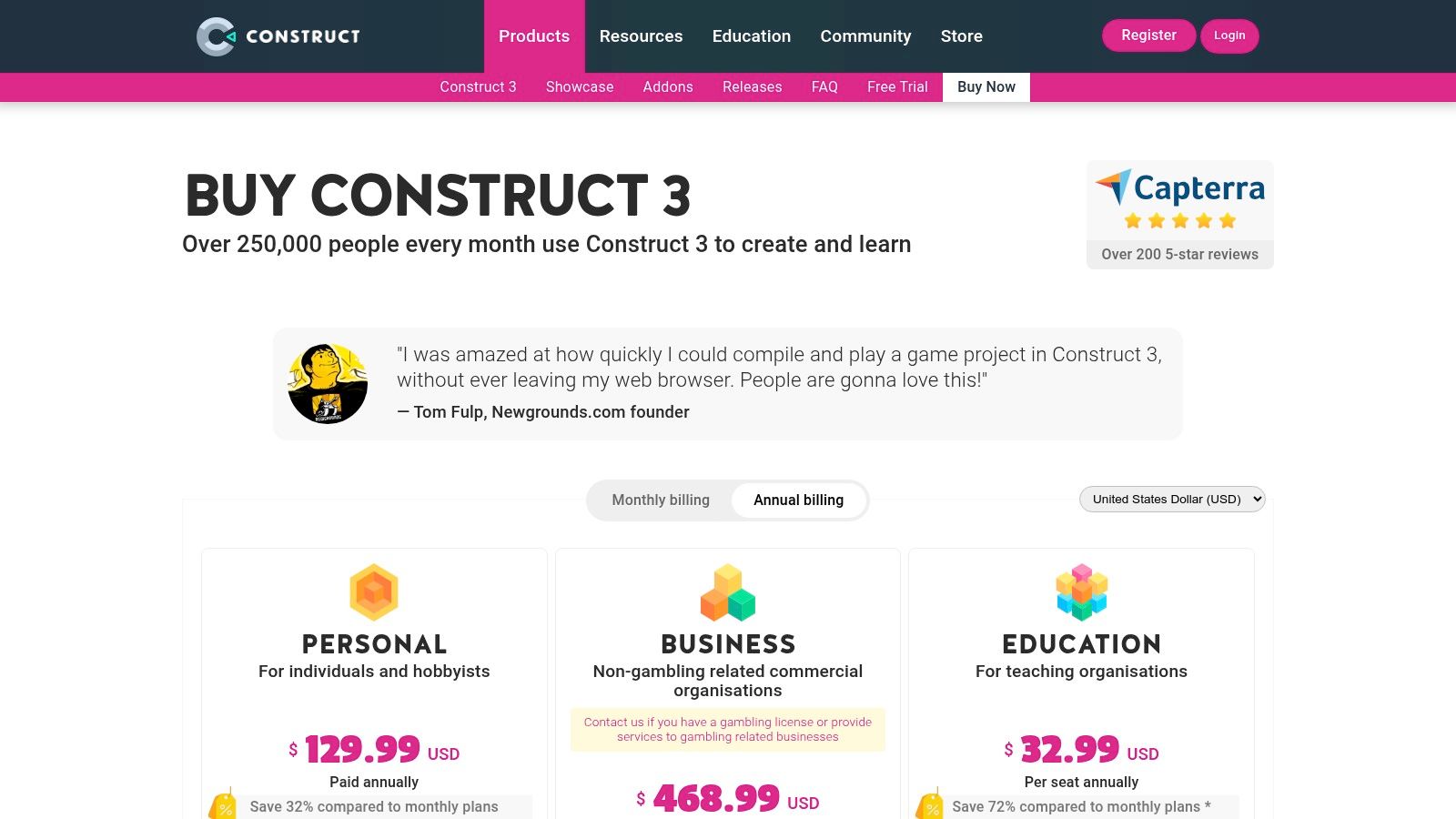
The magic of Construct 3 is its simplicity and speed. Because it runs entirely in your web browser, you can work on your project from virtually any computer, anywhere. Its event system is intuitive, presenting logic as a series of "if this happens, then do that" statements. This approach demystifies programming concepts and allows you to focus purely on game design and mechanics. For educators and aspiring creators who want the lowest possible barrier to entry, Construct 3 is an unmatched starting point for bringing 2D game ideas to life.
Core Features for Newcomers
- Browser-Based Engine: No installation needed. Simply open your web browser and start creating.
- Event Sheet System: Build game logic visually with an easy-to-understand, event-driven framework.
- Rapid Prototyping: A library of built-in behaviors and templates helps you get a playable prototype running in minutes.
- Visual Debugger: Easily step through your event sheets to find and fix bugs without complex tools.
Pros & Cons
| Pros | Cons |
|---|---|
| Extremely low setup friction; ideal for first-time creators | Subscription-based pricing model can be a recurring cost |
| Runs on almost any device with a modern web browser | Primarily focused on 2D game development |
| Strong educational features and seat management options | Free version has significant limitations on events and layers |
| The visual event system is fantastic for learning programming logic | Exporting to consoles requires a higher-tier business license |
The Verdict
Choose Construct 3 if your top priority is to start making a 2D game immediately with zero technical hurdles. Its browser-based nature and no-code event system make it perfect for game jams, classroom projects, and anyone who feels intimidated by traditional coding. While it's primarily a 2D tool, its power and simplicity are more than enough to build and publish impressive games.
7. RPG Maker (Official Store)
If your game idea involves epic quests, turn-based battles, and sprawling pixel-art worlds inspired by classics like Final Fantasy or Chrono Trigger, then RPG Maker is your express ticket to game creation. This isn't a general-purpose engine; it's a highly specialized toolkit laser-focused on one thing: making classic Japanese-style role-playing games (JRPGs). It completely removes the coding barrier, allowing you to build your entire game through a visual, event-based system. For aspiring storytellers and world-builders, RPG Maker is often the most direct path to bringing a narrative-driven game to life.
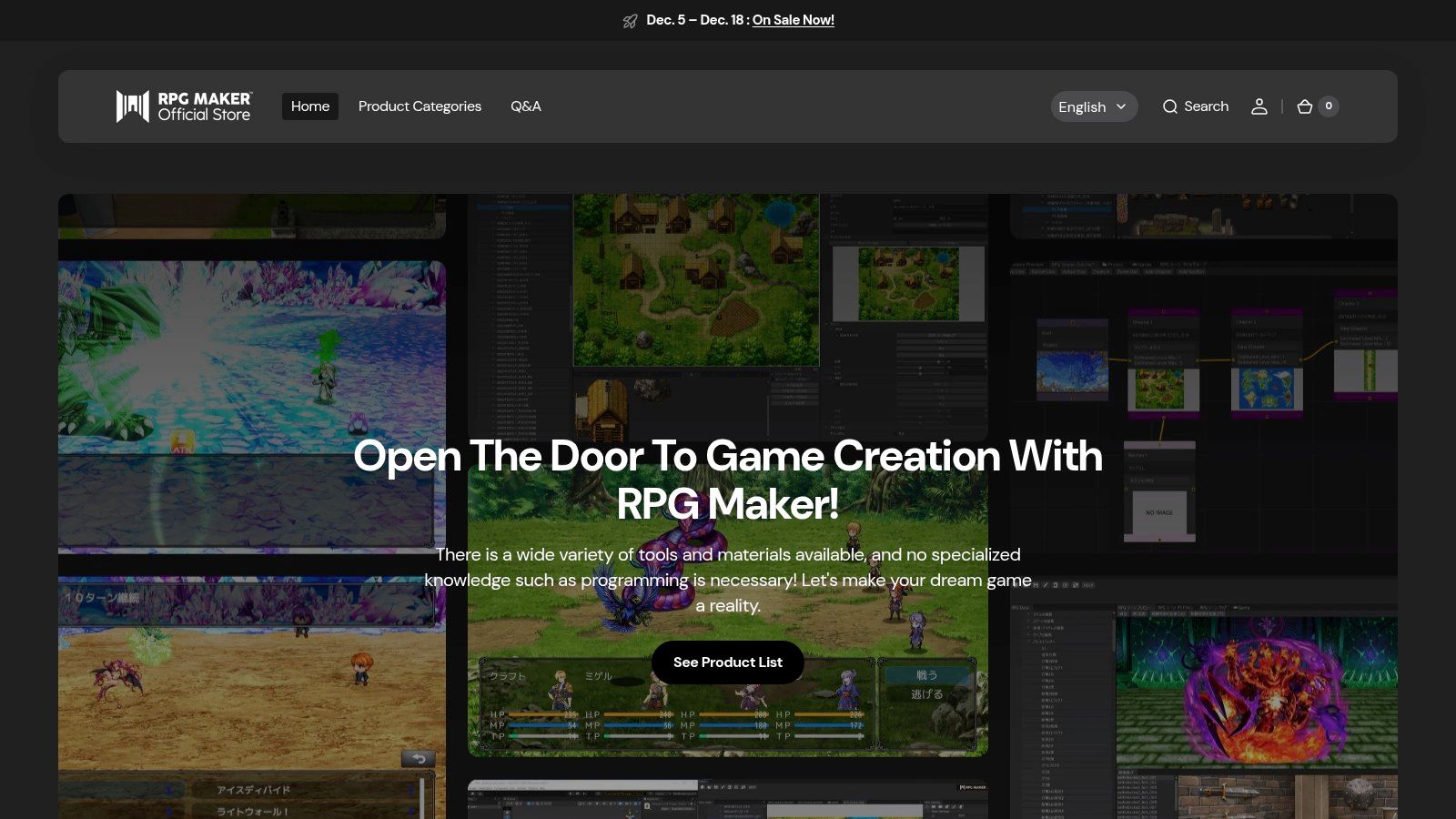
The official RPG Maker store is the central hub for everything you need. It's where you purchase the core software (like the latest version, RPG Maker MZ) and browse a massive marketplace of DLC and resource packs. Need a new monster sprite, a specific music track for a dramatic cutscene, or a plugin to add a unique battle mechanic? The store has you covered. This ecosystem makes it incredibly easy to customize your game's look and feel without ever needing to create your own assets, making it one of the best game design software for beginners who want to focus purely on design and narrative.
Core Features for Newcomers
- No-Code Event System: Create complex character interactions, quests, and cutscenes using a simple point-and-click menu system.
- Tile-Based Map Editor: Easily "paint" your game worlds, from bustling towns to dangerous dungeons, using pre-made art assets.
- Built-in Character Generator: Quickly create custom heroes and NPCs by mixing and matching facial features, hair, and outfits.
- Rich DLC Marketplace: The official store offers a huge library of art, music, and plugins to expand your creative options.
Pros & Cons
| Pros | Cons |
|---|---|
| The absolute fastest way to create a classic JRPG | Very limited flexibility for non-RPG or action-oriented games |
| Zero programming knowledge required to build a full game | Relies heavily on a top-down, tile-based perspective |
| Extensive library of official and community-made assets and plugins | The core software is a one-time purchase, not free |
| A strong, dedicated community focused on a single genre | Can be difficult to create a visually unique-looking game |
The Verdict
Choose RPG Maker if your dream is to create a story-rich, 2D role-playing game and you don't want to get bogged down by code. Its specialized nature is its greatest strength, providing a streamlined and intuitive workflow for a specific type of game. If you’re looking to create something outside the JRPG box, however, you'll want to explore more flexible tools. For those ready to build their own epic saga, visit the official store to get started.
8. Clickteam Fusion 2.5
If you want to make a game right now without getting bogged down by code, Clickteam Fusion 2.5 might be your perfect match. This venerable tool has a long legacy, powering indie hits like Five Nights at Freddy's and The Escapists. It completely bypasses traditional scripting, using an intuitive event-based system where you create logic by selecting conditions and actions from a list. It’s one of the fastest ways to go from a blank canvas to a playable 2D game, making it a classic piece of game design software for beginners.
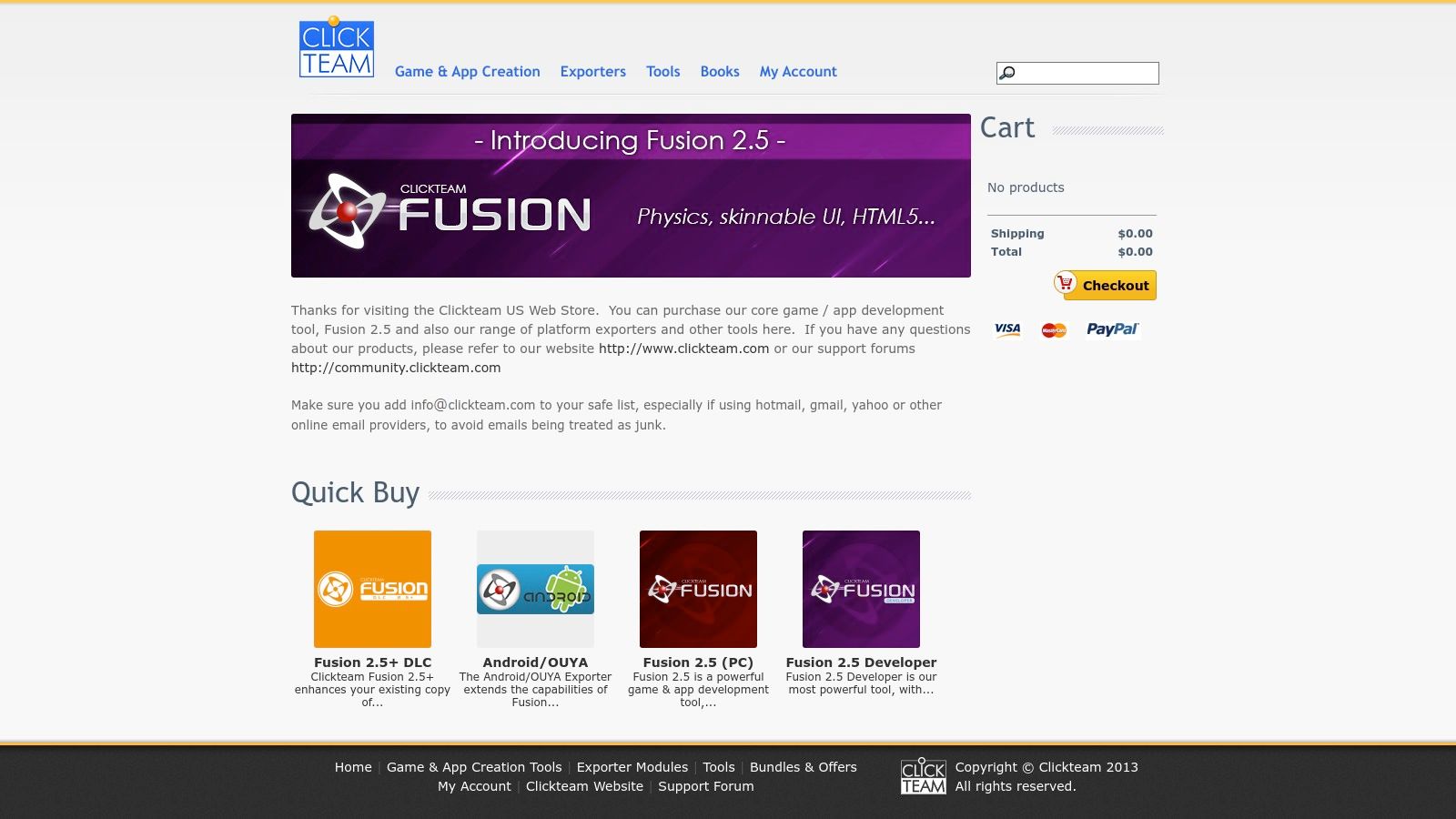
What makes Clickteam Fusion 2.5 so enduring is its directness. The "Event Editor" is essentially a spreadsheet where each row is a rule: if a condition is met (e.g., "Player collides with Coin"), then an action happens (e.g., "Add 1 to Score"). This visual, cause-and-effect approach is incredibly easy to grasp and lets you build complex game mechanics without writing a single line of code. The community, though older, is dedicated and supportive, having built up decades of examples and solutions to common problems.
Core Features for Newcomers
- Event Editor: Build game logic visually using a simple "if/then" system, perfect for non-programmers.
- Physics Engine: Easily add realistic movement and collisions to your game objects.
- One-Time Purchase: The core software is bought outright, avoiding monthly subscription fees.
- Optional Exporters: Add-on modules allow you to publish your game to platforms like Android and iOS.
Pros & Cons
| Pros | Cons |
|---|---|
| Extremely fast to prototype and get playable results | The user interface can feel dated compared to modern engines |
| No traditional coding required, making it highly accessible | Exporters and the more powerful 2.5+ add-on cost extra |
| One-time payment for the core software | Primarily focused on 2D, with very limited 3D capabilities |
| Long-standing, helpful community with years of shared knowledge | Transitioning to a code-based engine later requires a bigger jump |
The Verdict
Choose Clickteam Fusion 2.5 if your priority is speed and you want to avoid programming entirely. It’s an excellent choice for creating 2D arcade games, platformers, or puzzle games without the steep learning curve of a traditional engine. While it has its quirks, its ability to produce fun, functional games quickly is undeniable. It's a fantastic tool for proving to yourself that you can, in fact, make a game.
9. Steam Store – Game Development category
While not a single piece of software, the Steam Store's Game Development category is an essential marketplace every aspiring creator should know. Think of it as a superstore for game-making tools. Instead of settling for one engine, you can browse, compare, and purchase a variety of accessible software like RPG Maker, Clickteam Fusion, and Aseprite, often at a steep discount during Steam's legendary sales. It’s the perfect place to build your toolkit and discover the best game design software for beginners by reading real user reviews.
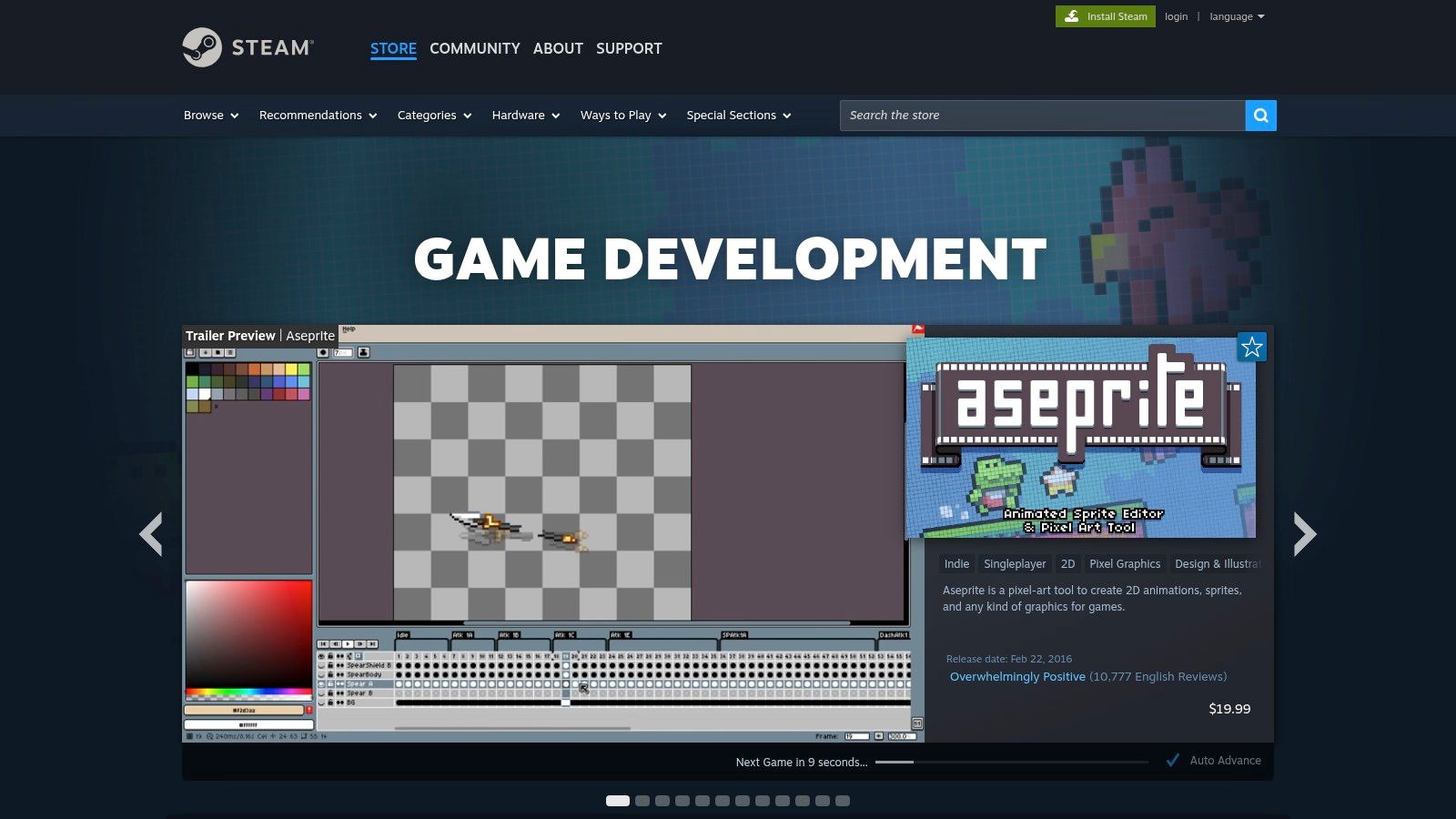
What makes Steam invaluable for newcomers is the ecosystem it provides. All your purchased software lives in one library with automatic updates, so you’re always on the latest version without hassle. More importantly, the user reviews are a goldmine of honest feedback from fellow beginners, helping you gauge if a tool is genuinely easy to learn or a frustrating mess. You can easily find bundles that package an engine with useful asset packs, giving you everything you need to start a project in one click.
Core Features for Newcomers
- Centralized Library: Keep all your game development tools and engines organized in one place.
- User Reviews: Get unfiltered opinions from other developers to make informed purchasing decisions.
- Frequent Sales: Aquire powerful software at a fraction of the cost during major seasonal sales.
- Bundles and DLC: Purchase engines, asset packs, and tutorials packaged together for extra value.
Pros & Cons
| Pros | Cons |
|---|---|
| Huge variety of beginner-friendly tools in a single marketplace | Not all game engines or tools are available on the platform |
| User reviews provide excellent insight into a tool's difficulty | Discoverability can be tricky; you rely on tags and user-curation |
| Frequent and deep discounts make software highly affordable | The selection of available tools can change over time |
| One account and library simplifies management and updates | You are tied to the Steam client to launch and update your software |
The Verdict
Choose the Steam Store – Game Development category when you want to explore and purchase various established, beginner-focused engines and tools at a great price. It’s less of a starting point and more of a valuable resource hub for building out your developer's toolkit. Once you’ve mastered the tools you find here, bring your skills to a platform like MakeGamesWithAI to participate in community challenges and see how your creations stack up on the global leaderboard.
10. itch.io – Tools Section
While not a single piece of software, itch.io's Tools section is a vibrant, chaotic bazaar that can be a goldmine for beginners. Think of it less as a structured engine and more as a massive community toolbox. It’s where indie developers share their creations, from tiny, hyper-focused pixel art editors to lightweight game engines and procedural generation utilities. For newcomers who find monolithic engines intimidating, this is the perfect place to find a specific, simple tool to solve one problem at a time, making it an unconventional but worthy entry for the best game design software for beginners.
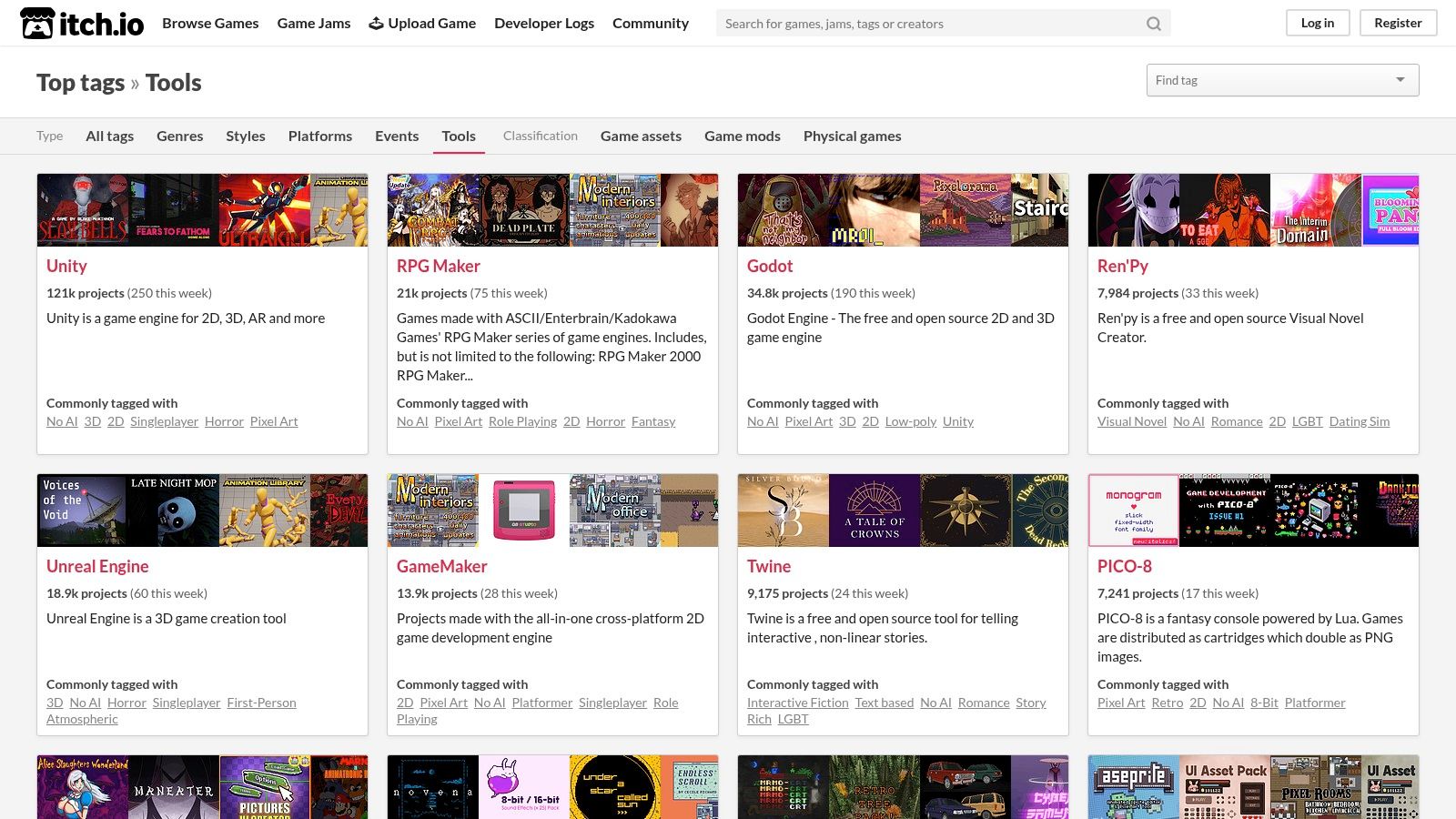
The magic of itch.io lies in its grassroots nature. You can find unique, experimental tools that simplify complex tasks, often for free or on a "pay-what-you-want" basis. It’s also deeply integrated with the game jam community, providing the perfect environment to not only find a tool but also an event to test it in. Following developers' devlogs on itch.io gives you a transparent look into how these tools are made and used, offering invaluable learning opportunities that polished corporate platforms can't match.
Core Features for Newcomers
- Vast Library of Niche Tools: Find specialized software for pixel art, level design, music composition, and more.
- Pay-What-You-Want Model: Access many tools for free or support indie creators at a price you choose.
- Community and Feedback: Interact directly with tool developers, read devlogs, and participate in game jams.
- Frequent Bundles: Get access to massive collections of tools and assets for a heavily discounted price.
Pros & Cons
| Pros | Cons |
|---|---|
| Discover unique, small-scale tools that are easy to learn | Quality and support vary wildly from one tool to the next |
| Strong community for feedback and learning from other indie developers | Can be overwhelming to navigate without a specific goal in mind |
| Many tools are free or extremely affordable for a tight budget | Less structured learning path compared to a dedicated game engine |
| A great way to support fellow indie creators directly | Finding the right tool requires research and some trial-and-error |
The Verdict
Choose the itch.io Tools section if you prefer a modular, DIY approach to game development. It’s perfect for creators who want to assemble their own custom toolkit from small, focused applications rather than committing to a single, all-encompassing engine. If you enjoy experimenting and want to support the indie ecosystem from the ground up, this is your creative playground.
11. Roblox Studio
If you want to create games and have a massive, built-in audience ready to play them from day one, look no further than Roblox Studio. This platform isn't just a game engine; it's a complete ecosystem where you can build, publish, and even monetize games within the wildly popular Roblox universe. It’s an incredible sandbox for learning the fundamentals of 3D game design, scripting, and community management, making it one of the best game design software for beginners who value immediate feedback and player engagement.
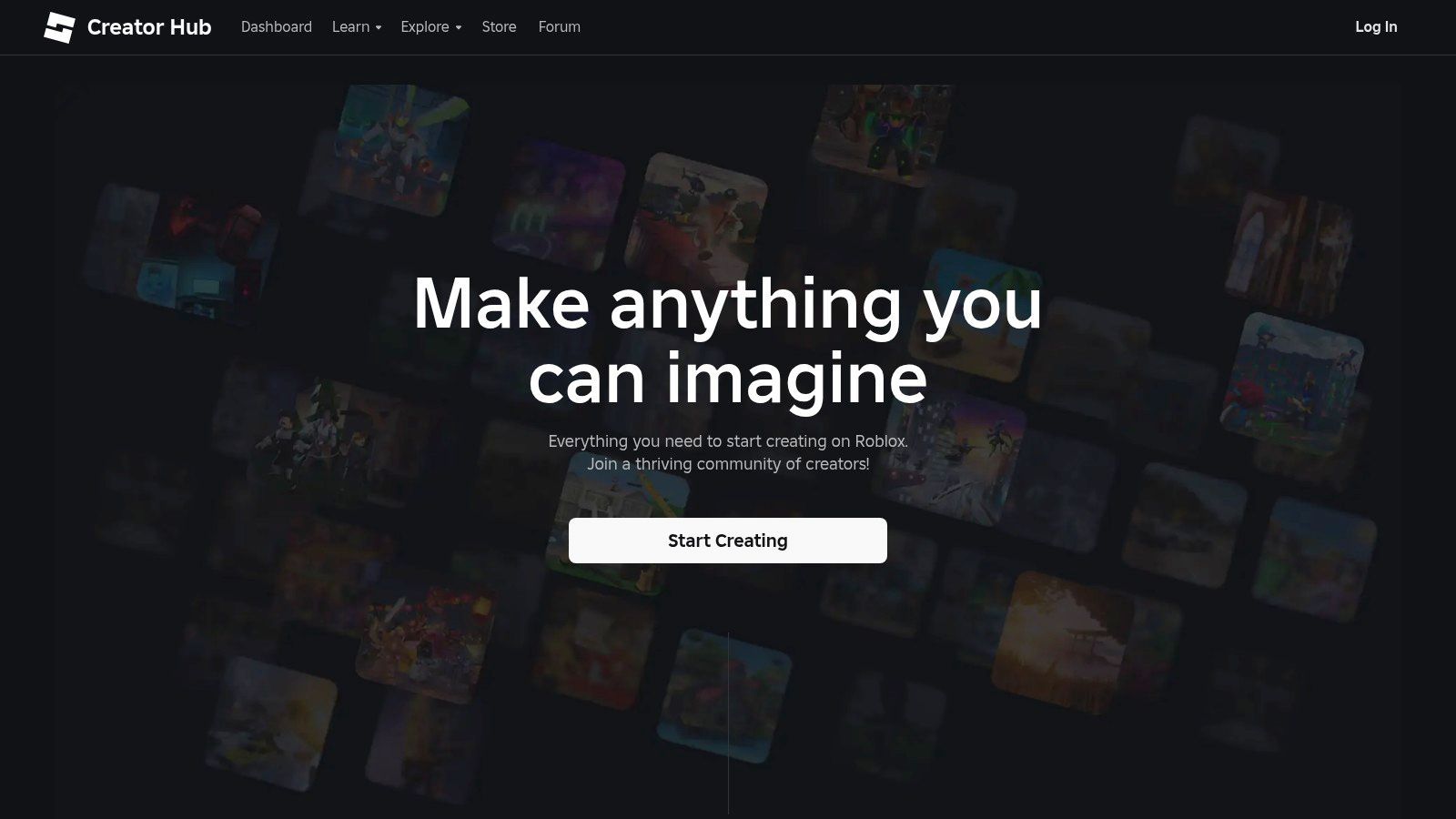
What sets Roblox Studio apart is its instant gratification loop. You can create a simple "obby" (obstacle course) or a complex simulation and publish it directly to millions of Roblox players with a single click. The platform uses Lua, an easy-to-learn scripting language, and the Creator Hub is filled with excellent tutorials and documentation to get you started. This focus on rapid creation and sharing makes it a phenomenal training ground for aspiring developers to test ideas quickly and see what resonates with a real audience.
Core Features for Newcomers
- Integrated Editor: Build worlds with a user-friendly, block-based terrain editor and a massive library of user-generated assets.
- Lua Scripting: An approachable and powerful scripting language with extensive learning resources.
- Instant Publishing: Share your game with the entire Roblox community instantly for playtesting and feedback.
- Built-in Monetization: Learn the ropes of game monetization through the platform's Robux currency system.
Pros & Cons
| Pros | Cons |
|---|---|
| Absolutely free to use, build, and publish | Your game is locked exclusively to the Roblox platform |
| Immediate access to a massive, active player base | Creative freedom is limited by the engine's technical specs |
| Very quick to iterate and get feedback | Cannot be used to publish games on Steam, mobile, or console |
| Excellent tutorials and a supportive creator community | Monetization is tied to the Roblox ecosystem and its rules |
The Verdict
Choose Roblox Studio if your primary goal is to make fun games and share them with lots of people as quickly as possible. It's the ultimate learn-by-doing platform where you get real-time feedback from a huge audience. While you won't be building a standalone PC or console title, you'll gain invaluable experience in game design, scripting, and community engagement. You can start with Roblox and then bring your skills to other platforms.
12. Humble Bundle / Humble Store
While not a single piece of software, Humble Bundle is an essential secret weapon for any aspiring game developer on a budget. Think of it as a treasure chest that appears every so often, packed with premium game development tools, asset packs, and comprehensive courses for a "pay-what-you-want" price. These limited-time bundles are a phenomenal way to acquire a library of resources-from game engines and modeling software to music packs and sprite sheets-for a fraction of their retail cost, all while supporting charity. For beginners, this is a golden ticket to experiment with high-quality assets and tools without a huge financial commitment.
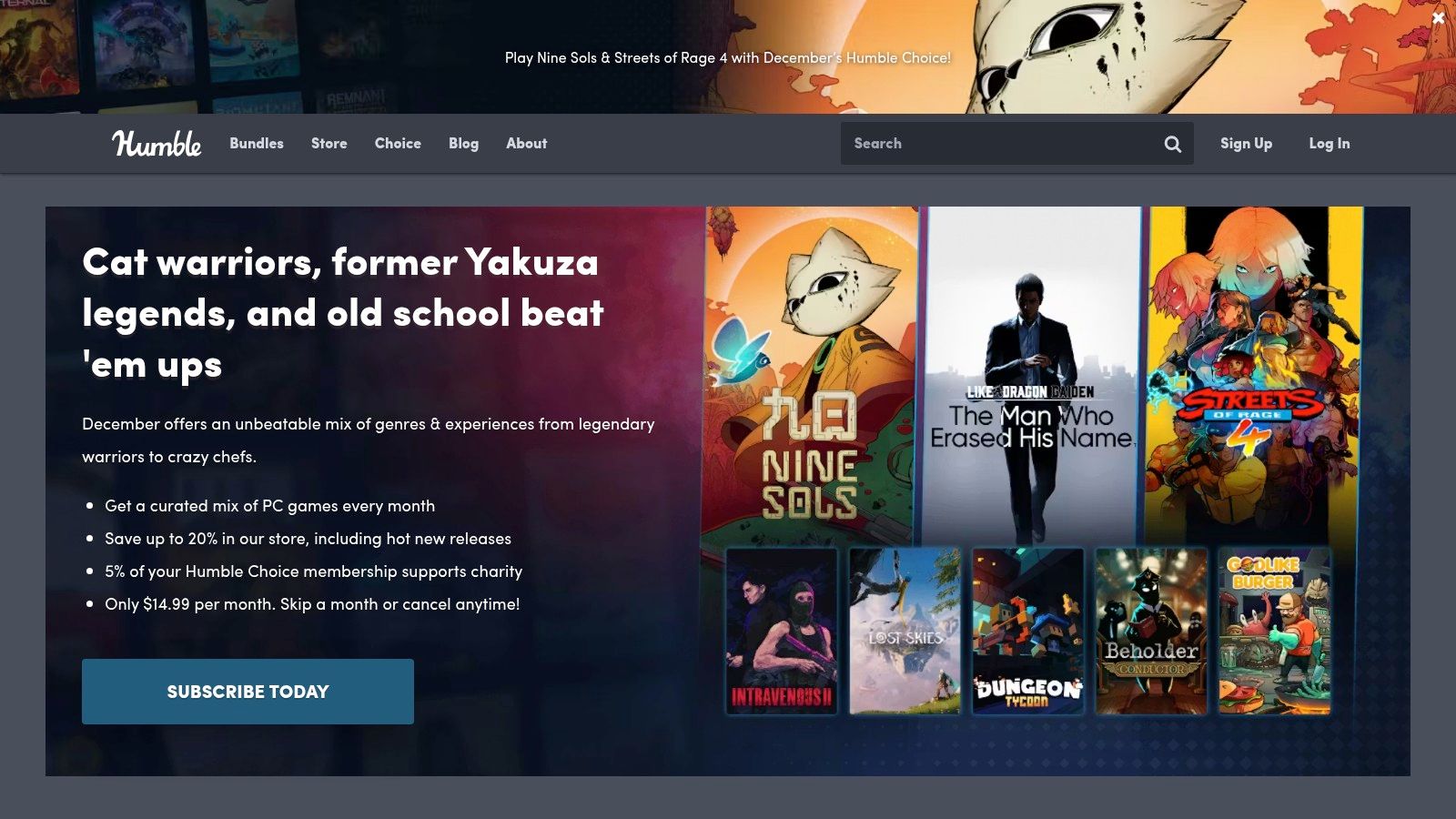
The real magic of Humble Bundle for a newcomer is its ability to lower the barrier to entry. Instead of agonizing over which single tool to buy, you can grab a curated bundle containing dozens of resources, giving you the freedom to explore what works for you. These deals often include software like GameMaker or asset packs compatible with engines like Unity and Unreal. Keeping an eye on their "Software" and "Books" sections can land you some of the best game design software for beginners and the educational materials to master it, making your learning journey both affordable and exciting.
Core Features for Newcomers
- Game Dev Bundles: Periodically offers massive collections of software, assets, and e-learning for a low price.
- Pay-What-You-Want Model: You decide the price, with higher tiers unlocking more content.
- Charitable Support: A portion of your payment goes to charity, adding a feel-good factor to your purchase.
- DRM-Free & Steam Keys: Often provides both options, giving you flexibility in how you access your new tools.
Pros & Cons
| Pros | Cons |
|---|---|
| Unbeatable value for building a library of assets and software | Game development bundles are time-limited and not always available |
| Fantastic way to discover new tools you wouldn't have tried otherwise | The selection is curated for you; you can't pick and choose items |
| Supports great causes with every purchase | Requires patience and regular checking to catch the best deals |
| Assets are often high-quality and commercially usable | You might end up with many resources you'll never use |
The Verdict
Choose Humble Bundle as your go-to resource for affordably building your developer's toolkit. It’s not a primary design tool but a powerful supplement that provides the raw materials and learning aids for other platforms. If you're just starting and want to amass a versatile collection of assets, plugins, and courses without breaking the bank, regularly checking the Humble Bundle site is a must. It’s the smartest way to equip yourself for your game creation journey.
Top 12 Beginner Game Design Tools — Comparison
| Tool | Core Features | UX / Quality (★) | Price / Value (💰) | Target Audience (👥) | Unique Selling Point (✨) |
|---|---|---|---|---|---|
| Make Games With AI 🏆 | AI-generated playable games (<1 min); 100+ assets; global leaderboards; chat editor; instant publish | ★★★★☆ — ultra-fast, beginner-friendly | 💰 1 free game; $19.99/mo unlimited + commercial rights | 👥 Hobbyists, indie creators, educators, marketers | ✨ No-code AI→game in under a minute; built-in leaderboards |
| Unity | Visual editor; C# scripting; robust 2D/3D pipelines; Asset Store | ★★★★☆ — powerful but steeper learning curve | 💰 Free Personal; Pro/Enterprise tiers for studios | 👥 Indie to professional multi-platform teams | ✨ Large ecosystem, extensive exports & marketplace |
| Unreal Engine | High-end 3D; Blueprints + C++; rich sample projects | ★★★★★ — top-tier visuals; heavier requirements | 💰 Free until $1M revenue; 5% royalty after threshold | 👥 AAA, high-fidelity studios, advanced learners | ✨ Best-in-class visuals and sample projects |
| Godot Engine | Open-source (MIT); strong 2D workflow; GDScript; one-click exports | ★★★★☆ — lightweight, fast iteration | 💰 Free — no royalties; MIT license | 👥 Cost-conscious indies, educators, beginners | ✨ Fully free + excellent 2D tooling |
| GameMaker | 2D IDE; drag-and-drop + GML scripting; quick exporters | ★★★★☆ — very fast prototyping for 2D | 💰 Paid tiers; exporters may require license | 👥 2D devs, jam participants, educators | ✨ Rapid 2D prototyping with simple workflow |
| Construct 3 | Browser-based event sheets; visual debugging; templates | ★★★★☆ — very low setup friction, classroom-ready | 💰 Subscription-based access | 👥 Classrooms, beginners, educators | ✨ No install — run fully in browser |
| RPG Maker | Tile-based map editor; event system; large DLC asset library | ★★★☆ — easiest for JRPG-style games | 💰 One-time purchase + DLC options | 👥 Story-focused creators, beginners | ✨ Simplest path to classic JRPG creation |
| Clickteam Fusion 2.5 | Event editor (no-code); export modules; one-time core license | ★★★☆ — fast to results; older UI | 💰 One-time core purchase; paid exporters | 👥 Hobbyists, rapid prototypers | ✨ Event-based no-code with one-time buy option |
| Steam Store – Game Dev category | Centralized purchases, auto-updates, reviews, sales | ★★★☆ — convenient storefront experience | 💰 Varies; frequent discounts & bundles | 👥 Buyers seeking tools, asset bundles | ✨ Central hub for purchases + community reviews |
| itch.io – Tools section | Indie marketplace for tools, utilities, assets; PWYW options | ★★★☆ — diverse quality; community-driven | 💰 Many free / pay-what-you-want; bundles | 👥 Indie creators, experimental devs | ✨ Community tools, jams, devlogs for learning |
| Roblox Studio | Free editor with Lua; instant playtesting & publishing on Roblox | ★★★★☆ — instant audience feedback & monetization | 💰 Free to use; platform monetization options | 👥 Creators targeting Roblox audience, young devs | ✨ Massive built-in player base & monetization |
| Humble Bundle / Store | Time-limited bundles of tools, assets, courses; charity split | ★★★☆ — high value during bundles | 💰 Great discounts during bundles; time-limited | 👥 Learners, bargain hunters, educators | ✨ High-value bundles of tools/assets + charity support |
The Final Boss: Choosing Your Weapon and Making Your First Game
We’ve just speed-run through a massive arsenal of game development tools, from the instant-creation magic of Make Games With AI to the world-building titans like Unity and Unreal. You’ve seen the gear, you've scouted the battlefield, and now you’re standing at the final boss of this article: making a choice. The overwhelming feeling you might have right now isn't a bug; it's a feature of having so many incredible options at your fingertips.
The secret is this: the best game design software for beginners isn't the one with the most polygons, the fanciest lighting engine, or the longest list of Hollywood credits. The best tool is the one that gets you from a spark of an idea to a playable game with the least amount of friction. It's about finding the path of least resistance to that first, glorious "It works!" moment. Analysis paralysis is the true enemy here, a boss that can trap you in a loop of endless tutorials and zero finished projects. Don't let it win.
Your First Quest: Match the Tool to Your Goal
To defeat this final boss, you need to define your personal quest objective. Let's break it down into a simple decision tree to help you pick your weapon.
-
If your goal is to make a game this afternoon… you need an "instant action" tool. Your choice is clear: Make Games With AI. You can literally describe your game idea and have a playable prototype with a live leaderboard in minutes, not months. This is about bypassing the technical grind to focus purely on the fun of creation and sharing. For rapid prototyping and seeing your ideas come to life immediately, this is your champion.
-
If your goal is to build a specific 2D genre game… look to the specialists. For a classic JRPG, RPG Maker is a no-brainer. For a visual-novel-style platformer or a quirky indie title, GameMaker or Construct 3 offer a fantastic balance of visual scripting and powerful features without the steep learning curve of a full 3D engine.
-
If your goal is to learn industry-standard skills for a potential career… then it's time to embrace the grind with the big two: Unity or Unreal Engine. Be prepared for a significant time investment. Your first project won't be a sprawling open world; it will be a rolling ball or a bouncing cube. This path is a marathon, not a sprint, but it builds the foundational skills used in professional studios.
-
If your goal is to join a vibrant, open-source community… then the Godot Engine is calling your name. It offers a fantastic, all-in-one package that's powerful, free, and supported by a passionate community of developers who champion the spirit of collaborative creation.
The Real Secret: Just Ship It
Ultimately, the most important step is the one you take right now. Don't spend another week comparing feature lists. Pick the tool that sounds the most exciting to you, find a "My First Game" tutorial on YouTube, and follow it to completion. Make a game. It doesn’t have to be good; it just has to be done.
Your first creation will probably be clunky, maybe a little broken, and that's perfect. You will learn more from finishing one tiny, flawed game than you will from starting a dozen ambitious projects. You'll understand the core loop, the frustration of a misplaced semicolon, and the absolute joy of seeing someone else play your creation. That experience is the most valuable XP you can possibly gain on your journey from gamer to game developer. The quest has been given, your weapon is chosen. Go build something.
Ready to skip the tutorials and jump straight into creating? Make Games With AI is the fastest path from idea to playable game, making it the ultimate tool for beginners who want to see results now. Head over to Make Games With AI and launch your first game in the next five minutes.