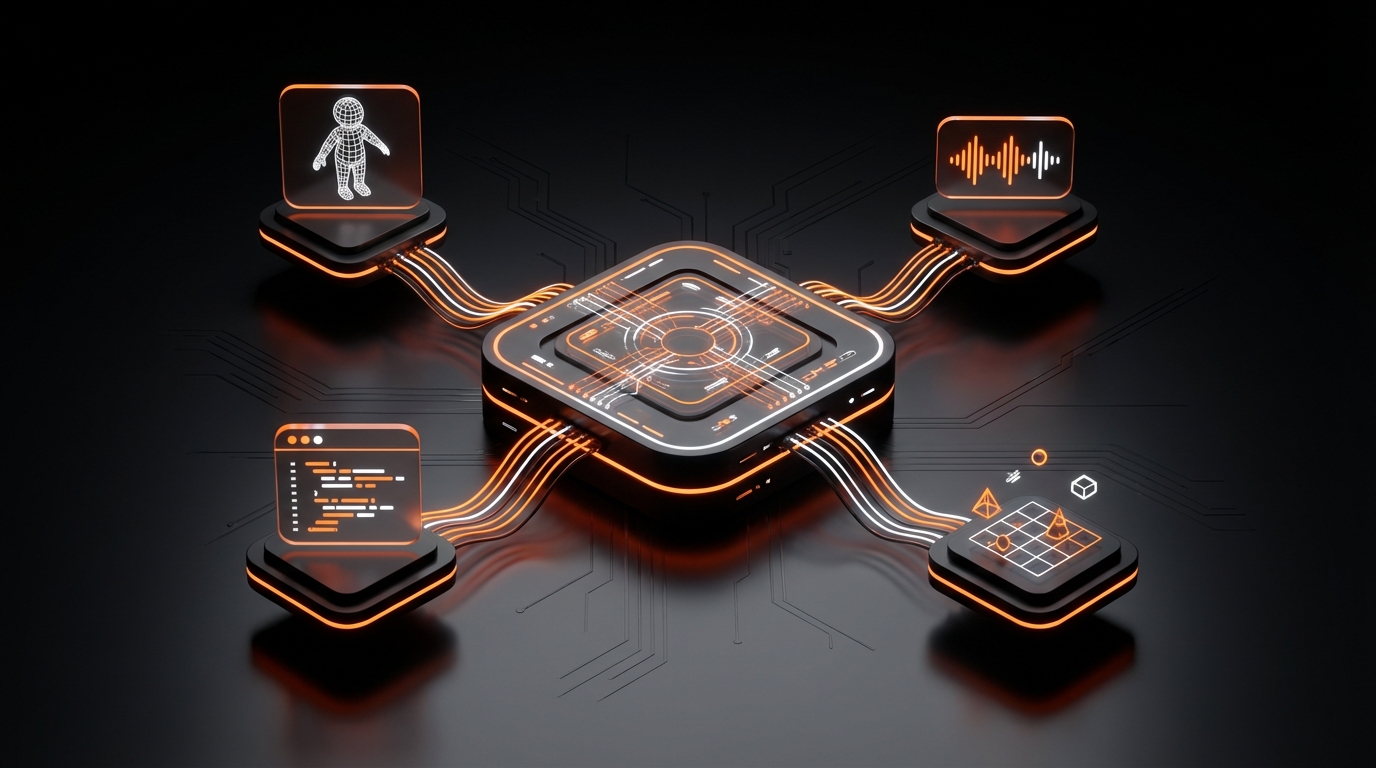
How to Collaborate in Game Design: A 2026 Guide
The myth of the lone genius developer is fading fast. While solo projects can be incredible feats of dedication, the most iconic and complex games of our time are born from synergy. Learning how to collaborate in game design isn’t just a soft skill anymore; in 2026, it’s a fundamental requirement for creating compelling, polished, and successful interactive experiences. Effective teamwork transforms a good idea into a great game by combining diverse talents, perspectives, and skills.
This guide will walk you through the essential steps for mastering game design collaboration, from establishing a unified vision to choosing the right tools that empower every member of your team.
Why Game Design Collaboration is Crucial in 2026
Modern games are intricate systems of art, code, narrative, and sound. No single person can be an expert in everything. Collaboration allows specialists to focus on their craft while contributing to a cohesive whole. In an era of remote teams and AI-assisted development, having a solid collaborative framework is what separates struggling projects from streamlined successes. It ensures everyone is pulling in the same direction, minimizing wasted effort and maximizing creative output.
Step 1: Establish a Shared Vision and Core Pillars
Before a single asset is created or a line of code is written, your team must be aligned on what you are building. This shared vision is the North Star that will guide every decision throughout the development process.
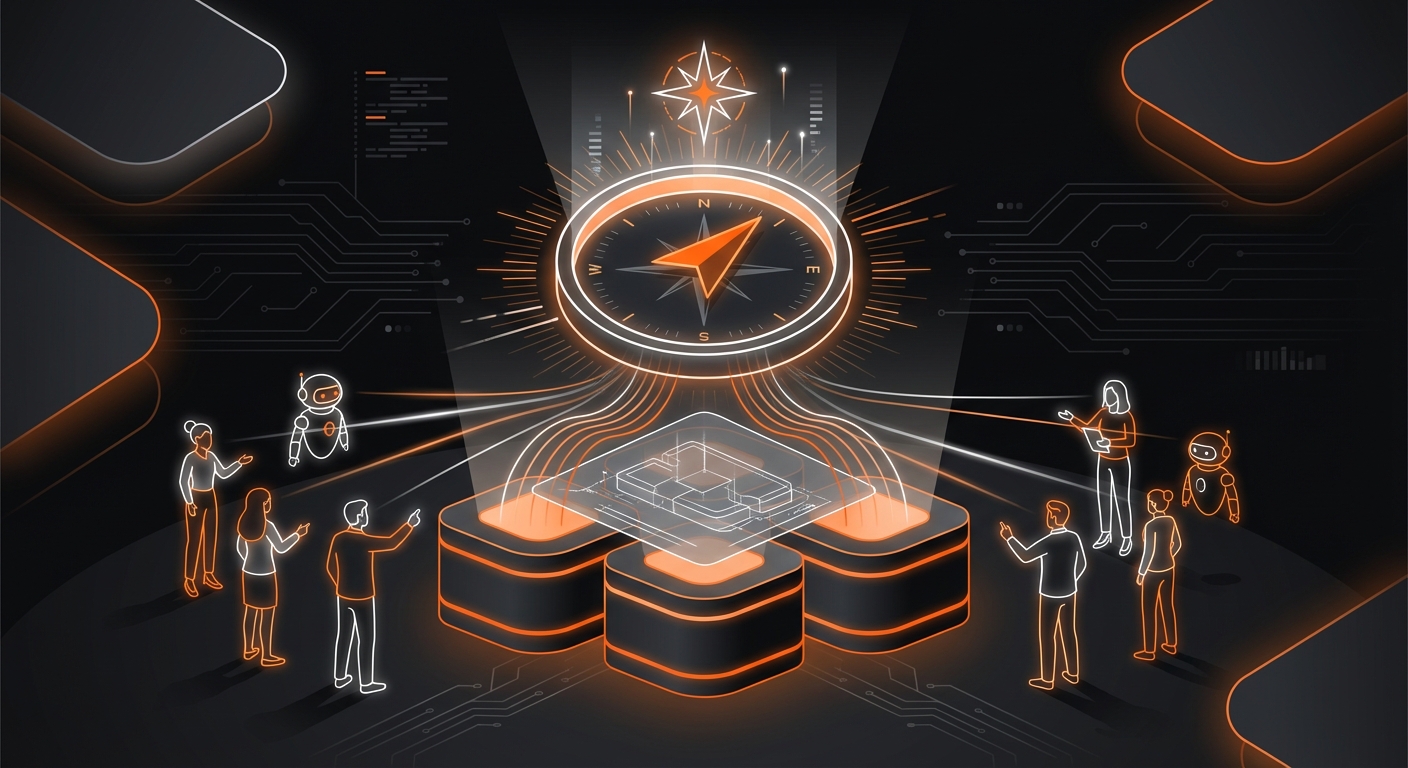
Create a Game Design Document (GDD): This living document is the single source of truth for your project. It should outline the game’s concept, target audience, core mechanics, art style, narrative, and monetization strategy. It doesn’t need to be 100 pages on day one, but it should clearly define the destination.
Define Your Core Pillars: Identify the 3-5 key principles or emotions that define your game’s experience. For example, the pillars for a horror game might be “Constant Tension,” “Player Disempowerment,” and “Environmental Storytelling.” Every feature and decision should be weighed against these pillars. If a proposed mechanic doesn’t support them, it’s likely a distraction.
Tip: Use collaborative whiteboarding tools like Miro or FigJam for initial brainstorming sessions to visually map out ideas and get everyone’s input from the start.
Step 2: Define Clear Roles and Responsibilities
Ambiguity is the enemy of collaboration. When team members aren’t sure who is responsible for what, tasks get dropped, work is duplicated, and friction arises. Clearly define each person’s role and their specific areas of ownership.
Common roles in a small to mid-sized team include:
- Game Designer: Defines the rules, systems, and player experience.
- Artist (2D/3D): Creates all visual elements, from characters to environments.
- Programmer/Developer: Writes the code that makes the game function.
- Sound Designer/Composer: Creates sound effects and music.
- Writer: Develops the story, dialogue, and in-game text.
- Producer/Project Manager: Keeps the project on schedule and facilitates communication.
Warning: In small teams, individuals often wear multiple hats. It’s even more critical in these situations to document who is the final decision-maker for each aspect of the game to avoid deadlocks.
Step 3: Choose the Right Collaboration Stack
Your tools should facilitate creativity, not hinder it. In 2026, there is a vast ecosystem of software designed for every aspect of collaborative game design.
Essential Tool Categories
- Communication: Slack or Discord are standard for daily check-ins, quick questions, and team bonding.
- Project Management: Tools like Asana, Trello, or Jira help track tasks, set deadlines, and visualize project progress.
- Version Control: Git (via GitHub or GitLab) is essential for managing code and preventing developers from overwriting each other’s work.
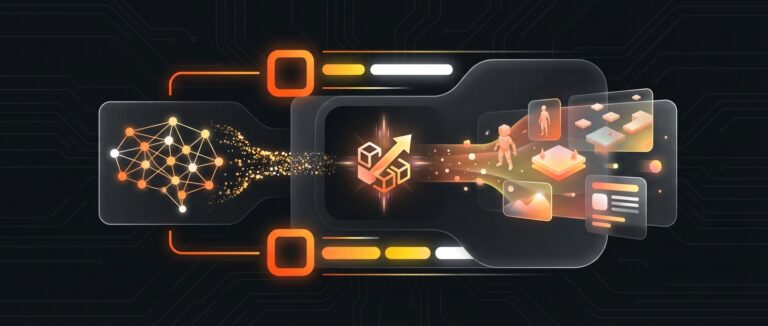
- Design & Prototyping: This is where modern platforms shine. Traditional workflows often create a bottleneck, where artists and designers must wait for a programmer to implement their ideas. Today, what is no-code game development? A 2026 guide shows us a better way. Platforms like MakeGamesWithAI break down these barriers, providing a shared, real-time creative space. Designers can tweak mechanics, writers can implement dialogue, and artists can drop in assets, all without writing a single line of code. This empowers the entire team to contribute directly and see their changes live.
Step 4: Implement a Clear Communication Protocol
Having the right tools is only half the battle; you need rules of engagement for how to use them. A communication protocol ensures information flows efficiently and everyone stays informed.
- Schedule Regular Check-ins: Daily stand-ups (even 15-minute virtual calls) are great for surfacing blockers. Weekly meetings can be used for sprint planning and reviews.
- Embrace Asynchronous Communication: Not every message needs an instant reply. Encourage the use of detailed comments in project management tools and organized channels in Slack/Discord so team members in different time zones can stay in sync.
- Document Everything: Important decisions made in a meeting should be summarized and posted in a central location (like Notion or your project’s wiki). This creates a searchable history and prevents miscommunication.
Step 5: Master the Art of Constructive Feedback
Feedback is the lifeblood of an iterative design process. The goal is to create a culture where critique is seen as a tool for improvement, not a personal attack.
When giving feedback:
- Be Specific: Instead of “I don’t like this level,” try “The jump in section 3 feels too floaty, and it’s hard to see the next platform because of the lighting.”
- Reference the Pillars: Frame your feedback around the project’s goals. “Does this mechanic support our core pillar of ‘Fast-Paced Action’?”
- Offer Solutions: Don’t just point out problems. Brainstorm potential solutions with your teammate.
When receiving feedback, listen actively, ask clarifying questions, and remember that everyone shares the same goal: to make the best game possible. A solid understanding of 7 game design principles for beginners in 2026 can provide a shared language for these discussions.
Step 6: Iterate and Prototype Collaboratively
Your first idea is rarely your best. The key to finding the fun is through rapid, collaborative prototyping. Build small, testable versions of your game’s core mechanics to see what works.
This is another area where AI-powered, no-code platforms revolutionize the process. With a tool like MakeGamesWithAI, your team can go from idea to playable prototype in minutes. The AI assistant can generate starting points, and the intuitive editor allows for instant changes. This dramatically shortens the feedback loop, allowing you to test dozens of ideas in the time it would traditionally take to implement one. This approach aligns perfectly with modern best practices for how to design games with AI: a 2026 guide.
Common Mistakes to Avoid
Even with the best intentions, collaborative projects can stumble. Be on the lookout for these common pitfalls:
- Design by Committee: Trying to incorporate everyone’s ideas can lead to a diluted, unfocused game. Stick to your core pillars and designated roles.
- Poor Documentation: Assumptions are a project’s silent killer. If it’s not written down in the GDD or a task tracker, it doesn’t exist.
- Technical Barriers: Choosing overly complex tools for your team’s skill level can grind progress to a halt. It’s crucial to evaluate the 5 best game engines for beginners in 2026 and select one that empowers, rather than frustrates, your team.
- Fear of Conflict: Avoiding difficult conversations about design disagreements only lets problems fester. Address issues early and respectfully.
Expected Results: The Power of True Collaboration
By implementing these steps, you’re not just learning how to collaborate in game design; you’re building a creative machine. The expected outcome is a streamlined development process that produces a far better game than any single individual could have made alone. You’ll benefit from a stronger final product, faster iteration cycles, and a positive team environment where creativity can flourish. The final game will be a richer experience, infused with the combined passion and expertise of your entire team.
Conclusion: Build Better, Together
Collaboration is a skill that is built and refined over time. It requires a shared vision, clear communication, mutual respect, and the right set of tools to bring it all together. By following these structured steps, your team can navigate the complexities of game development and transform your collective creativity into a playable reality.
As you embark on your next project, consider how modern platforms can enhance your collaborative workflow. Tools built on AI and no-code principles, like MakeGamesWithAI, are specifically designed to remove technical friction, allowing everyone—from designers to artists to writers—to contribute directly to the game. This fosters a more inclusive, efficient, and truly collaborative development environment.