5 Best Game Editing Tools for Beginners in 2026
The dream of creating your own video game is more attainable in 2026 than ever before. Gone are the days when game development was reserved for expert programmers and massive studios. Today, a new generation of powerful, intuitive software has democratized the creation process, making it accessible to anyone with a great idea. If you’re looking for the best game editing tools for beginners, you’ve come to the right place. This guide will walk you through the top platforms that can help you turn your creative vision into a playable reality, regardless of your technical background.
Choosing the right tool is the first critical step in your journey. Some platforms leverage artificial intelligence to build games from simple text prompts, while others use visual, drag-and-drop interfaces to teach the fundamentals of game logic. Whether you want to build a simple mobile game or a sprawling RPG, this list covers the best software to get you started on the right foot.
1. MakeGamesWithAI
Topping our list is MakeGamesWithAI, a revolutionary platform that harnesses the power of artificial intelligence to transform game development. Designed specifically for beginners, creators, and hobbyists, it completely removes the coding barrier. The core concept is simple yet incredibly powerful: describe your game idea, and the AI generates a playable prototype in seconds. This allows you to focus purely on creativity and design, iterating on your concept without ever writing a single line of code.
This platform is more than just a game generator; it’s a complete ecosystem for creation. Once your initial game is created, you can jump into a powerful visual editor to refine every detail. The chat-based editing feature feels like you’re collaborating with an expert developer, allowing you to request changes like “make the player jump higher” or “add more enemies.” With a library of over 100 professional gaming assets and features like instant publishing and global leaderboards, MakeGamesWithAI provides everything you need to go from idea to launch. This approach is a prime example of how to use AI in game creation to accelerate the process.
Key Details
- Best for: Absolute beginners, rapid prototypers, and creatives who want to focus on design over code.
- Platform: Web-based.
- Pricing: Simple Creator Plan at $19.99/month for unlimited games and premium assets.
- Core Strength: Unmatched speed from idea to playable game thanks to its generative AI core.
2. GDevelop
GDevelop is a fantastic open-source and free option that has become a favorite in the indie and hobbyist communities. It is a no-code 2D game engine that uses an intuitive event-based system. Instead of writing code, you create game logic by choosing conditions and actions from a list—for example, “If the player collides with a coin, add 10 to the score.” This visual approach is an excellent way for beginners to learn the fundamental logic behind how games work without getting bogged down in complex syntax.
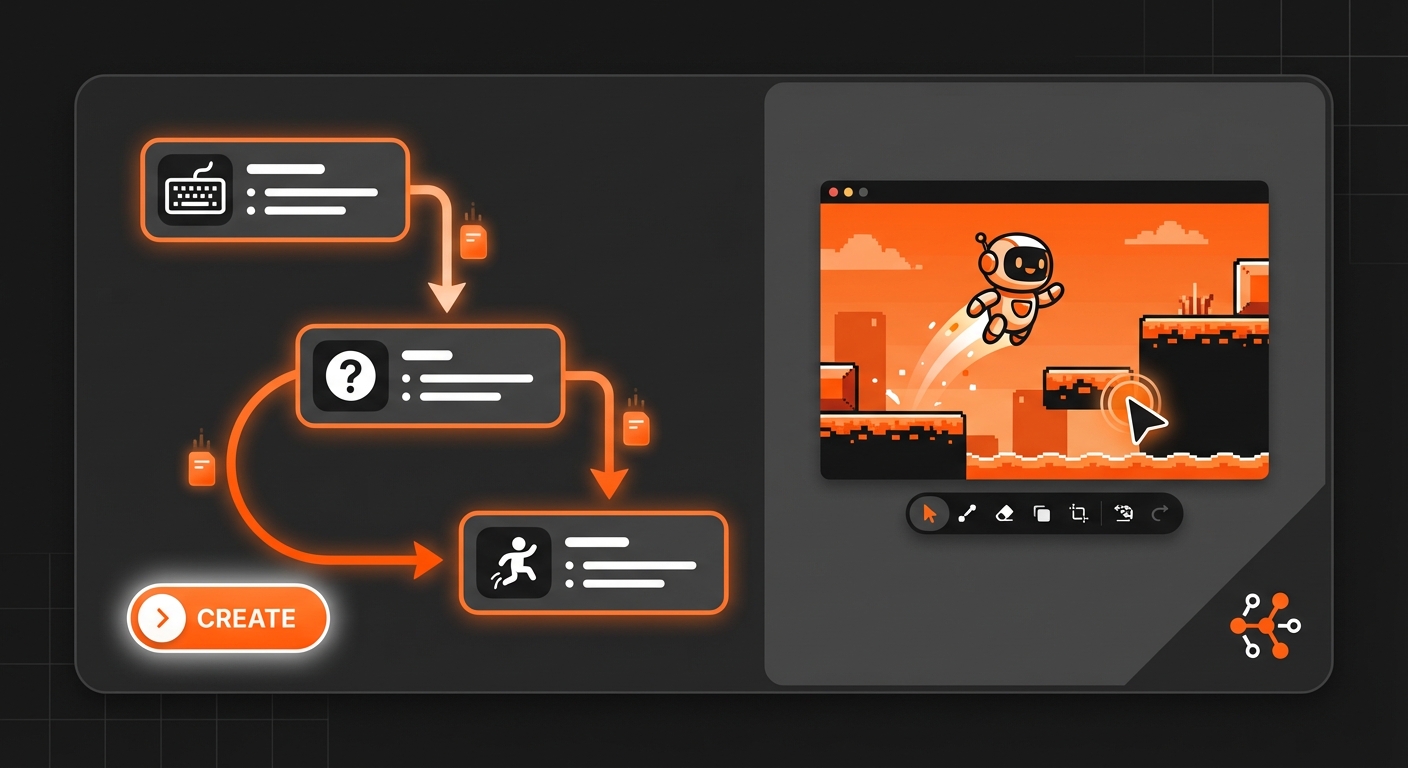
The engine is cross-platform, allowing you to build games for the web, PC, Mac, Linux, and even mobile devices from a single project. GDevelop also boasts a vibrant community that contributes tutorials, examples, and extensions, so you’re never truly on your own. While it lacks the AI-driven speed of a platform like MakeGamesWithAI, its event system provides a structured, hands-on introduction to game logic, making it one of the best game editing tools for beginners who want to understand the nuts and bolts.
Key Details
- Best for: Beginners interested in learning game logic visually and creating 2D games for multiple platforms.
- Platform: Desktop (Windows, macOS, Linux) and a web editor.
- Pricing: Free and open-source.
- Core Strength: A powerful and flexible event system that teaches core programming concepts visually.
3. Godot Engine
For beginners who are curious about coding but want a gentle introduction, Godot is an outstanding choice. It is a free, open-source, and fully-featured game engine that rivals some of the top professional engines on the market. While it supports powerful scripting with its own language (GDScript, which is similar to Python), it also includes a visual scripting system. This allows you to build game logic using nodes and connections, offering a bridge between no-code systems and full-fledged programming.
Godot’s strongest asset is its versatility. It has dedicated and highly optimized workflows for both 2D and 3D game development, so you aren’t limited to one style. The engine is incredibly lightweight, and its non-profit, open-source nature means it is completely free with no royalties or hidden fees. While the learning curve is steeper than a pure no-code game development platform, it’s an excellent option for those who see game development as a long-term hobby or potential career. It’s a key player in our list of the 5 best game engines for beginners in 2026.
Key Details
- Best for: Ambitious beginners who want to learn a traditional engine and eventually transition to coding.
- Platform: Desktop (Windows, macOS, Linux).
- Pricing: Completely free (MIT License).
- Core Strength: A professional-grade, all-in-one engine for both 2D and 3D games with zero cost.
4. Construct 3
Construct 3 is a highly polished and user-friendly game editor that runs entirely in your web browser. This means there’s no software to install, and your projects are accessible from any computer. Like GDevelop, it uses an event sheet system for game logic, which is powerful, readable, and easy for newcomers to grasp. Construct is particularly well-regarded for its exceptional performance in creating HTML5 games that run smoothly on web and mobile.
The platform is backed by excellent documentation, a wealth of tutorials, and an active community. Its streamlined interface and robust feature set make it a top choice for educators, students, and indie developers. The main drawback is its subscription model, as the free version is quite limited in the number of events and layers you can use. However, for those serious about making 2D web games, the investment is often worth it for the polished workflow and reliable performance.
Key Details
- Best for: Creating high-performance 2D HTML5 games for web and mobile.
- Platform: Web-based.
- Pricing: Limited free version; paid subscriptions required for full functionality.
- Core Strength: A powerful, browser-based editor with a focus on performance and ease of use.
5. RPG Maker MZ
If your dream is to create a classic, story-driven role-playing game in the style of Final Fantasy or Chrono Trigger, there is no better tool than RPG Maker MZ. This software is highly specialized, providing all the assets, systems, and editors you need to build a top-down RPG right out of the box. You can create maps, design characters, write dialogue, and set up turn-based battles without any programming.
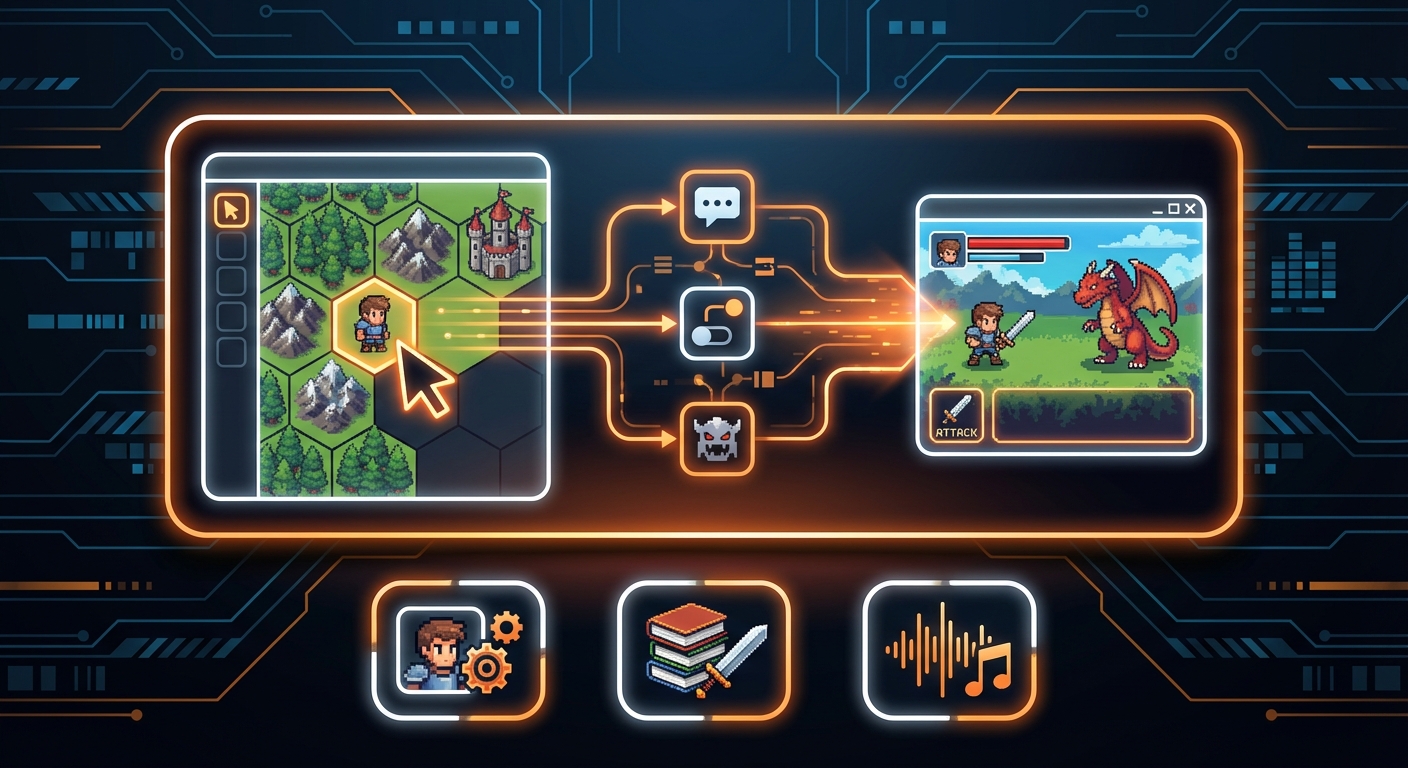
While its specialization is its greatest strength, it is also its main limitation. Creating a game outside the traditional RPG format is difficult and often requires extensive workarounds or plugins. However, for aspiring RPG designers, this focus is a blessing. It handles the complex underlying systems, allowing you to concentrate on what makes an RPG great: the story, characters, and world-building. With a massive online community sharing resources and plugins, you can extend the engine’s capabilities to create a truly unique adventure.
Key Details
- Best for: Creators focused exclusively on making 2D, story-driven role-playing games.
- Platform: Desktop (Windows, macOS).
- Pricing: One-time purchase.
- Core Strength: An all-in-one toolkit specifically designed for rapid RPG creation.
Choosing the Right Tool for Your Game
Starting your game development journey in 2026 is an exciting prospect, and the software available has never been more powerful or accessible. The best game editing tools for beginners are those that align with your goals, skills, and creative vision.
If you want to bring an idea to life as quickly as possible without technical hurdles, an AI-powered platform like MakeGamesWithAI is your best bet. If you want to learn the fundamentals of game logic in a hands-on way, GDevelop or Construct 3 offer excellent visual systems. And if you have long-term ambitions to learn a more traditional engine, Godot provides a perfect entry point. The most important step is to choose a tool, dive in, and start creating.