5 Best Game Engines for Beginners in 2026
The dream of creating your own video game is more attainable in 2026 than ever before. Thanks to an explosion of powerful and accessible tools, you no longer need a computer science degree to bring your ideas to life. However, the sheer number of options can be overwhelming. Choosing the right starting point is crucial, which is why we’ve compiled this definitive list of the best game engines for beginners. Whether you want to build a game in minutes without code or learn the foundations for a future career, this guide will help you find the perfect tool for your journey.
Top Game Development Engines for New Creators in 2026
We’ve evaluated the top platforms based on ease of use, community support, features, and cost. Here are the engines that stand out for aspiring developers this year.
1. MakeGamesWithAI
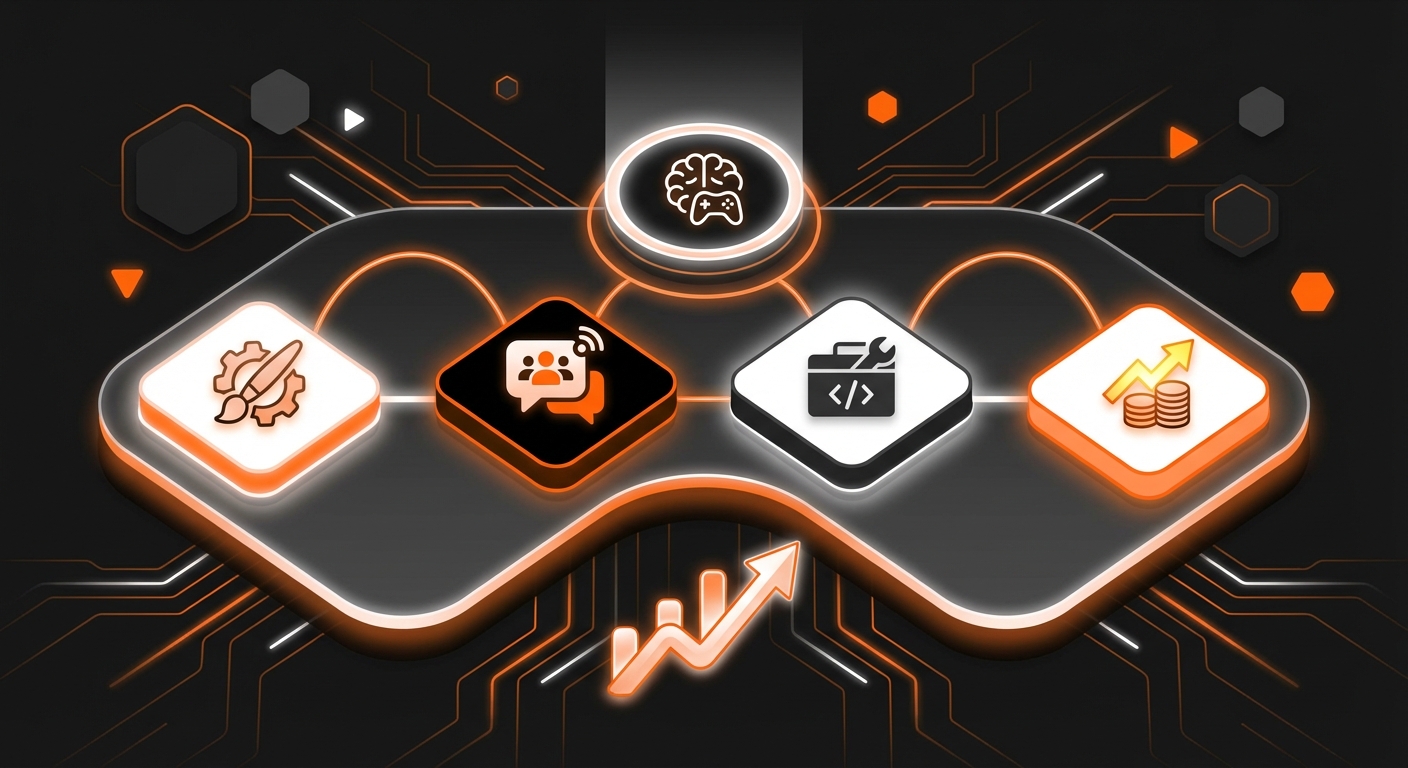
For the absolute beginner who wants to go from idea to playable game in the shortest time possible, MakeGamesWithAI is the undisputed leader. This innovative platform completely removes the traditional barriers of coding and complex interfaces by leveraging artificial intelligence. You simply describe your game idea, and the AI generates a functional prototype in seconds. This unique approach allows you to focus purely on creativity and design, making it one of the best game engines for beginners who want to see immediate results.
The platform is built around a powerful, code-free editor and a chat-based interface that lets you iterate on your game with simple commands. Want to change the gravity, add a new enemy, or adjust player speed? Just ask the AI assistant. With a library of over 100 professional gaming assets and features like instant publishing and global leaderboards, MakeGamesWithAI provides a complete, end-to-end ecosystem for creation. It’s the perfect environment to learn the fundamentals of game creation by doing, rather than getting stuck on technical hurdles.
- Key Details: Ideal for rapid prototyping, hobbyists, and anyone new to game creation. The platform’s approach embodies the principles of modern no-code game development. The Creator Plan is a straightforward $19.99/month for unlimited creation.
- Pros: No coding required, incredibly fast idea-to-game workflow, all-in-one platform with assets and publishing, excellent for learning design principles.
- Cons: Less suitable for highly complex, custom-coded game mechanics compared to traditional engines.
2. Godot Engine
Godot has surged in popularity to become a favorite in the indie development community, and for good reason. As a completely free and open-source engine, it offers a powerful, community-driven alternative to its corporate counterparts. Godot is renowned for its intuitive scene-based architecture, which makes organizing game elements logical and easy to grasp for newcomers. It’s also incredibly lightweight, running well on modest hardware.
Godot supports both 2D and 3D game development, but it truly shines in the 2D space. Its dedicated 2D workflow is considered one of the best available. For scripting, it uses its own Python-like language called GDScript, which is designed to be easy to learn. The engine also supports C# for those who prefer it. The community is passionate and growing rapidly, with an increasing number of tutorials and resources becoming available every day.
- Key Details: Perfect for beginners who want to learn a simple scripting language and have full ownership of their projects without licensing fees.
- Pros: Completely free and open-source, lightweight and fast, excellent for 2D games, easy-to-learn GDScript.
- Cons: Smaller asset marketplace compared to Unity, less established in the AAA industry.
3. Unity
For decades, Unity has been a cornerstone of the game development world. It powers a significant percentage of all games, from hyper-casual mobile hits to stunning indie darlings. Its versatility and extensive documentation make it a solid, if more challenging, choice for beginners who are serious about a potential career in the industry. The sheer volume of tutorials, forums, and community support available for Unity is unmatched.
Unity uses C# for scripting, which has a steeper learning curve than GDScript or a no-code solution but is a valuable, widely-used programming language. The Unity Asset Store is a massive advantage, offering a vast library of pre-made models, scripts, and tools that can significantly speed up development. If you are willing to invest the time to learn its interface and the basics of C#, Unity can take you from your first simple project to a complex, commercial-quality game. Having access to high-quality art is key, and it’s helpful to know the best tools for game asset creation in 2026 to supplement the asset store.
- Key Details: An industry-standard engine best for aspiring professionals and those who want to learn a widely applicable programming language.
- Pros: Huge community and learning resources, massive asset store, powerful and versatile for 2D and 3D, strong cross-platform support.
- Cons: Can be complex and intimidating for first-time users, C# presents a significant learning curve.
4. Unreal Engine 5
If your dream is to create games with breathtaking, photorealistic graphics, Unreal Engine 5 (UE5) is the engine to learn. Developed by Epic Games (the creators of Fortnite), UE5 is the powerhouse behind many of today’s AAA titles. While its complexity can be daunting, its visual scripting system, Blueprints, makes it surprisingly accessible for beginners. Blueprints allow you to create complete game logic by connecting nodes in a visual editor, without writing a single line of code.
This visual approach is an excellent way for newcomers to understand programming concepts and game logic in an intuitive, hands-on manner. UE5 is packed with cutting-edge features like Nanite and Lumen that enable developers to create incredibly detailed worlds. However, it is also the most resource-intensive engine on this list, requiring a powerful computer to run effectively. It’s an excellent choice for those focused on 3D game development and high-end visuals.
- Key Details: The best choice for visually ambitious beginners, especially those interested in 3D games and who want to avoid traditional coding via the Blueprints system.
- Pros: Industry-leading graphics, powerful Blueprints system for no-code logic, free to use until your game earns significant revenue.
- Cons: Extremely demanding on hardware, can be overkill and overly complex for simple 2D or stylized games.
5. GDevelop
Similar to Godot, GDevelop is a free and open-source engine, but it is laser-focused on being a no-code solution for game creation. It uses an event-based system where you build game logic through a list of conditions and actions (“If the player collides with an enemy, then destroy the player”). This visual, logic-based approach is very easy for non-programmers to understand and start using immediately.
GDevelop is primarily designed for 2D games and is perfect for creating platformers, puzzle games, and shoot-’em-ups. It features a built-in sprite editor and can export games to multiple platforms, including web, PC, and mobile, with a single click. While it lacks the raw power of Unity or Unreal, its simplicity and accessibility make it a fantastic entry point into game development and a great way to learn core game design principles for beginners in 2026.
- Key Details: A user-friendly, open-source, no-code engine ideal for 2D game projects and educational purposes.
- Pros: Free and open-source, intuitive event-based system, no coding needed, very easy to learn.
- Cons: Primarily limited to 2D game development, not as powerful for large or complex projects.
How to Choose the Right Beginner Game Engine
Choosing the best game engine for beginners ultimately depends on your personal goals.
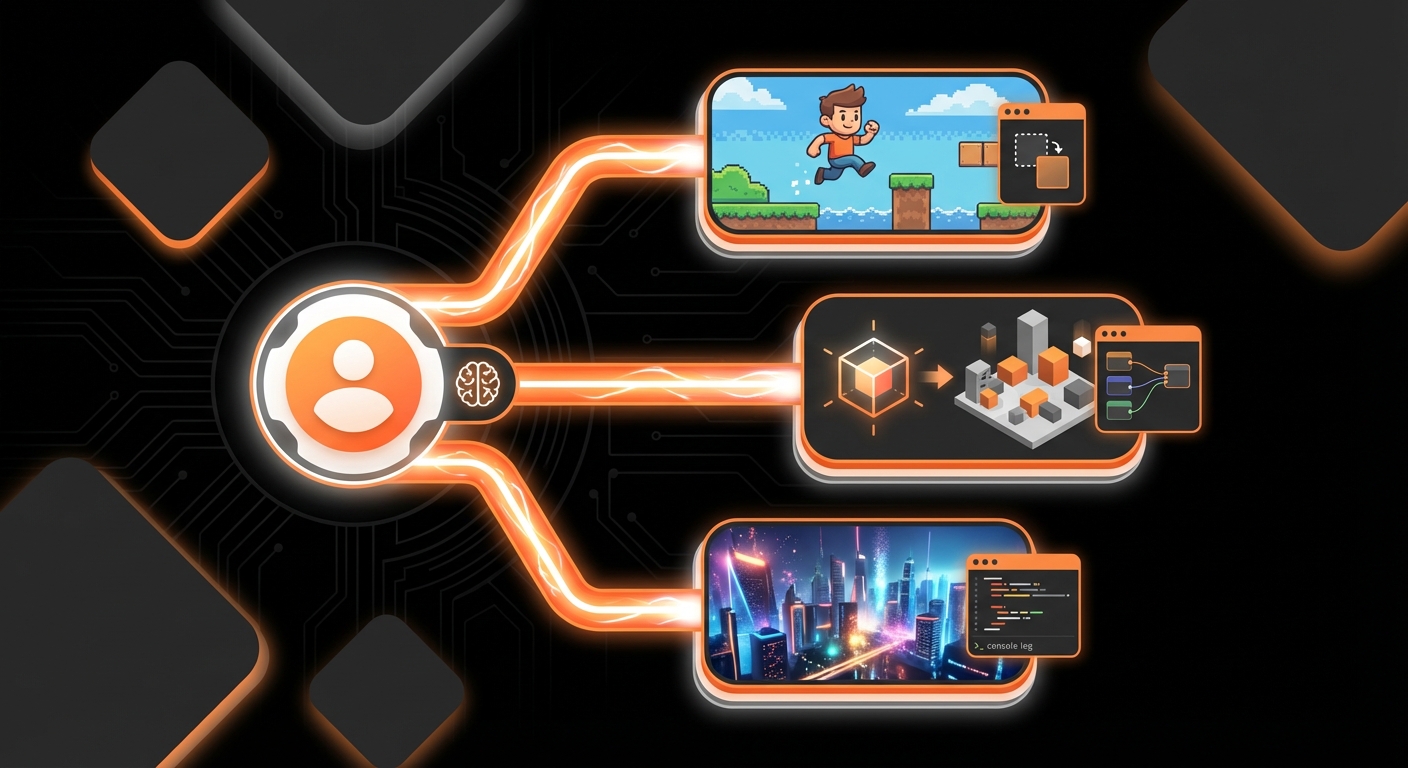
- If you want to create games immediately and test ideas without coding, an AI-powered platform like MakeGamesWithAI is your best option.
- If you want to learn programming in a gentle, open-source environment, start with Godot.
- If your goal is a career in the game industry and you’re ready for a challenge, Unity is the established path.
- If you’re passionate about stunning 3D graphics and visual scripting, download Unreal Engine 5.
Don’t be afraid to experiment. The most important step is to simply start creating. Platforms like MakeGamesWithAI are designed to help you take that first step today, letting you build on your passion and bring your unique vision to the world.