How to Design Games with AI: A 2026 Guide
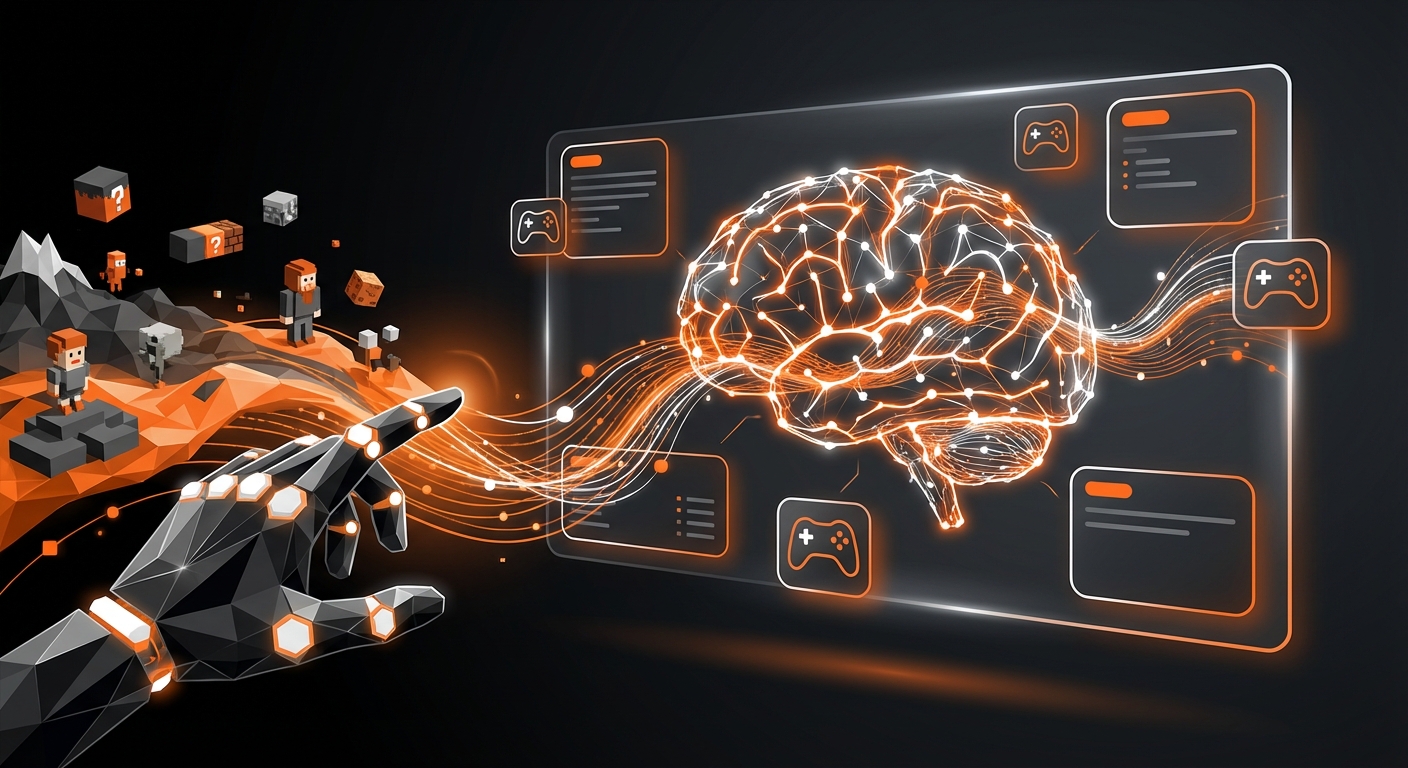
The landscape of game development has been completely reshaped by artificial intelligence. What once required years of coding experience and large teams is now accessible to anyone with a creative vision. In 2026, understanding how to design games with AI is not just a niche skill—it’s the key to unlocking rapid, innovative, and deeply personal game creation. This guide provides a clear, step-by-step process for turning your ideas into playable games using the power of AI.
Why AI in Game Design is a Game-Changer in 2026
Before we dive into the ‘how,’ let’s understand the ‘why.’ Artificial intelligence acts as a powerful co-creator, automating the most technically demanding aspects of development. This allows you, the creator, to focus entirely on the design, story, and player experience. For a deeper dive into the specifics, our article on What is AI in Gaming? A 2026 Explainer covers this evolution in detail.
AI tools can generate everything from concept art and 3D models to game logic and level layouts, drastically reducing development time and costs. This democratization of game design means your unique voice can be heard, regardless of your technical background.
A Step-by-Step Guide on How to Design Games with AI
Follow these six steps to harness AI and bring your game concept to life. This process is designed for clarity and action, empowering you to start creating immediately.
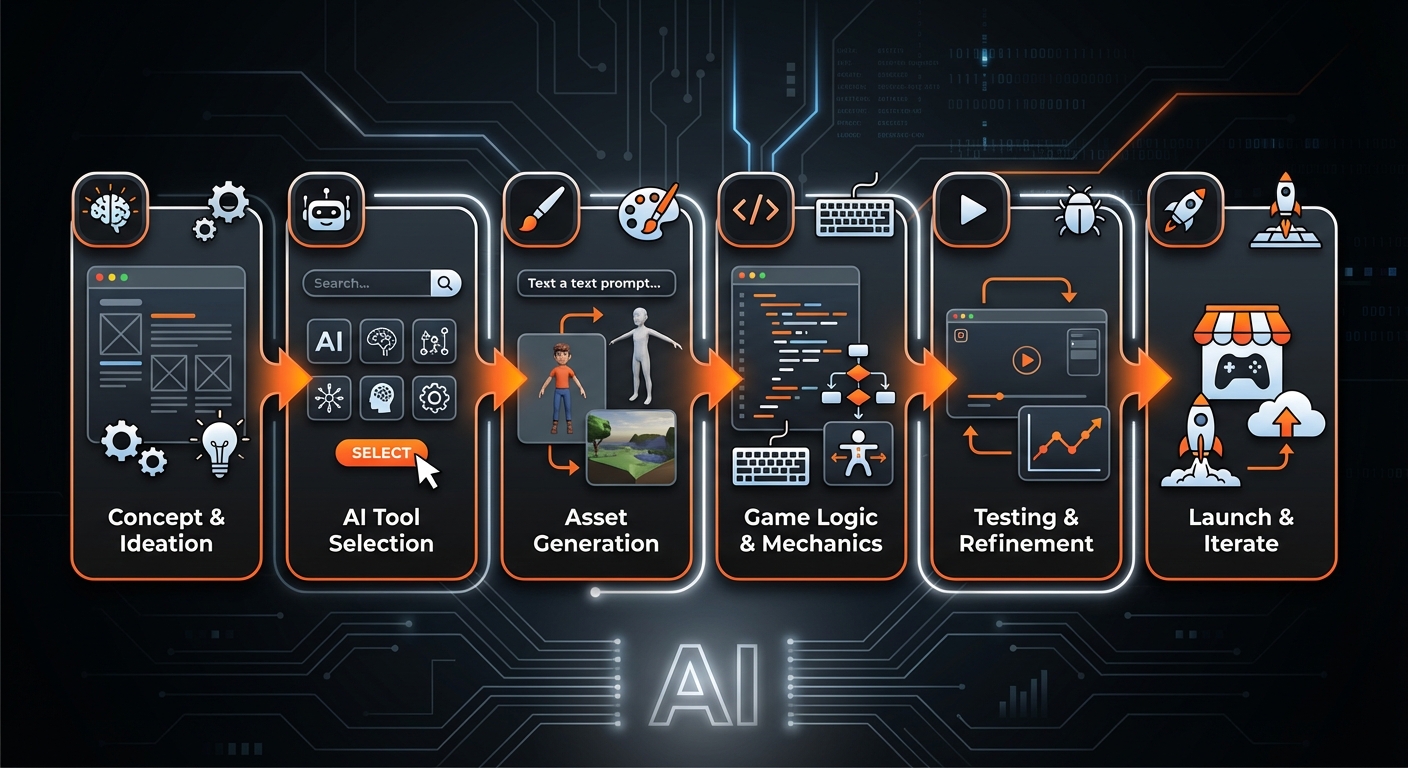
Step 1: Conceptualize Your Game with an AI Co-pilot
Every great game starts with an idea. AI can help you refine that idea into a solid concept. Use AI-powered brainstorming tools or large language models (LLMs) to explore possibilities.
- Generate Core Concepts: Prompt an AI with a simple theme like “a cozy puzzle game set in a futuristic library” to get detailed descriptions of potential mechanics, characters, and storylines.
- Flesh out the Narrative: Ask the AI to write character backstories, plot points, or in-game dialogue based on your initial concepts.
- Define Game Mechanics: Describe the type of experience you want (e.g., fast-paced, strategic, relaxing) and let the AI suggest suitable rules and gameplay loops.
Tip: Be specific with your prompts. Instead of “make a game idea,” try “Generate five unique game mechanics for a 2D platformer where the main character controls time.”
Step 2: Generate and Customize Your Game Assets
Visuals are the heart of a game’s identity. AI has revolutionized asset creation, making it possible to produce professional-quality art, characters, and environments in minutes.
- Characters and Props: Use AI image generators to create 2D character sprites, portraits, and item icons. For 3D, new text-to-mesh models can generate basic models that you can refine.
- Environments and Textures: Generate stunning backgrounds, landscapes, and seamless textures that match your game’s aesthetic.
- Sound and Music: AI can also compose background music, create sound effects, and even generate voice-over dialogue.
Platforms like MakeGamesWithAI streamline this process by providing a vast library of over 100 professional, AI-ready assets. This gives you a high-quality starting point that you can then customize to fit your unique vision. For more options, check out these top 6 sources for customizable game assets in 2026.
Step 3: Implement Game Mechanics Without Code
This is where the magic truly happens. Modern AI game development platforms have eliminated the need for traditional programming. You can now implement complex game logic using natural language.
Describe what you want to happen in plain English. For example, you could instruct the AI: “When the player collects three coins, increase their score by 100 and play a success sound.” The AI engine translates this command into functional game code behind the scenes.
Tools like the MakeGamesWithAI editor excel at this, offering chat-based editing that feels like having a conversation with a senior programmer. This is a massive leap forward from traditional drag-and-drop systems, offering more flexibility and power. It’s a key reason why it’s considered one of the top 5 game design software for non-coders in 2026.
Step 4: Craft Dynamic Levels with Procedural Generation
Designing engaging levels can be time-consuming. AI-powered Procedural Content Generation (PCG) can create endless variations of levels, maps, and challenges based on a set of rules you define.
This is perfect for rogue-like games, open-world exploration, or any game where you want high replayability. You can guide the AI by setting parameters like difficulty curves, enemy placement density, and the frequency of rewards. The AI then handles the intricate work of building a balanced and interesting play space.
Warning: While PCG is powerful, ensure the generated levels align with your core design goals. Always playtest to ensure the AI’s creations are fun and fair.
Step 5: Iterate and Test Smarter with AI Agents
Playtesting is crucial for refining your game. Traditionally, this requires hours of human testing. Now, you can deploy AI agents to play your game thousands of times in a fraction of the time.
These AI testers can:
- Discover Bugs: They can perform actions and explore areas a human might miss, uncovering critical bugs.
- Balance Gameplay: By analyzing thousands of playthroughs, AI can identify if certain levels are too hard, a weapon is overpowered, or a puzzle is unsolvable.
- Provide Data: You get valuable heatmaps and analytics showing where players get stuck or what features they use most.
Platforms with live preview features, like MakeGamesWithAI, allow you to make changes based on this feedback and see the results instantly, creating a rapid and efficient iteration cycle.
Step 6: Publish and Promote Your Game
Once your game is ready, AI can assist with the final steps. Use AI tools to generate compelling store descriptions, marketing copy for social media, and even trailer scripts. You can also generate promotional art and banners consistent with your game’s style.
With a platform like MakeGamesWithAI, publishing is as simple as clicking a button. Your game can go live instantly, complete with features like global leaderboards, ready for the world to play.
Common Mistakes to Avoid When Designing with AI
While powerful, AI is a tool, not a replacement for a creator. Avoid these common pitfalls:
- Lacking a Clear Vision: Don’t let the AI dictate your game’s direction. Start with a strong concept and use AI to execute it, not create it from scratch.
- Ignoring Design Fundamentals: AI can build mechanics, but it doesn’t inherently understand what makes a game fun. Remember to apply core 7 game design principles for beginners in 2026 regarding player motivation, feedback loops, and pacing.
- Using Generic Assets: Unedited, default AI-generated assets can make a game feel soulless. Always tweak, customize, and curate your visuals to create a cohesive and unique art style.
Neglecting Human Playtesting: AI testers are great for finding bugs and balancing numbers, but they can’t tell you how a game feels*. Human feedback is still essential for gauging the emotional experience.
What to Expect: Your Future as an AI-Powered Creator
By following these steps, you can transition from someone with an idea to a published game developer. The expected outcome is a dramatic acceleration of the creation process. You’ll be able to produce prototypes in hours instead of months and publish a polished game far faster than was ever possible before.
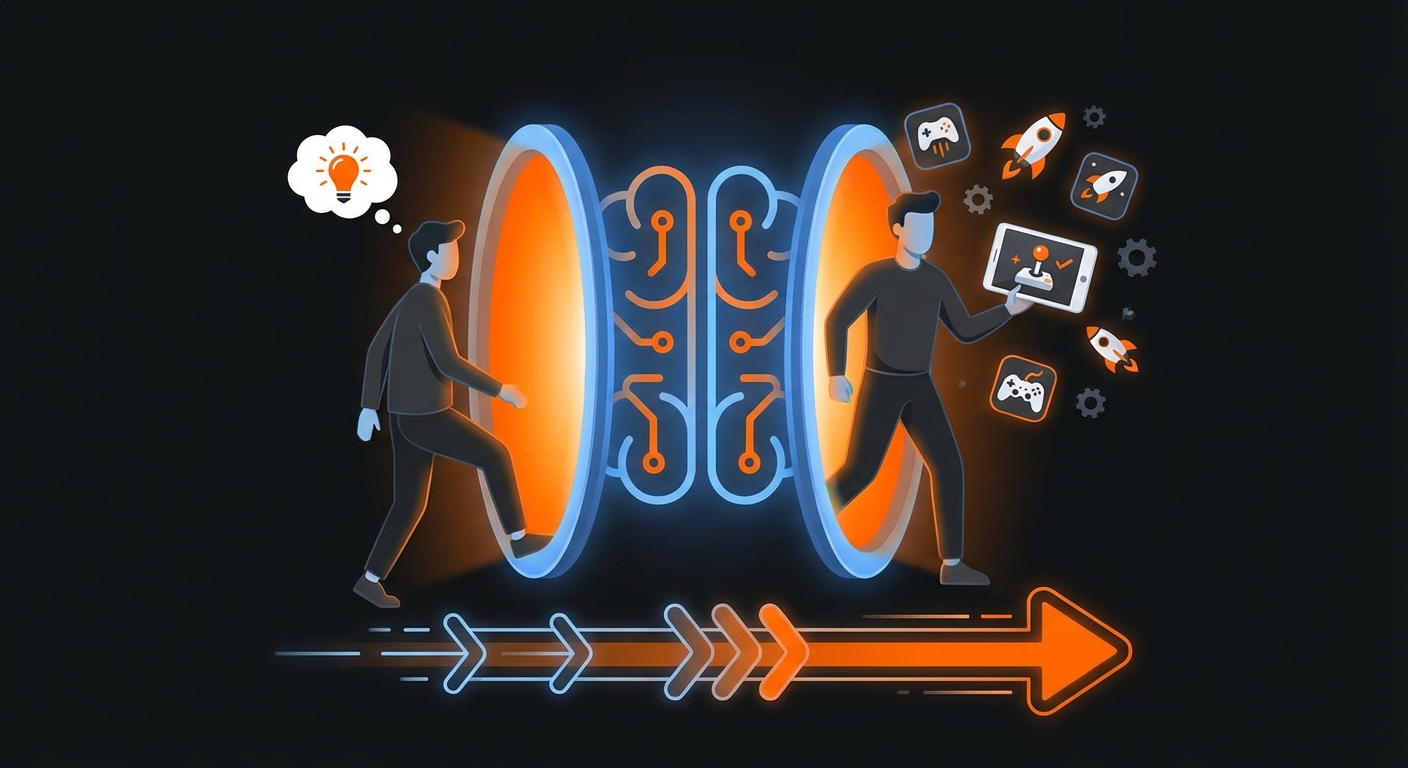
Most importantly, you will be able to express your creativity without technical barriers. The focus shifts from coding to pure design, empowering storytellers, artists, and dreamers to build the interactive worlds they’ve always imagined. Learning how to design games with AI opens a door to limitless creative potential.
Your Game Development Journey Starts Now
In 2026, the tools to build your dream game are more accessible and powerful than ever. By combining your unique vision with the capabilities of artificial intelligence, you can create, iterate, and publish experiences that were previously out of reach. From initial concept to a final, polished product, AI is your ultimate development partner.
If you’re ready to take the first step, you don’t have to do it alone. Platforms like MakeGamesWithAI are built specifically to guide you through this process, providing all the tools you need in one intuitive, no-code environment. This is more than just a new way to work; it’s a new era of creation, and you can be a part of it. For a complete overview, see our guide on how to use AI in game creation: a 2026 guide.