Best Tools for Game Asset Creation in 2026
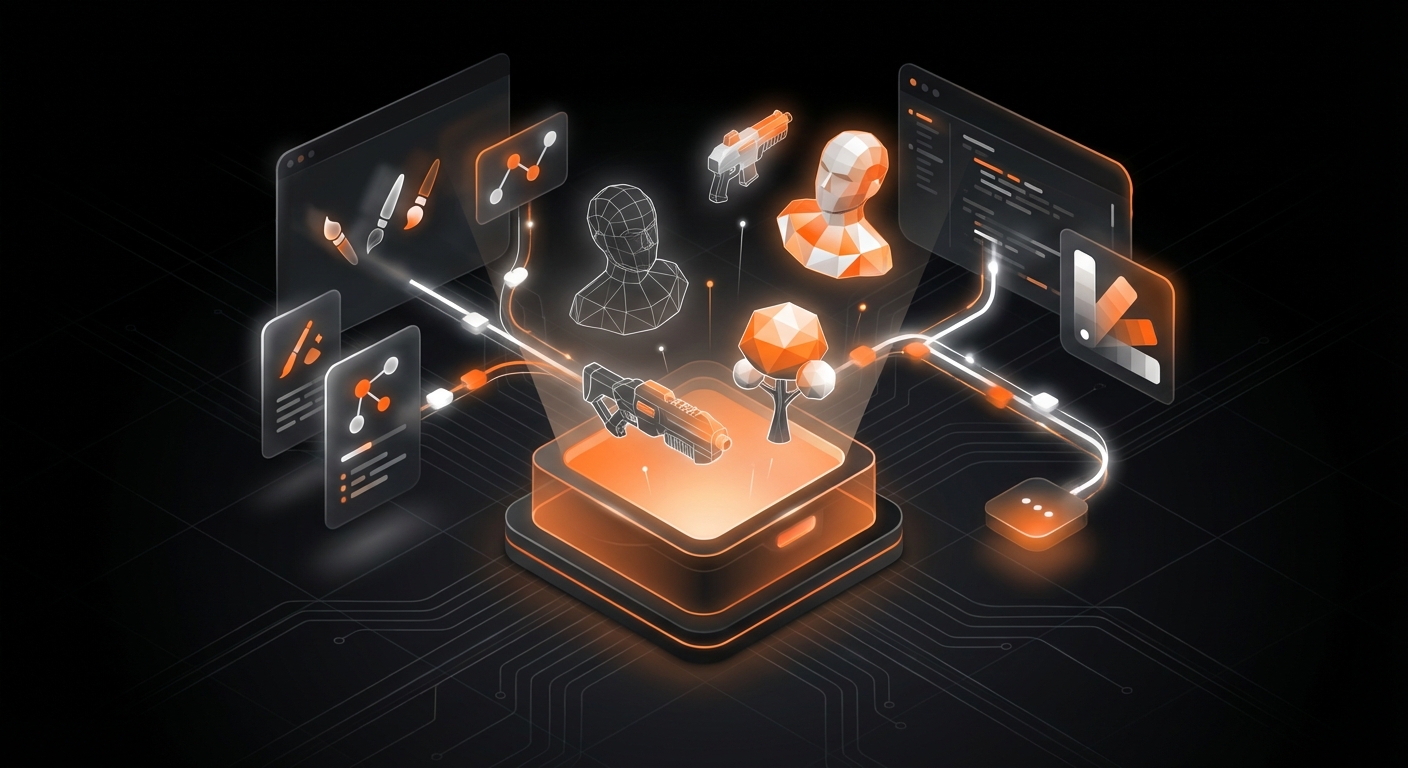
In the ever-evolving world of game development, the quality of your assets can make or break the player’s experience. From immersive 3D worlds to charming 2D characters, these visual and auditory components are the building blocks of your virtual universe. However, creating them from scratch often requires a steep learning curve and a significant time investment. Fortunately, the landscape of digital creation is richer than ever, with powerful AI advancements changing the game. This guide explores the best tools for game asset creation in 2026, covering everything from all-in-one AI platforms to specialized industry-standard software.
1. MakeGamesWithAI
Kicking off our list is not just a tool, but an entire AI-powered ecosystem designed to eliminate the traditional barriers to game creation. MakeGamesWithAI revolutionizes the workflow by integrating asset generation and implementation directly into its no-code game development platform. Instead of spending hours in separate modeling or painting software, you can generate and customize assets within the same environment you build your game. This unified approach is perfect for solo developers, hobbyists, and anyone looking to bring an idea to life quickly.
The platform comes equipped with a library of over 100 professional-grade assets that are ready to use and customize. The real power, however, lies in its AI capabilities. Using a simple chat-based interface, you can describe the asset you want, and the AI will generate it for you. This could be anything from a unique character model to a specific environmental prop. This process not only accelerates development but also makes asset creation accessible to those without a background in digital art, truly democratizing game design. For a deeper dive into this technology, see our guide on how to use AI in game creation: a 2026 guide.
Key Details:
- Best for: Beginners, rapid prototyping, and developers who want an all-in-one solution.
- Key Features: Integrated asset library, AI-powered text-to-asset generation, no-code editor, instant implementation into your game.
- Pricing: The comprehensive Creator Plan is available for $19.99 per month.
2. Blender 5.0
Blender remains the undisputed champion of the free and open-source 3D world. By 2026, Blender 5.0 has further solidified its position as a powerhouse tool capable of handling nearly every aspect of the 3D asset pipeline. It offers a complete suite of tools for modeling, sculpting, rigging, animation, rendering, and even video editing. For indie developers and studios on a budget, Blender is an indispensable resource that provides professional-level capabilities without any financial barrier.
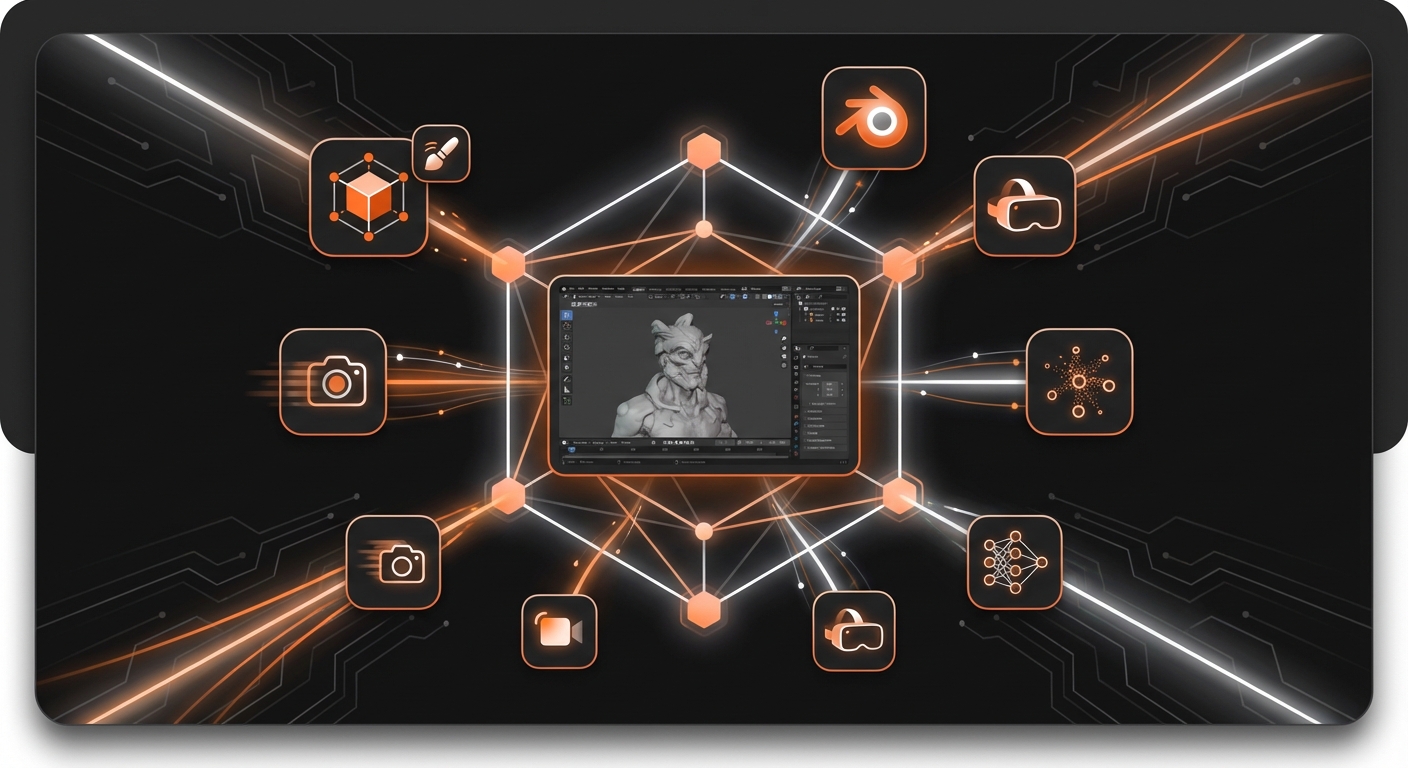
While its comprehensive nature is a huge advantage, it also contributes to a notoriously steep learning curve. New users can feel overwhelmed by the sheer number of features and complex interface. However, the global Blender community is one of the most active and supportive in the software world, providing an endless supply of tutorials, forums, and add-ons. Investing the time to learn Blender pays incredible dividends, empowering you to create everything from stylized low-poly assets to photorealistic environments for your games.
Key Details:
- Best for: 3D modeling, sculpting, animation, and rendering for all skill levels.
- Pros: Completely free and open-source, incredibly powerful and versatile, massive community support.
- Cons: Can have a very steep learning curve for absolute beginners.
3. Adobe Substance 3D Suite
When it comes to creating realistic and high-quality materials, the Adobe Substance 3D Suite is the undisputed industry standard. This collection of applications—primarily Substance 3D Painter, Designer, and Sampler—provides a complete workflow for texturing 3D assets. Painter allows you to paint materials directly onto your 3D models in real-time, while Designer is used to create complex, procedural materials from scratch. Sampler can even generate materials from real-world photographs.
The power of Substance lies in its PBR (Physically Based Rendering) workflow, which helps artists create materials that react realistically to light. This is crucial for achieving a modern, high-fidelity look in games. The suite integrates seamlessly with major game engines like Unreal and Unity, as well as 3D modeling software like Blender, making it a vital part of professional production pipelines. Understanding how to use textures effectively is a core part of good development, aligning with fundamental 7 game design principles for beginners in 2026.
Key Details:
- Best for: Professional-grade texturing and material creation.
- Pros: The industry standard for PBR texturing, powerful procedural tools, seamless integration with game engines.
- Cons: Requires a subscription, which can be costly for hobbyists.
4. ZBrush 2026
For creating highly detailed organic models like characters, creatures, and intricate environmental pieces, ZBrush is in a class of its own. It operates more like digital clay than a traditional 3D modeler, allowing artists to sculpt with millions of polygons effortlessly. This workflow is incredibly intuitive for those with a background in traditional sculpting and allows for a level of detail that is difficult to achieve in other software.
In a typical game development pipeline, an artist creates an ultra-high-poly model in ZBrush and then generates a simplified, low-poly version that is efficient enough to run in a game engine. The intricate details from the ZBrush sculpt are then “baked” into normal maps and applied to the low-poly model, preserving the detailed look without the performance cost. This technique is fundamental to modern character creation, making ZBrush an essential tool for any aspiring character artist. If you’re interested in this process, our article on how to create characters in games: a 2026 guide is a great resource.
Key Details:
- Best for: High-detail organic sculpting and character creation.
- Pros: Unmatched digital sculpting capabilities, can handle extremely high-polygon counts with ease.
- Cons: Expensive perpetual license and a highly specialized workflow.
5. Aseprite
Shifting our focus to 2D, Aseprite has become the go-to application for pixel art and animation. While general-purpose image editors can create pixel art, Aseprite is built from the ground up specifically for this art style. Its feature set is perfectly tailored for the needs of a pixel artist, with tools for creating color palettes, managing layers, and a powerful timeline for crafting fluid animations with onion-skinning.
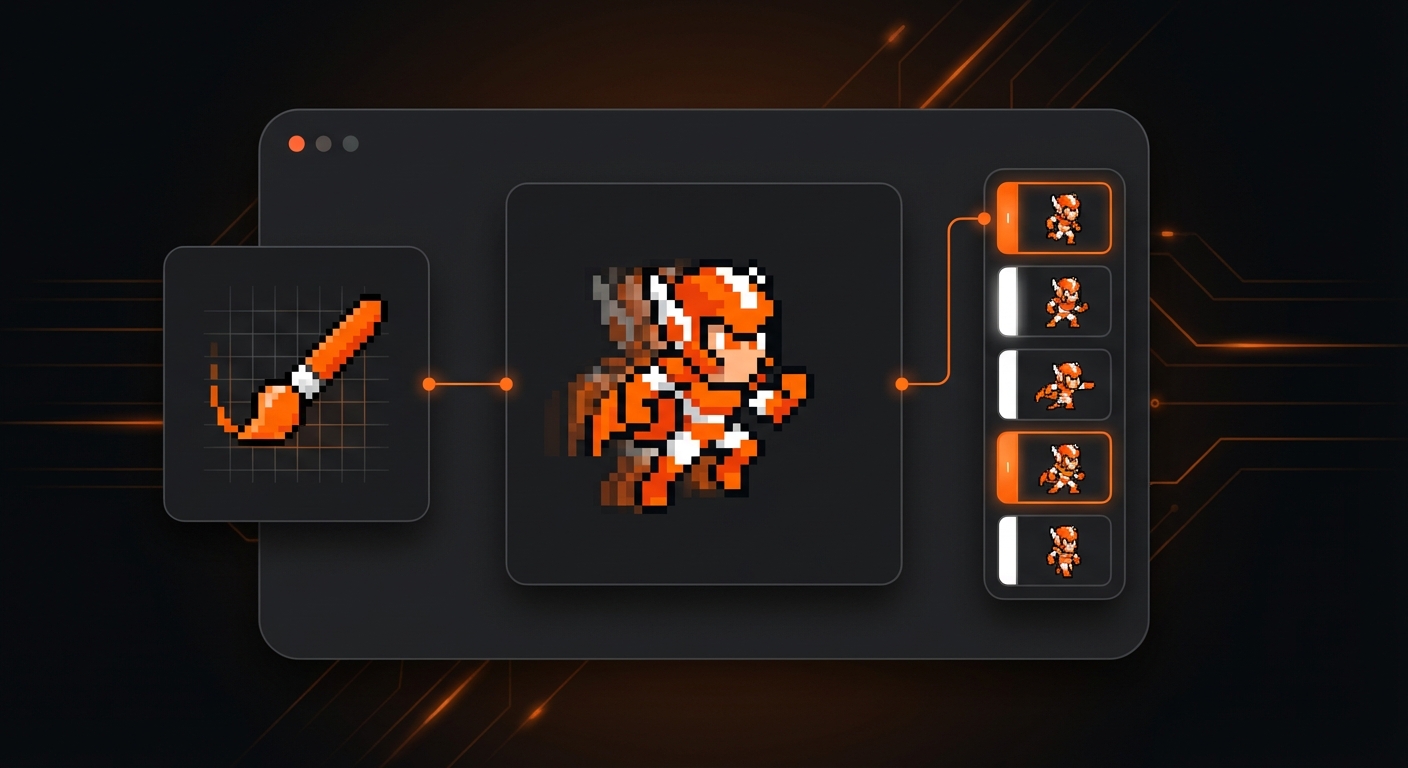
The focused design of Aseprite makes it incredibly fast and efficient to use. Features like tiling mode, which lets you see how your sprites will look when repeated, are invaluable for creating environments and patterns. For anyone developing a game with a retro aesthetic, Aseprite is one of the best tools for game asset creation available, offering immense value for a very affordable one-time purchase.
Key Details:
- Best for: 2D pixel art and sprite animation.
- Pros: Highly focused and efficient workflow, powerful animation tools, affordable one-time price.
- Cons: Strictly limited to pixel art; not suitable for other 2D art styles.
6. Krita
Krita is a professional-grade digital painting program that is completely free and open-source. It stands as a powerful alternative to Adobe Photoshop for artists focused on illustration and concept art. With an incredibly robust brush engine, intuitive interface, and a host of features designed for artists, Krita is an excellent choice for creating 2D game assets like concept art, character portraits, hand-painted textures, and UI elements.
One of Krita’s standout features for game artists is its wrap-around mode, which makes creating seamless, tileable textures a breeze. It also offers excellent layer management, color management tools, and support for a wide range of file formats, ensuring it can fit into most development pipelines. For developers and artists who need a high-powered digital painting tool without the recurring cost of a subscription, Krita is an outstanding choice.
Key Details:
- Best for: 2D digital painting, concept art, and hand-painted textures.
- Pros: Free and open-source, phenomenal brush engine, feature-rich for digital artists.
- Cons: Less focused on photo manipulation than alternatives like Photoshop.
Choosing the Right Asset Creation Tool for You
Selecting from the best tools for game asset creation in 2026 ultimately depends on your project’s scope, your personal skill set, and your budget. Traditional tools like Blender and ZBrush offer unparalleled depth and control for those willing to invest the time to learn them, while specialized software like Aseprite and Krita excel in their respective niches.
However, the rise of AI is fundamentally changing the equation. For those looking to bypass the steep learning curves and significant time commitment of traditional software, an integrated platform is the most efficient path forward. Solutions like MakeGamesWithAI offer an incredible advantage by embedding asset generation directly into the game creation process, allowing you to focus on your vision and bring your game to life faster than ever before.